Category: SEO

  • 14 Places to Find Free Images for Your Content

    14 Places to Find Free Images for Your Content

    Free images for your blog can instantly make your content more eye-catching, easier to read, and engaging for your audience. But while adding visuals sounds simple, many bloggers and content creators struggle to figure out where to find high-quality images they’re actually allowed to use.

    Is it safe to grab images from Google, or could that land you in copyright trouble? Are there reliable places to find professional photos without paying expensive licensing fees? The good news is there are plenty of websites offering beautiful, free-to-use images — sometimes with nothing more than simple attribution required.

    We’ve put together a list of trusted sources you can use anytime you need visuals for your content. But first, let’s look at why adding images to your blog posts matters so much.

    Why You Need Free Images for Your Blog

    Did you know that the average attention span is now 8 seconds? Your attention span is now worse than that of a goldfish.

    Part of the reason for this decline in attention is information overload.

    free images for your website

    People are scrolling through endless content every day and long blocks of text just don’t cut it anymore.

    Adding images to your content isn’t just about looks. It directly affects how people read, engage with, and remember your content.

    Here’s why visuals matter:

    • They grab attention instantly – Images stop the scroll and pull readers into your content
    • They break up long text – Making your article easier and less tiring to read
    • They improve understanding – Visuals help explain ideas faster than words alone
    • They boost memory retention – People remember information better when it’s paired with images
    • They increase time on page – Engaged readers stay longer and explore more
    • They make your content feel professionalWell-placed visuals build trust and credibility
    • They improve shareability – Posts with images are more likely to be shared on social media

    Using free images strategically helps your blog compete in a noisy online world while keeping readers engaged from start to finish.

    Pro Tip: Always optimize your images for performance and visibility:

    • Compress and resize images so they load quickly and don’t slow down your website (page speed affects both user experience and search rankings)
    • Optimize images for search engines by using descriptive file names, alt text, and captions so they can appear in image search results

    Now, let’s look at the best places to find high-quality free images for your blog.

    Where to Find Free Images for Your Website

    Before we share the image sources, let’s get a brief understanding of a very key aspect of image use: licensing.

    Licensing of Free Images

    Most of the images in the sources listed below are free from copyright or licensed under Creative Commons. This means you can copy, modify, and distribute the photos—even for business purposes—without asking the owners for permission.

    Even though most of these fall under the Creative Commons, we have done our best to highlight where attribution is required. It also wouldn’t hurt to double-check when you download your images. Remember that images marked CC0 can be used worldwide without restrictions if you’re especially worried about attracting legal fines.

    14 Places to Find Free Images for Your Blog

    1) Pexels

    free images for your blog

    We love Pexels because you can search for quality photos and videos in different categories.

    When you download an image from Pexels, attribution is not required but is appreciated. Moreover, you can use the content you get from Pexels for business purposes, as long as you don’t portray any identifiable people negatively. However, if you’re selling the photo, then you must edit it first. Finally, Pexels doesn’t allow you to share or sell their images on other stock photos or wallpaper sites.

    2) Unsplash

    free images for your blog

    When we can’t find something on Pexels, our next stop is usually Unsplash. This site has various categories and is a great place to look for free images for your blog.

    As with Pexels, permission isn’t required, but attribution is appreciated. Similarly, you cannot resell or redistribute Unsplash images unless you’ve made significant edits.

    3) Canva

    free images for your blog

    At Click Raven, we are huge fans of Canva. While its primary purpose is to help you design your visuals, a free account also gives you access to stock images and videos.

    Since Canva offers multiple design templates, this deal is even sweeter because you can incorporate images into any organic design. For example, you can use their pictures in a social media post or flyer for your brand. How awesome is that?

    When you use images from Canva, you don’t need to get permission or attribute anyone. You can freely use these images on your blog, website, and any marketing material. However, you can’t resell or redistribute their photos on other sites.

    4) Freepik

    free images for your blog

    Freepik is heaven for designers, boasting free vectors, stock photos, PSD files, and presentation templates. For this reason, it works well as a one-stop shop for free images for your blog. While a premium version exists, you can still access many resources on a free account.

    As with the three previous sites, you don’t need to ask for permission or attribute your images from Freepik. On the other hand, you can’t sell or redistribute these images.

    5) StockSnap.io

    StockSnap.io free images for blog

    StockSnap offers a vast collection of high-resolution images in different categories. You can browse their collections at random or enter a specific search term.

    The Creative Commons (CC0) license governs the photos on this site. In other words, as before, they are free to download, edit and use. StockSnap encourages you to attribute the images you download to their owners. At the same time, it’s not illegal to use the photos without attribution.

    6) Reshot

    Reshot

    Reshot is the perfect place to go if you’re looking for non-stocky, stock-free photos. Here, you can get free images for your blog, and most of their images are unique.

    The photos you download from Reshot can be used in both non-commercial and commercial projects. As with the previous sites, attribution is appreciated but not required.

    7) Foodiesfeed

    Foodiesfeed images for free

    As the title suggests, this site is for you if you are a content creator and a foodie. Foodiesfeed will provide plenty of free images for your food, cooking, or dining blog.

    All the images on Foodiesfeed are licensed under the CC0 license. This means you can use them for non-commercial and commercial purposes without restriction.

    8) Pixabay

    Pixabay

    Since Pixabay delivers on its promise of stunning free images, it’s an excellent site for your blog.

    All the photos on Pixabay are in the public domain, so you can use them freely without worrying about legal issues.

    9) Kaboompics

    Kaboompics

    We couldn’t leave Kaboompics off our list of places to get free images for your blog. It hosts a massive collection of photos to meet every need. Go ahead, check it out, and see for yourself.

    All the photos on Kaboompics are licensed under the CC0 license, making this a straightforward site.

    10) Flickr

    flickr

    Flickr is more well-known than most other sites and with good reason. This site has a vast collection of high-quality images that anyone can use.

    Although we’ve added Flickr to this list of places to find free images for your blog, this site requires more attention. Flickr has copyrighted content and content covered by the CC0 license, so you must use these photos carefully.

    11) New Old Stock

    New Old Stock

    If you need vintage photos, New Old Stock is the perfect place for free images for your blog. The site is a collection of pictures from the public archives that beautifully recapture history.

    These photos are sourced from Flickr and are governed by the Flickr Commons license. While most pictures from this site can be used freely for personal and non-commercial purposes, the site administrator provides a link to each original Flickr photo where you can confirm this.

    12) Google Advanced Image Search

    Google Advanced Image Search

    Did you know you can use Google’s Advanced Image Search to find free images for your blog under the CC0 license?

    You only need to type a description of the image you’re trying to find. Once done, you can narrow the results by choosing details such as file size and image color. As you narrow your search, select the “Creative Commons licenses” option under “usage rights,” you’re all set.

    13) WOCinTech

    WOCinTech

    If you need diversity in the free images for your blog about tech, then this is a great site to check out. WOCinTech knows content creators have difficulty finding women of color doing anything tech-related. They aim to solve this problem by building photo albums of women of color in tech for the public.

    Since the actual albums are hosted on Flickr, the photos combine copyrighted content and content governed by the CC0 license. Use these wisely.

    14. The Value of Company Photos When You’re Looking for Free Images

    Yes, your company photos can be a valuable source of free images for your blog.

    They might be even more priceless than the photos you could get on any of the above sites.

    By displaying the real faces behind your brand name, you give your brand authenticity. In addition, seeing photos of your team members helps your audience feel connected to your brand.

    Your coworkers are the ideal models, just waiting to be photographed for free.

    If you’re having a brand event or just hanging around at the office, take advantage of these opportunities and build a collection of authentic photos representing your brand.

    While you should always ask people for permission first, you shouldn’t let these photo ops pass you by.

    Conclusion

    As you can see, there are many places you can go when you need free images for your website.

    The CC0 license covers most of the sites we’ve recommended.

    You can use the images freely if you don’t imply that the people in these photos endorse your product, portray them negatively, or use them as part of a logo.

    Pro tip: It’s always important to know what kind of license you’re working with before using the photos.

  • Image SEO: How to Optimize ALT Text, Size, and Load Speed (Without the Tech Headache)

    Image SEO: How to Optimize ALT Text, Size, and Load Speed (Without the Tech Headache)

    Most people don’t think of images when they hear “SEO.”

    But here’s the truth: optimized images can boost your rankings, speed up your website, and even help you show up in Google Images.

    That means more clicks, more traffic, and a better experience for your visitors.

    In this guide, we’re not just going to throw buzzwords at you. We’ll walk through how to optimize images for SEO step-by-step, like you’re sitting next to someone explaining it over coffee.

    Whether you’re running a blog, a small business website, or an online store, this guide is for you.

    1. What Is ALT Text (and Why Should You Care)?

    Imagine you’re blind and using a screen reader to browse the web. When it gets to an image, it reads a short line of text that tells you what’s in that image. That line is the “ALT text.”

    But screen readers aren’t the only ones reading it. Google uses ALT text to understand what your images are about. And if it can’t understand your images, it won’t show them in search results.

    Why ALT Text Matters:

    • It makes your site accessible for visually impaired users (a legal and ethical must!)
    • It gives Google extra context for ranking your pages
    • It helps your images appear in Google Image search, driving extra traffic

    How to Write Great ALT Text:

    1. Be descriptive: Describe exactly what’s in the image.
    2. Be concise: You don’t need a paragraph. One sentence is plenty.
    3. Be natural: Include keywords only if they make sense. Don’t stuff them in.

    Examples:

    • ❌ image123.jpg
    • ✅ close-up of a chocolate cake with strawberries on top

    How to Add ALT Text:

    • In WordPress: When uploading an image, look for the “ALT text” field
    • In HTML: Add alt=”your description here” inside the <img> tag

    How to Check Your ALT Text:

    • Right-click the image > Inspect (in Chrome)
    • Look for alt=”…” in the image code

    2. How (and Why) to Compress Your Images

    Ever been on a site that loads painfully slow? Big, bloated images are often the cause.

    Image compression reduces the file size so your site loads faster—without making the image look ugly.

    Why This Helps SEO:

    • Google uses site speed as a ranking factor
    • Faster pages keep users from bouncing
    • Smaller images save bandwidth for mobile users

    Tools to Compress Images (Before Uploading):

    WordPress Plugins That Do It Automatically:

    • ShortPixel
    • Imagify
    • Smush

    Pro Tip:

    Always compress before uploading. Uploading large images and relying only on plugins means wasted space and processing time.

    How to Test If Images Are Too Large:

    3. Choosing the Right File Format (It Actually Matters)

    Not all image formats are created equal. Some are great for photos, others for simple graphics.

    Common Formats:

    • JPEG/JPG: Great for detailed photos, keeps file size small
    • PNG: Best for logos or graphics with transparency (but bigger file sizes)
    • WebP: Modern format that’s smaller and high-quality (use if supported)

    What to Do:

    • Use JPEG for photos
    • Use PNG for icons, logos, and transparent backgrounds
    • Use WebP whenever possible—it’s lighter and loads faster

    Most image optimization tools let you convert formats easily.

    Bonus Tip:

    Don’t upload screenshots as PNG if they’re just full-color photos. Convert them to JPEG.

    4. Resize Images to Match Their Display Size

    Let’s say your site shows product photos at 600px wide. But you upload a 3000px-wide image. That’s 5x bigger than needed.

    Your page wastes time loading extra pixels nobody ever sees.

    Why This Matters:

    • Large images waste bandwidth
    • They slow your page down
    • Visitors on slow internet will hate it

    How to Fix It:

    • Use a tool like Canva, Photoshop, or even Preview (Mac) to resize images before upload
    • Aim for display size ×2 (for high-res screens)

    Example: If your layout shows images at 800px, upload them at 1600px max

    How to Check:

    • Right-click > Inspect > look at the actual display size vs file size

    5. Enable Lazy Loading for Images

    Lazy loading means your images won’t load until someone scrolls to them.

    This speeds up the first view of your page—which Google loves.

    Why Use Lazy Loading:

    • Improves Core Web Vitals (important for SEO)
    • Loads only what’s needed when it’s needed
    • Speeds up the “above-the-fold” experience

    How to Implement Lazy Loading:

    • In HTML: Add loading=”lazy” to your <img> tags
    • In WordPress: Use plugins like:
      • WP Rocket
      • Autoptimize
      • LiteSpeed Cache

    How to Test Lazy Loading:

    • Open a page with lots of images
    • Open dev tools > Network tab > Refresh
    • Scroll slowly—images load as you scroll

    Quick Checklist (Print or Save This):

    • ✅ Write ALT text for every image
    • ✅ Compress images before uploading
    • ✅ Use JPEG for photos, PNG for logos, WebP when possible
    • ✅ Resize images to actual display size (x2 for retina)
    • ✅ Turn on lazy loading for images

    Final Thoughts

    Images are often the heaviest part of a webpage—and the most overlooked when it comes to SEO.

    But now you know how to:

    • Make them faster
    • Make them readable to Google
    • Make them work for your rankings, not against them

    Best of all? You didn’t need to learn any code.

    If your site is still slow or your images are unoptimized, start small. Pick one of these tips today, and do another one tomorrow. SEO is about stacking small wins—and image SEO is an easy place to start.

    Need help with your specific site? Let me know. I’ll walk you through it.

  • Understanding Video SEO and How It Differs from Traditional SEO

    Understanding Video SEO and How It Differs from Traditional SEO

    We live in the digital era where having an online presence as a business is a must for the success of a business. Experts suggest that video search engine optimization, or SEO, is an excellent way to boost your online visibility and increase traffic to your website.

    Over the past few years, there has been yet another trend in SEO: video SEO. In this piece, we shall know what video SEO is. We will also see how it differs from traditional SEO and how both can be implemented to ensure you get the highest ranking and visitors to high-quality content on your website. The differences and the benefits of each SEO practice will assist you in choosing one that brings more traffic to your business.

    How Search Engine Works

    Before we delve into the differences between video SEO and traditional SEO, let’s understand what SEO is and how it works. A search engine performs up to 3 fundamental tasks. The search engine identifies and examines various websites and web pages and categorizes the content of individual pages. The search engine then stores those pages with others bearing the same content. Third, it indexes those pages so a user’s search intent can easily find them.

    When you type a question into the search engine, it goes back to search and retrieves the most relatable content to your question. While there are many, the search engine picks the ones that make the most sense and displays them on the first page of YouTube search results, the landing or video result page, or the Search Engine Result Page (SERP). The results are shown in order of relevance.

    The content is indexed and prioritized depending on the main concepts of each webpage, keywords, backlinks, and many other contributing factors. Hence, you need to consider these factors in your SEO efforts.

    What Is Video SEO?

    Since SEO boosts the quantity and quality of traffic to your website by optimizing pages for organic search engine results, many factors determine first-page ranking. Ranking factors include video quality and page load speed for video content.

    While blog posts and web page content differ significantly from the top video ranking of content, both aim for high-quality videos to increase video searchability. Unlike videos, search engine bots crawl and index your blog post and website content by reading the text. So you might wonder how SEO bot ranks videos if they cannot watch them.

    What Video SEO Techniques are Used for Best Results?

    1. Video Title Optimization

    Video title optimization is an essential aspect of video SEO. Ensure your video title is informative and also keyword-rich. This makes it easy for the search engine to understand where the content is on the video. Ensure the video file’s title is appealing and engaging in video search results. This will attract viewers to click on it and watch.

    2. Video Description Optimization

    Your video should have a description that provides an in-depth description of the video platform and its content. The description of suggested videos should also have relevant terms and keywords, links to relevant content videos, and a call-to-action so that viewers can interact more with the video.

    3. Video Transcription Optimization

    Video transcription optimization means adding captions and subtitles to the video to make it accessible to a broader range of viewers, including viewers with hearing problems. Like search engines scan and crawl content, it does the same to video transcripts, which helps YouTube search comprehend and evaluate the contents of the video engagement and other videos in the same video together.

    4. Video Thumbnail Optimization

    Video thumbnails are images that display the video files on the search result page. Ensure your video below the thumbnail image is high-quality and accurately depicts the video content. It should also be attractive and appealing to entice YouTube users to click on custom thumbnails in the sitemap and watch the entire video. AI image tools can help you generate consistent, eye-catching thumbnails at scale

    5. Video Embedding and Backlinks

    Embedding videos on websites and creating backlinks to them can significantly enhance the SEO of YouTube Studio or your video hosting platform. It improves the visibility and readability of the videos and increases the chances your YouTube channel will get better search rankings.

    Are Videos Important for SEO?

    Now that you know video SEO, you might want to know its importance to your digital success. Yes, video optimization and SEO are crucial for your online strategies, and you need to start implementing them to know what you are missing out on.

    While you optimize your video, sales may not begin shooting overnight, or your SEO may suffer because you do not implement it. Optimizing videos is essential because probably one or a lot of your competitors are already doing it. Video marketing is advantageous because

    • Video helps online buyers make more informed and confident purchasing decisions.
    • Users watching online videos stay on a page longer and can purchase easily.
    • Besides Google, YouTube is the second-largest and leading video search engine.

    What Is Traditional SEO?

    When we talk of SEO, we often refer to traditional SEO. As said earlier, this is optimizing a website to increase its visibility and rank high on search engines.

    You can use traditional SEO to improve your website’s performance in search engines. Employing different strategies aims to make your webpage more attractive to search engines and improve its ranking on SERPs. Traditional SEO has three main areas: search engine optimization, on-page optimization, and link development.

    1. Keyword Research

    Keyword research is finding keywords and phrases that users will use to search for relevant information about a business or industry. When you find the keywords and phrases that users will use to find your business and use them in your content, your website will likely rank high on the search engine results page.

    You can use many SEO audit tools today to find relevant keywords and phrases. Some are paid, while others are free. Use SEO keyword research tools like Google Keyword Planner, SEMrush, Ahrefs, and Moz.

    2. On-Page Optimization

    On-page optimization can improve the structure and content of your webpage/site. You must optimize the meta tag, meta description, title tag, headers, URLs, and text images for inbound links.

    You must optimize your page to ensure the website structure is easily accessible by search engines and your users. On-page optimization also helps search engines comprehend your website’s contents and improves the ranking of your site’s position on other search engines’ results.

    3. Link Building

    Link building is another SEO strategy involving getting backlinks from other websites to link to your website. These links are relevant to your videos’ website as they inform search engines that other websites view your video to change its title and web content as relevant and valuable. Doing so enhances your site’s trust and credibility, increasing your page rankings. You can build links using broken link building, guest blogging, and skyscraper-sized content.

    Differences Between Traditional SEO and Video SEO

    1. Ranking

    Both SEO strategies seek to boost your website’s rankings on search engines, though they use different methods to achieve this goal. Traditional SEO, for instance, uses keyword phrases, keyword density, on-page optimization, video page name, link building, and more.

    On the other hand, video SEO focuses on aspects of ranking videos like video description optimization, video title optimization, video transcript optimization, and more. When you do these the right way or hire an expert company to do this for you, your page rankings will go high.

    2. Target Audience

    The viewer’s aspect is yet another differentiation factor between these two types of SEO. Traditional SEO, for instance, targets users searching for written information online. On the other hand, video SEO targets users who are searching for online video content on sites such as YouTube videos.

    Suppose you are a company targeting a younger market. In that case, you should invest more in video SEO because younger people are often more interested in online videos than older people, who may be inclined to watch time by reading content.

    3. Content Creation

    Both traditional SEO and video SEO strategies share some similarities regarding content creation. For example, both SEO strategies require top-notch content. Content that is informative, engaging, and pertinent to your audience boosts your page rankings on SERPs.

    On the other hand, video SEO also requires top-quality videos. In this case, video quality suggests that both the content inside and video quality are high and that videos rank for long. The difference in video hosting platforms is that creating video content is more expensive than written content.

    What Is Good for You?

    As an avid SEO expert, you understand that there is no size fits all regarding SEO strategy for your business. To be at par or far ahead, you need to combine a variety of tactics. Many tactics will succeed, while others may not like as you had wished and even threaten to send you back to the drawing board.

    Therefore, use the best SEO strategies to catapult your business, constantly monitor the strategy, and make adjustments where possible. However, combine both approaches and emphasize what works best for your business.

    Conclusion

    You should utilize video SEO and traditional SEO, as they significantly improve your website’s ranking. But again, the type of strategy you implement depends on your target audience and marketing objectives.

    For instance, if your target audience responds better to written content than visual content, then traditional SEO is what you should consider over video SEO. Always consider your goals and resources to enable you to employ the strategy and your target audience.

    Featured Image Credits: Pexels.com

  • Is Your Local SEO Working? Key Metrics to Verify for Improved Local Visibility 

    Is Your Local SEO Working? Key Metrics to Verify for Improved Local Visibility 

    SEO serves as a critical pillar in customers discovering nearby businesses. Regardless of whether someone is searching for a restaurant, a service provider, or a clinic, visibility plays a key role in local search results. It determines who gets the exposure (the click) and who gets ignored in the long run. 

    However, simply investing your time and money in local SEO will not guarantee success. That’s because algorithms evolve, rankings fluctuate, and competitors continually refine their strategies. So, the real question is not whether you are investing in local SEO, but whether it is actually delivering results that count. Performance tracking allows businesses to refine strategies, identify gaps, and enhance local visibility with absolute confidence instead of merely relying on guesswork. 

    Why Measuring Local SEO Performance Matters 

    Many businesses still assume that their local SEO is doing great if they appear somewhere on Google. This assumption can be costly. Visibility without engagement will seldom turn into leads or revenue. This is where an effective local optimization evaluation walks in. It uses data-driven metrics that show how users find, interact, and convert through your digital presence. Measuring key performance metrics is a vital aspect when discussing investments made in SEO services for local business entities for tangible growth, not vanity rankings. 

    So, in order to evaluate these efforts accurately, you need a set of tools and frameworks. An SEO analyzer allows you to identify technical gaps, track visibility trends, and measure performance against competitors. When measurement is consistent, optimization decisions become much smarter, faster, and more aligned with local search intent. 

    1. Local Search Visibility and Ranking Positions 

    Local visibility is the key factor when it comes to ensuring all local SEO efforts are rightly implemented. If your business fails to appear prominently when users search for nearby services, other metrics lose relevance. Therefore, in this context, we must understand that local SEO tools should be used to evaluate rankings not just for branded keywords but also for non-branded, high-intent local queries. 

    2. Map Pack Rankings 

    Do you know that the Google Local Pack drives a significant amount of local clicks? This means that if you are able to track your presence, position, and consistency within the Map Pack, it reveals how well your business is competing locally. Sudden drops may indicate issues with listing, competition, or other algorithm updates. 

    3. Organic Local Rankings 

    In addition to the Map Pack, organic local rankings matter for long-tail searches as well. Tracking keyword movement by location allows you to determine whether on-page optimization and local signals are improving relevance. 

    4. Google Business Profile Performance Metrics 

    Your Google Business Profile is the primary data source for every local search and discovery. Performance insights in this context reflect how users engage with your listing across search and maps. 

    5. Profile Views and Searches 

    Growth in discovery searches is a key indicator of ensuring improved relevance for new audiences. Whether your business’s visibility is expanding depends on how often your listing appears for direct, discovery, and branded searches. 

    6. Actions Taken by Users 

    Well, you must look for calls, website visits, and direction requests as powerful indicators of local intent. These actions are critical, as they show whether visibility is converting into real customer interest and not only passive impressions. 

    7. Website Engagement from Local Traffic 

    This is again one of the most important aspects of the topic we are discussing. An increase in local visibility and SEO success means nothing without website engagement. Rankings are good for attracting visitors, but it is the user behavior that determines whether those footfalls turn into leads. 

    8. Location-Based Traffic 

    So, how do you know nearby users are finding your website? It’s done by analyzing traffic by geographic location. When you find an increase in local sessions, congratulations; you are on the right track. 

    9. Bounce Rate and Time on Page 

    High bounce rates from local search engines are a key indicator of poor user experience and mismatched content. This is where engagement metrics walk in and reveal whether visitors find your local landing pages trustworthy and relevant to what they are searching for. 

    10. Reviews and Reputation Signals 

    Online reviews heavily influence both rankings and customer decisions. Search engines consider authentic and consistent reviews as major trust signals that validate a business’s presence and credibility in the long run. 

    11. Review Volume and Velocity

    This is equally important and undeniably one of the key metrics you must use for improved local visibility. A steady flow of new reviews means you have ‌ongoing customer engagement, which is great. However, sudden spikes or remaining inactive for a long period could raise concerns in terms of originality and relevance. 

    12. Review Quality and Responses 

    If ratings matter, then responses matter even more. Timely, professional responses are considered critical when it comes to showcasing active management. This, as a result, can positively influence both search engines and users. 

    13. Local Citations and NAP Consistency 

    Citations play a pivotal role in reinforcing a business’s legitimacy across the web. It goes without saying that inconsistent information will not only dilute trust but will also impact rankings negatively. 

    14. Accuracy Across Directories 

    You must track name, address, and phone number consistency to ensure search engines are confidently associating citations with your business. Even the smallest discrepancy can weaken the local authority. Thus, it is critical that you check and confirm accuracy and relevance across every directory for the best results. 

    15. Authority of Citation Sources 

    The fact remains that quality outweighs quantity. Thus, listings on reputable, industry-specific directories are way more meaningful than dozens of low-quality mentions. 

    16. Conversion Tracking and Lead Quality 

    All said and done, things will go in vain if local SEO cannot drive conversions. You must measure leads in order to ensure visibility turns into viable business outcomes down the road. 

    17. Call and Form Tracking 

    You must track calls, form submissions, and bookings from local pages. Reason? It gives clarity about which keywords and locations generate revenue-driving actions. 

    18. Offline Conversion Attribution

    In-store visits and appointments matter for physical businesses, and there’s no denying the fact. You must focus on linking online actions to offline conversions for a clear ROI picture. 

    Other Helpful Tips

    In addition to each of the aforementioned aspects, you must also track competitor rankings and Map Pack presence, review significant content gaps, and analyze competitor reviews to turn metrics into local growth. 

    Conclusion

    Let’s understand that you cannot measure local SEO success only by rankings. Instead, measure it by ensuring consistent, measurable progress across visibility, engagement, and conversions. Businesses that aim to move beyond assumptions must make timely, informed decisions that enhance local presence and credibility. 

  • Top 5 Local SEO Tools for 2025: Boost Local Visibility

    Top 5 Local SEO Tools for 2025: Boost Local Visibility

    In today’s competitive landscape, visibility in local search isn’t just lovely; it’s critical. And local SEO tools are powering the growing visibility needs.

    With 80% of U.S. consumers searching online for local businesses every week and 18% of mobile local searches leading to a purchase within 24 hours, being found online directly impacts your bottom line.

    For brick-and-mortar businesses in 2025, staying ahead means using the right tools to support your Local SEO strategy.

    From managing your Google Business Profile to tracking local rankings and collecting reviews, specialized software simplifies the process and delivers measurable results.

    Based on performance data, user feedback, and real-world impact, we’ve selected five Local SEO tools that consistently help businesses improve their visibility and outperform the competition in local search.

    What Should You Look for in a Local SEO Tool?

    Before exploring the tools, it’s important to understand what makes a strong local SEO solution.

    It should feel like it was built for local businesses, because your needs differ.

    1. Multi-location management capability

    Got more than one storefront? You’ll want a tool that can handle that without making you juggle a million tabs.

    Whether it’s two shops or twenty, look for features like one dashboard for everything, bulk updates, and the ability to see how each location is doing individually. It should feel easy, not overwhelming.

    2. Google Business Profile integration

    It falls short if a tool doesn’t connect directly with your Google Business Profile (GBP).

    You should be able to respond to reviews, post updates, and see your Performance without logging into another platform. GBP is where your local visibility lives, so your SEO tool needs to speak that language.

    3. Local citation management 

    It is one of those behind-the-scenes features that makes a big difference. The best tools help you find places to get listed online, fix any wrong info, and keep all your business details consistent.

    Why does that matter? Because even minor errors, like an old phone number, can confuse search engines and hurt your rankings.

    4. Scalability matters

    Even if you’re starting with one location, think long-term. What happens when you open a second shop or a fifth? Your tool should grow with you.

    The last thing you want is to outgrow your platform and deal with switching tools, retraining your team, and losing data down the road.

    Comparison Criteria

    I evaluated these tools based on four key areas: functionality, ease of use, pricing value, and integration capabilities.

    • Integration capabilities: Look at how easily each tool connects with platforms like Google Analytics, CRMs, and schedulers. Top tools integrate seamlessly without needing technical skills.
    • Performance metrics: Measures how effectively tools track local rankings, manage citations, monitor reviews, and generate clear, actionable reports.
    • Cost versus benefits: Compares price, setup time, features, and long-term value. Affordable tools aren’t always cost-effective if they drain time or lack automation.
    • User reviews: Based on honest feedback from local businesses, service providers, and multi-location brands. Reviews help cut through marketing claims to show actual performance.

    The Top 5 Local SEO Tools

    1. Revijet – The Review Automation Powerhouse

    Screenshot of Revjet's Google Reviews Funnel software homepage

    Revijet is a review automation tool that helps local businesses boost and manage Google reviews through smart funnels, multi-channel requests, AI-generated replies, and a dashboard with analytics for multiple locations.

    Key Features:

    • Automated review requests via Email, SMS, QR code, and WhatsApp (coming soon)
    • Smart review funnel: directs 4–5★ reviews to Google, 1–3★ to private inbox
    • AI-generated review reply suggestions (up to 200 on the Pro plan)
    • Centralized review dashboard with location filtering
    • Analytics for opens, clicks, star ratings, and conversion rates
    • Website widget to showcase the latest 5-star reviews

    Pricing: Revijet offers a Free Plan with 5 email requests and 5 AI replies for 1 location, and a Pro Plan at $10/month (or $96/year) with 100 multi-channel requests, 200 AI replies, and support for extra locations at $6/month each.

    Screenshot of Revjet's subscription options

    Why It Stands Out: 

    Revijet focuses on the most influential local SEO factor: Google reviews. It’s smart funnel helps protect your public rating by automatically filtering low ratings to a private inbox while showcasing glowing reviews.

    Minor Drawbacks: 

    It’s primarily focused on review generation and feedback management, so you’ll still need other tools for broader SEO tasks like keyword tracking or citation building.

    2. BrightLocal – The Local SEO Specialist

    Screenshot of the BrightLocal website for local business growth

    BrightLocal earned the top spot by doing one thing exceptionally well: local SEO. While other platforms try to be everything to everyone, BrightLocal focuses exclusively on helping businesses dominate local search.

    Key Features:

    • Local rank tracking across Google, Bing, and Apple Maps
    • Google Business Profile management and optimization
    • Citation builder with access to 60+ directories
    • Local SEO audit tool with actionable recommendations
    • Review monitoring and response management
    • White-label reporting for agencies

    Pricing: Starts at $39/month for one location. Manage and Grow plans begin at $49 and $59/month. Higher tiers available (e.g. $79/month for 6–10 locations). It includes a 14-day free trial, so no credit card is needed.

    BrightLocal pricing plans with monthly rates and free trial.

    Why It Stands Out: 

    BrightLocal customizes citation recommendations based on business category and region. Their submission process is manual or semi-automated and includes progress tracking.

    Minor Drawbacks: 

    One thing to note is that you can’t schedule Google Business Profile posts directly through BrightLocal right now. Also, some users say reports can be a bit slow to load at the beginning of the month, but it’s not something that gets in the way of day-to-day use.

    3. Moz Local – The Citation Authority

    Moz Local platform for simplifying local SEO

    Moz Local takes a different approach, focusing heavily on citation management and local listing accuracy. Their strength lies in ensuring your business information is consistent across the web.

    Key Features:

    • Automated citation building and monitoring
    • Duplicate listing detection and suppression
    • Review monitoring across 10+ platforms
    • Local visibility scoring
    • Competitive benchmarking
    • Integration with Moz Pro SEO tools

    Pricing: Starts at $16/month per location, with higher-tier plans offering additional features like review management and data aggregator distribution. Discounts may apply for annual billing or multiple locations.

    Moz Local pricing plans starting at $16/month per location

    Why It Stands Out: 

    Moz Local partners with trusted data aggregators like Data Axle (formerly Infogroup), Neustar Localeze, and Foursquare.

    When you update your business info on Moz Local, it gets pushed to hundreds of directories automatically, saving hours of manual work and reducing the risk of inconsistent citations.

    Minor Drawbacks: 

    While Moz Local is excellent for listing accuracy and review monitoring, it doesn’t offer the advanced keyword tracking, backlink audits, or comprehensive local SEO reporting tools found in platforms like SEMrush or BrightLocal.

    4. Whitespark – The Citation Building Specialist

    Whitespark login dashboard with local rank tracking

    Whitespark excels at managing citations and local visibility. Its tools help you discover, build, and monitor listings while offering localized rank tracking, which is ideal if consistent directory presence is your top priority.

    Key Features:

    • Local citation finder with 300,000+ sources
    • Citation building campaigns with progress tracking
    • Local rank tracking with heat maps
    • Review monitoring and alerts
    • Local search audit tool
    • Citation cleanup services

    Pricing: Plans start at $14/month for the Local Rank Tracker and $33/month for the Local Citation Finder, with rates increasing based on campaign size, location volume, or feature tier.

    Why It Stands Out: 

    Whitespark’s Citation Finder has one of the most thorough databases available, spotting citation opportunities most tools miss.

    Its Visibility Heat Map rank tracking shows where in your metro area your business ranks best, perfect for service areas with geo-specific targeting.

    Minor Drawbacks:  

    Whitespark is citation-focused. It doesn’t provide keyword research, backlink auditing, or full-site local SEO analysis like BrightLocal or SEMrush.

    Screw driving? It handles direction. Building complex campaigns? You’ll need other tools.

    5. Yext – The Enterprise Solution

    Yext dashboard with business listings and performance stats

    Yext is a local SEO tool built for large businesses with multiple locations. It helps keep business information accurate and consistent across many platforms like Google, Apple Maps, and Facebook.

    Key Features:

    • Knowledge management across 100+ platforms
    • AI-powered content optimization
    • Multi-location analytics and reporting
    • Advanced workflow automation
    • Integration with major CRM and POS systems
    • Enterprise-level security and compliance

    Pricing: Yext offers annual plans from $199 to $499 per location for small businesses, while larger firms with advanced needs typically pay $500 or more monthly for custom enterprise solutions.

    Yext Local SEO pricing for Emerging, Essential, and Complete plans

    Why It Stands Out: 

    Yext automates listing updates across platforms, making it ideal for businesses with dozens or hundreds of locations. It ensures consistent local data and branding without manual effort.

    Minor Drawbacks: 

    Expensive and built for scale. Small businesses may be better off with simpler tools like Moz Local or BrightLocal.

    How to Implement Local SEO Tools for Maximum ROI

    Choosing the right tool is just the beginning. Success requires strategic implementation that aligns with your business goals and operational realities.

    1. Setting Clear Goals and KPIs

    Start with measurable, specific goals, not vague ones like “improve local SEO.” Instead, aim for targets like “increase Google Business Profile views by 40% in 90 days” or “rank on page one for five local keywords in six months.”

    Focus on metrics that impact your business, calls, visits, and sales, not just rankings. Set up conversion tracking to connect SEO efforts to real outcomes.

    Track leading indicators (like citation completion or review response time) and lagging ones (like traffic and rankings) to get a complete performance picture.

    2. Training Staff for Success

    Even the best local SEO tools are only as effective as those using them.

    Assign a local SEO lead to manage tools like BrightLocal, Moz Local, or Whitespark. They’ll handle setup, troubleshooting, and team support.

    Then, use built-in tutorials and templates to create clear workflows for updating listings, responding to reviews, or tracking rankings. Including screenshots ensures consistency.

    Finally, schedule monthly check-ins using the tool’s reporting features. Reviewing metrics like citation accuracy and keyword trends helps refine your strategy.

    3. Consistent Monitoring and Adjustment

    Local search results shift constantly due to algorithm updates, competitor moves, and evolving customer behavior. As a result, regular monitoring is essential.

    Use tools like Local Viking or GeoRanker to track rankings, citation accuracy, and listings to do this effectively. Instead of reacting to daily fluctuations, focus on weekly or monthly trends. These reveal meaningful patterns and guide smarter decisions.

    Moreover, some industries experience seasonal spikes. Platforms like Semrush or Google Trends help you spot them early so that you can adjust your content or campaigns in advance.

    4. Utilizing Analytics for Continuous Improvement

    Connect your local SEO tools to platforms like Google Analytics and Google Business Profile to measure what’s working.

    This integration links actions like listing updates or keyword tweaks to real results such as calls, website visits, or conversions.

    For instance, if replying to reviews increases calls or a new description boosts click-through rates, the data will show it, helping you refine your strategy.

    Roll out one change at a time when testing updates like new images or business categories. Then, monitor Performance for 4–6 weeks before adding more.

    Final Thoughts on Choosing a Local SEO Tool

    The right tool can turn local SEO into a competitive edge. Revijet, for instance, simplifies review generation and response with AI, helping businesses boost Google reviews and protect their reputation, which are key factors in local rankings.

    Meanwhile, BrightLocal offers an all-in-one toolkit with rank tracking, citations, audits, and review monitoring that is ideal for complete control over local SEO.

    Other tools have niche strengths: Moz Local focuses on citation management, Whitespark excels at discovery and rank tracking, while Yext is best for large enterprises managing complex location data.

    However, tools alone aren’t enough. Choose based on your goals and use them consistently; strategy matters more than software.

    Ultimately, local SEO takes focus and persistence. With 80% of consumers searching locally each week, wise investment beats falling behind.

  • 35 SEO Memes You Will Instantly Relate To

    35 SEO Memes You Will Instantly Relate To

    In SEO, things move more quickly than you can keep up, and landing on the first page of Google seems like hitting the jackpot. If you’ve ever worried about keywords, been frustrated by backlinks, or wondered why your site isn’t ranking despite your best efforts, you’re not alone. SEO can be a difficult and sometimes perplexing job, but it also has a lot of amusing moments that only those in the industry fully understand.

    In this post, we’ve compiled 35 SEO memes that shows the ups and downs of the job . Now get a cup of coffee,  settle in, and get ready to chuckle (or groan) as you go through the most hilarious SEO jokes the internet has to offer.

    1. The Viral Unicorn vs. The SEO Marathoner

    It’s humorous sometimes, despite all the hard work, a bit of luck and timing can catapult someone to the top! It’s like watching someone effortlessly get through a challenging course you’ve been sweating over by using a secret shortcut that no one else is aware of.

    2. Cat Listens, No One Else

    It seems like only your cat, with its unblinking gaze and full attention, fully comprehends the depths of your SEO existence. Your cat sits there, ears perked up, hanging on every word as if you’re sharing the secrets of the universe, while everyone else is lost in the jargon.

    3. The Ultimate Test of Patience

    You speak SEO, but they hear “blah, blah, blah.” They don’t care about the complex science involved—they just want to know why their rankings are declining!

    4. Seriously, Google?

    Just when you thought you could relax and enjoy the holidays, your rankings decide to take a holiday too!”

    5. Planning a Coup?

    It’s like trying to dethrone a king with an impenetrable fortress—sure, a coup is possible, but it’s going to take a lot more than just good content.

    6. Either Way, it’s A Headache!

    Is there a Google update that will pass, or have you been penalized? Either way, you’re stuck figuring out how to get back on track!

    7. Great Job, Honey!

    It’s a little accomplishment, but it feels like winning the lottery of internet validation. Finally your moms comments have a competition!

    8. My Morning Brew

    Knowing that my content has just received a boost, I’m motivated to plunge into optimizing and ascending the SERPs, driven by coffee and SEO successes!

    9. The Polite Threat

    I may not know where you are, but I’ll find you and politely ask you to remove those links!

    10. Constantly Checking SERP positions? Yep, We All Do It

    No matter how many SERP tools come out, we just can’t resist. SEO is thrilling for geeks. Google always keeps us on our toes. So, here we are: checking rankings, checking again in incognito mode.

    11. It’s Just Waiting for Google to Get Around to You

    SEO may appear hard, but it is more about patience than brain surgery. With a little time and effort, you will notice results!

    12. No Content Strategy? Nice Try, But No Entry!

    Without a content strategy, you’re not getting through the SEO gatekeepers. You Gotta Have a Plan, Bro! Without one, you’re just wandering aimlessly in the SEO wilderness!

    13. Thought I Will Never Find You

    I’ve finally done it! It makes you want to shout from the rooftops. That moment is pure, unadulterated joy, and no amount of metrics can ever measure it!

    14. Nichmares Again!

    You’re tossing and turning, dreaming of keyword opportunities and market segments, as if your subconscious is hosting its own SEO conference. SEO can consume your thoughts, even when you’re supposed to be catching some z’s!

    15. How Now?

    It’s like asking for a slow-cooked, gourmet meal but demanding it in five minutes. But don’t worry, we’ll turn up the heat as much as we can and get those results cooking faster.

    16. You Might Lose Your Leg Next Time😄

    It’s like saying “I’m not afraid of spiders” and then realizing you’re in a room full of them.

    17. Oh, Really? Dream On!

    seo meme

    Sure, good content is important, but don’t forget about all the other factors that come into play!

    18. The Never-Ending Battle

    Please google let me hold it a little longer.

    19. Your Crush Doesn’t Know You Exist

    Time to give it a makeover before Google swipes left for good.

    20. Backlink Insomnia

    “I really need to build more backlinks!” It’s funny how SEO stress can invade your sleep and make you obsess over backlinks.

    21. Play By The Rules, Buddy 😉

    The goal is to play fair and make Google’s job easier by offering valuable content and a great user experience. Earn those rankings with quality content and honest effort! The goal is to stand out, not to sneak around!

    22. A Thousand Reasons To Smile

    Could have been worse, LOL! Seeing this graph makes me realize my day isn’t so bad after all. Sometimes, a little perspective on someone else’s SEO struggles can be oddly comforting.

    23. The SEO Struggle of Being Almost Famous

    You’re so close to the spotlight, but somehow, you’re stuck in the “better luck next time” zone! “Don’t give up your big break could be just one search engine adjustment away!”

    24. SEO Goldmine

    Time to seize that prime spot on the SERP and enjoy the sweet taste of SEO victory!

    25. The Ultimate ‘Déjà Vu’ Moment

    When your competitor takes ‘great minds think alike’ to a whole new level.

    26. I’m Just A Devotee At The Church of Google

    While my friends and family think I’m a tech wizard, I’m only just paying tribute to the Google gods if you see me with my eyes glued to the screen and whispering sweet nothings to the search bar, know that I’m just paying homage to the SEO gods.

    27. Google’s Wandering Eye

    Did I forget to sprinkle some magic SEO fairy dust? The whole thing just leaves me scratching my head and laughing through my frustration—because, let’s be honest, sometimes the SEO game is just downright confusing!

    28. Pure frustration! Lol

    I start off with enthusiasm, but end up feeling like I’m reciting the alphabet in a foreign language. They’re nodding and smiling, but I can tell they’re mentally checking out! Meanwhile, I’m left wondering if I should just show them cat videos instead!

    29. Just Lost My Appetite

    Why does every update feel like Google’s way of saying, “Surprise! Your hard work is now a puzzle with missing pieces”?

    30. Seriously, Where Do We Hide?

    And just when you think you’ve found a hiding spot, Google’s like, “Found you!”

    31. If Pity’s Too Much, How About a Bit of Shame? Lol!

    So here I am, laughing through my exasperation, wishing Google would at least feel a twinge of embarrassment for all the chaos they create!

    32. Mastering the Art of SEO Self-Sabotage

    Hey Google, check me out! I’m so obviously human with all my ‘genuine’ spelling errors and grammar slip-ups, right? No way an AI would mess up like this, so my EEAT score is bound to skyrocket… isn’t it? Guess am in for a shock!

    33. Newsflash! You can’t Rank By Adding More Garbage

    Exactly! More words don’t equal better rankings. Quality and relevance are key.

    34. The Struggle is Real

    I stand a chance but its tough though. I need the Lords intervention too!

    35. When Your Client Thinks SEO is Instant Magic—Brace for the LOLs

    then the client said seo meme

    Unfortunately, we don’t have a fairy godmother on speed dial.

  • Keyword Optimization Guide For SEO Beginners

    Keyword Optimization Guide For SEO Beginners

    The main element of your search engine optimization / SEO strategy is to drive more qualified leads to your site by using keywords in your Content. Excellent keyword research reveals the most common terms, phrases, and questions your users and customers search for.

    Read on to learn about keyword optimization, its benefits, and how to use it for long-term website rankings and traffic.

    What Is Keyword Optimization?

    Keyword optimization effectively uses the best keywords to improve visibility in search engines, drive traffic to your site, and increase its organic ranking.

    Good keyword optimization involves researching, analyzing, and selecting the keywords you will use for each page on your Site.

    In simpler terms, keyword optimization helps search engines better understand your Site, making your pages more accessible for people searching for those key phrases.

    Benefits of Keyword Optimization

    Image credit:shoutmeloud.com

    Keyword optimization is significant in digital marketing, from content strategy to how your site content is organized. It is among the most critical aspects of search engine optimization and pay-per-click/ PPC.

    Here are the specific benefits of keyword optimization:

    1. Increases Organic Discovery: Keyword optimization will help deliver your site pages to a relevant audience through pertinent search queries.
    2. Measure and drive potential traffic flow to your Site: Optimization helps you measure and understand your potential online market size.
    3. Write captivating Content. Optimized keywords in your website’s Content let you instantly connect with potential customers and address their needs.
    4. Understand client behavior: By analyzing the best keywords, you get an idea of what your clients need and how to service those needs.
    5.  Credibility and Trust: As a result of ranking first for a specific keyword, your credibility is endorsed, helping clients trust you more 

    How Do You Optimize Keywords?

    Image credit:.business2community.com

    1. Find the Right Keywords for Optimization

    Keyword optimization begins with finding keywords and phrases associated with your Site, product, or service. 

    However, figuring out which words to use is a daunting task. 

    Therefore, using the best keyword optimization tools will help you analyze the popularity of the keywords and improve your SEO. 

    Several practical keyword optimization and SEO analytics tools will help you choose the right keywords.

    Some that offer free trials include Ahrefs Keywords Explorer, Keyword Hero, Jaaxy, and Soovle. 

    Ideally, it would be best if you aimed to find keywords with high search volumes but lower competition. This way, your Content will easily rank high on Google’s search result pages.

    2. Map The Keywords to Each Page on your Site

    Image credit: raventools.com

    Now that you have the relevant keywords you will be working with, the next step is mapping them to your website. This is assigning keywords to specific pages on your Site based on keyword research to avoid duplicating keywords on multiple pages.

    It would be best to focus on one primary keyword per page while including at least two or three SEO keyword variations. Each page should focus on a single topic and include the most essential SEO keywords. 

    3. Check Your Current On-Page SEO and Do Keyword Optimization

    You will audit your current on-page SEO strategy to see if your Site has existing Content.

    However, if you are creating new Content, ensure it is optimized.

    Here are things to look for during content optimization:

    a. Title Tags

     The title tags will show what your page is about. You need to ensure they contain the right length of 56 to 60 characters and are unique.

    Image credit: modernworldconsulting.com

    b. Header Tags

     Your page should have appropriately formatted headings and subheadings in HTML instead of bold headers.

    Image credit: powrsurg.com

    c. Meta Descriptions

    This short description is usually below your web page in search results. It should be 100 to 155 characters and clearly describe your page.

    Image credit: delante.co

    d. URL Structure

     The URL should be short and simple and include your primary keyword.

    e. Images

    You should have more than one image on the page. Ensure the image has the image file names for each keyword and alt text.

    f. Content

    Ensure that your content is optimized by using the main and a few secondary keywords within the first 100 words on your page. Content should be at least 300 words.

    Image credit: neilpatel.com

    g. Internal Links

    If you have links to other Content, ensure those links still work. 

    Image credit: wearekemb.com

    4. Submit your Content to Google Search Console

    Image credit: ahrefs.com

     Submitting your Content to Google Search Console will help index your pages on the search engine results page (SERPs). It will also potentially speed up the discovery process.

    5. Track Your Keyword Rankings

    Image credit: x.dpstatic.com

    After your Content is indexed and ranked in Google, you need to track and see how those keywords rank. 

    You should give it at least 2 months for new Content before making any keyword search optimization changes.

    You can track rankings daily for 14 days before changing existing Content.

    Featured Image credit: page.one

  • How and Where to Buy Quality Backlinks in 2025

    How and Where to Buy Quality Backlinks in 2025

    Investing in backlinks involves paying for a link back to your website from another site. The primary aim is typically to enhance your site’s ranking on search engines, amplify referral traffic, spark meaningful conversations, and fortify your website’s authority.

    Paid links manifest in various forms, such as niche edits, paid guest posts facilitated through blogger outreach, paid link insertions, private blog networks, and services distributing press releases. This article is designed to walk you through acquiring high-quality backlinks, address prevalent safety concerns associated with purchasing links, and offer valuable tips for making sound decisions when buying backlinks.

    Is It Safe to Buy Backlinks?

    Even though buying backlinks is considered a black hat activity, it is an entirely safe and effective SEO practice. However, purchasing the backlinks from an SEO agency that follows industry best practices is necessary.

    In addition, it can be unsafe to purchase low-quality links from PBN link sellers with footprint issues who need help understanding how to build links for SEO and from link agents selling link spam to client sites from their networks.

    Paid Link Building vs. Natural Link Building

    – Natural Link Building

    These are backlinks created naturally without the site owner having to buy and generate them either through guest posting or other link-building practices. In simple terms, natural links occur when other web admins, bloggers, or site owners link to your content because they think it is helpful for their audiences and adds value to their sites.

    This is the type of link-building that Google wants all site owners to engage in. When you provide high-quality content, you will get your name out there, and sites will link naturally to your business. With natural links, you can be assured that your content is good and that your rankings and traffic will not be affected by a Google algorithmic change.

    The main problem with this type of linking is that it rarely happens if you are not already well-established. Therefore, when first growing your business, you may need to invest in paid link-building to maximize your visibility.

    – Paid Link Building

    On the other hand, paid linking occurs when a site pays another site to place your link in its content. While outsourcing link building is a core component of SEO, search engines prohibit paying for links, which can result in penalties. However, if it’s done strategically, it can be effective. 

    The thing is, Google can’t tell the difference between a paid and a natural link as long as you produce high-quality content. So, if you’re starting a business, you may find this practice helpful and necessary to get into the visible radar. In addition, it can kick-start your SEO strategy, even if it is just a few links.

    How to Buy Quality Backlinks

    1. Identify How Many Backlinks You Need

    The first important thing you need to do while buying backlinks is to identify the number of backlinks you need to rank before targeting a keyword. To do this, you must determine which pages to build backlinks to and calculate the gap between you and your competitors.

    You can use SEO tools like Ahrefs Keyword Explorer to estimate how big your link-building budget may need to be.

    2. Perform a Link Gap Analysis

    You need to know more than just the number of link root domains you need; you will need to see the number of authority sites you need. To do this, you need to perform a link gap analysis. This identifies sites and pages linking to your competitor’s sites.

    To do this, you must examine at least five of your competitor’s link profiles and enter the number of links at each Domain Rating (DR) level. This will help you pinpoint the strength of backlinks you need from guest posts, niche edits, etc.

    To compare your domain’s link profile against your competitors, you could use SEO comparison tools to make the process easier. If there is a gap, you need more site backlinks.

    3. Map Out Your Anchor Text

    Remember anchor text optimization. If you get it wrong, you will not rank, or Google could penalize you. So, it is best to avoid repeating the exact anchor text. The best approach to do this is via anchor text cycling.

    This means using your best anchor text on your best link opportunities, then cycling through variations and seeing how the page performs.

    4. Establish Your Drip Dates

    Some people prefer to buy quality links in batches, which is usually a huge mistake. It’s better to purchase backlinks frequently than bulk to make them more natural. That’s why you must assign a date for when the placement should be bought. It’s best if you kept it more random. The beauty of organized or scheduled paid links is that you can repeat the process based on the performance.

    5. Buy Quality Backlinks

    With a content plan in place, you can now purchase quality backlinks and rank on page 1. Then, follow your link gap analysis, stick to the plan, and watch the performance. Also, you must pay attention to your existing backlinks. 

    How Much Does It Cost to Buy Quality Backlinks?

    Usually, the cost of buying backlinks will vary from one site to the other. On average, robust and quality backlinks cost generally $900-$1500 per link. Nevertheless, the cost depends on the strategies and tactics you are using. It’s important to note that you can get other backlinks from high-authority domains that cost large sums of money; however, they are usually challenging. 

    That said, you need to be very careful about who is selling the links since shady agents will give you backlinks they have purchased from PBNs, brokers, webmasters, and forums. Such links will mostly put your site at risk. That’s why you must consider buying backlinks built through manual outreach.

    Factors Affecting the Cost of Buying Quality Backlinks

    1. Type of Website

    The price can vary depending on the status or type of website you want agencies to reach out to. Most site owners wish to link from sites with high organic traffic. Nevertheless, outreach to such sites takes a lot of effort, and the link price will be higher. Most of the time, such links are earned, and your money is spent on the grind put in by the outreach team to build a connection with the site owner.

    On the other hand, if you want short-listed links from sites based on SEO metrics, the pricing varies based on the authority metric you pick.

    2. Content 

    The type of content on your site is most likely to affect the cost of backlinks. High-traffic driving websites are picky when it comes to the quality of content. Mostly, they look for content created by experts. Therefore, the cost will be lower if you have high-quality content.

    3. Brand Strength 

    Your brand strength matters regarding link building or link buying. This is because other brands will notice you quickly, and you will likely get a response when you reach out to them. Your emails will be answered faster, resulting in quick offers from the valuable partners on your list.

    4. Creative Control 

    Your brand’s level of creative control affects the link-buying process. This means that your brand’s integrity must be on a desirable level. As the list of standards for acceptable websites increases, which happens when brands know they are at the top of their game, you must ensure that your brand’s integrity is always protected.

    5. Industry or Niche

    Niche is another factor affecting the cost of buying backlinks. While some industries will draw a lot of site traffic from websites wishing to purchase quality backlinks, operating with some brands is tricky and expensive because they already have many offers. An excellent example of this is the finance industry.

    Tips for Buying Quality Backlinks:

    1. Check the Link Quality: Good SEO agents provide multiple options, meaning you can decide the link quality from different packages. We recommended opting for links from high-authority sites for quicker results.
    2. Avoid Site-wide Links: You should avoid placing backlinks in areas less likely to be noticed, such as the footer, sidebar, and navigation. Good SEO agents will ensure that your link secures a contextual place in the main content of high DA sites.
    3. Never Choose Red-Flag Sites to Build Links: Avoid using sites that have previously been penalized, feature low-quality content, or rely heavily on ads. This is because Google is likely to watch these websites with suspension, which means earning links from such sites may lead to looking at your site the same way. Instead, opt for niche-specific and high-authority sites to help build your authority.

    Frequently Asked Questions on Buying Quality Backlinks

    1. Are paid backlinks worth it?

    Paying for backlinks can be worthwhile, provided you don’t get caught. In addition, backlinks help establish a website’s reputation and relevance in Google’s eyes.

    However, paying for direct backlinks from shady sites is never worth it. You can improve your website’s rankings without backlinks, traffic, and revenue.

    2. How can I get backlinks without paying?

    Building linkable content is the most effective way to get free backlinks without having to pay or struggle to look for other sites to link your content. Other sites will link to them if you find prevalent informational subjects and create high-quality content. Some links will occur naturally, and others may be achieved through outreach.

    Image Source: 30degreesnorth.com

  • 10 SEO KPIs To Track For Better Search Performance

    10 SEO KPIs To Track For Better Search Performance

    Many companies heavily rely on data to make decisions. Key Performance Indicators (KPIs) are essential for businesses to track growth. Without KPIs, it’s tough to measure the success of campaigns. We’ve listed the top 10 SEO KPIs to help you monitor your website’s traffic growth.

    What are SEO KPIs?

    SEO Key Performance Indicators (KPIs) allow online marketers to measure a site’s SEO performance in search engines. They show you the success of your optimization strategy. In addition, KPIs provide a learning environment where you can continuously measure and optimize your growth.

    Why are KPIs important for SEO?

    Image credit: bscdesigner.com

    Like other initiatives where you invest time, money, and resources, measuring your SEO KPIs can help improve your digital marketing efforts.

    Apart from growth and providing a means to measure your progress, tracking SEO KPIs can:

    • Alert you in case of any problems on your site and show the working strategies so you can apply them throughout the site. This way, you can track and measure your progress against set goals.
    • Provide accountability by clearly pointing to the metrics, dimensions, and reports behind your business’s growth.
    • It can help you track your return on investment (ROI) for better profits. With a better understanding of ROI, you can also estimate the payback period for your SEO business.
    • Help you meet your audience’s needs efficiently.
    • Make intelligent decisions that bring more profit.

    Top 10 Important SEO KPIs to Track

    1. Return on Investment (ROI)

    Image credit: businessinsider.com

    Regardless of your current business challenges or the business model, you want your business to bring in returns.

    Return on investment is the ratio between the profits you have made and the money you have spent. A high ROI means higher profits and a low ROI means lower profits in terms of the amount paid.

    Measuring and tracking ROI from your SEO activities is critical because it is the best measure of success. Know your ROI target and measure your performance against it, understanding and reporting on how it is improving.

    The fantastic thing is that several SEO tools, such as the Google Analytics account, simplify ROI calculation as you track your goals.

    That said, it is necessary to remember that it can take time to see your ROI. It often takes 6 to 12 months, so try to set a reasonable ROI goal for your business.

    2. Organic Visibility

    Image credit: ahrefs.com

    Seeing that it takes time to see financial returns from SEO, another primary KPI you can measure and track to see your consistency in terms of growth is organic visibility.

    Organic visibility is a metric that helps you quickly summarise your organic ranking performance. Typically, it provides the impressions of your content’s growth as the Google Search Console rates it. Based on this, you can identify the searches that increase organic traffic over time.

    The good bit is that you can measure and report the visibility in two ways. First, you can showcase growth in impressions from Google Search Console. This is the ideal method to show continued growth, seeing that impressions show your website’s searches even if they were not indicated in clicks.

    Another way to measure and report visibility is to look at keyword trends. Using organic research tools like Semrush and Ahrefs, you can track how your visibility changes for essential keywords.

    3. Site Speed

    Image credit: disruptiveadvertising.com

    Site speed is another important KPI you should track and measure for several reasons. First, the site’s speed affects its usability, as potential clients will likely abandon slow-loading sites.

    The site’s page also affects its conversion rate. For instance, if clients want to purchase through the site and it takes long to load, they will likely leave.

    Finally, page speed impacts SEO rankings. Slow-loading sites are likely to have low rankings in search engine results, which leads to fewer visits and views and fewer returns.

    4. Organic click-through rate

    Image credit: cxl.com

    Another crucial metric is the organic search click-through rate (CTR). The CTR is an SEO KPI that shows the percentage of people clicking on your link when searching for a specific term. It will also show how often the number of searchers converts into website visitors.

    A high CTR shows that your site is relevant to the searcher’s query and that your search snippets are compelling. It also shows how well your SEO title and metadata attract searchers for a search term. The click-through rate highly depends on the rankings of your content on a search engine. 

    So, if your CTR is rising, it’s a great sign that clients enjoy and want to engage with content. It is also a sign that your SEO rankings are improving.

    In addition, you can track your CTR using Google Analytics at the search engine query and page levels to have a more accurate scope of effectiveness on money spent.

    5. Domain Authority

    Image credit: semupdates.com

    Domain authority is an important SEO KPI that you can use to gauge the strength of your site’s backlink profile. The backlink profile is the number and quality of the links pointing to your site from other websites.

    This metric is one of the many KPIs that can be tracked to measure the health of a site’s SEO. The higher the number and quality of the backlinks, the higher your site’s domain authority.

    However, it is essential to know that your domain authority is not just affiliated with the backlinks you buy but can also be based on your website’s age, traffic, and trustworthiness.

    6. Bounce Rate

    Image credit: datapine.com

    Bounce rate is the number of visitors or clients who leave your website after viewing one page or leave without interacting with it. For example, if a potential client clicks on your site and only views 1 page, it will boost your bounce rate and decrease your visibility. However, if they view more than the first page, it will reduce the bounce rate – a low bounce rate means customers are engaging with your content for longer, boosting your visibility.

    Depending on your page’s topic, the average bounce rate can range between 20% and 80%. Any percentage above 80% shows that you need to optimize landing pages, create high-quality content, and improve your site’s page speeds to retain users for a longer time and reduce the bounce rate.

    7. Conversion Rates For Sales and Leads

    Image credit:vwo.com

    Conversion rates refer to the number of new leads you have obtained on your site compared to the number of visitors. This metric helps by showing the number of visitors converted to customers or leads on your site. The higher the number of visitors who complete a goal (e.g., buy something, fill in a form, contact you), the more profit you are likely to make in the long term.

    Nevertheless, not every visitor will convert, so you can not expect to have a 100% conversion rate. Knowing your site’s average conversion rate will help you measure how your site’s landing pages and content are performing.

    You can easily calculate your site’s conversion rate percentage by dividing the number of conversions by the number of visitors. The best way to measure and track your site’s conversion rate is by using Google Analytics.

    Suppose you notice that your site has a lower conversion rate; try to increase it by optimizing your site for conversions, using effective marketing strategies to drive more traffic, and A/B testing different elements on your site to see what works best.

    8. Customer Lifetime Value (CLV)

    Image credit: klipfolio.com

    Customer lifetime value (CLV) is a metric that measures and tracks how much your business can plan to earn from an average customer throughout the relationship. In addition, it gauges the financial value each customer brings to your site over an extended period.

     By measuring your client’s feedback at all key touchpoints and understanding the customer experience, you will know the key drivers of CLV.

    This KPI helps you identify the SEO activities with the most significant positive financial impact. It also redirects SEO efforts toward customer-centered strategies that maximize the value your customer gets from different types of content on your site. It usually focuses on extending beyond current clients to incorporate potential clients for future growth. 

    9. Keyword Rankings

    Image credit: Klipfolio

    Keyword ranking is another valuable SEO KPI that can help you track your growth. Keywords are the words or phrases potential clients use when searching for something online

    Using the right keywords in your content will help increase your site’s traffic and improve your SEO efforts. Keyword optimization is fundamental for any good SEO strategy for ranking content, as it guarantees increased profits. 

    You can track your organic keyword rankings by using the best SEO tools. One such tool is the Google Search Console. This tool is fantastic because it allows marketers to monitor their website performance on Google without asking for money.

    Depending on your site’s niche, you can focus on tracking high-volume, product, branded, and your most important keywords (popularly known as money keywords in SEO circles). 

    The high-volume keywords usually have a higher potential since they drive more traffic to your site. However, these phrases tend to be more competitive and, as a result, are difficult to rank for.

    Product keywords will help you see how well your products or services rank in search engines. Branded keywords will help you see whether your brand is famous in the search engine result pages (SERPs).

    Your “money keywords” will show you where you rank in the SERPs on the most essential phrases that make you money. These might not be product or service keywords; sometimes, they are just directly related to your product keywords.

    10. Branded and non-branded traffic

    Image credit: insights.project-a.com

    Branded traffic is driven by users who have previously visited your site and are specifically searching for your brand using their keywords. For instance, they might search for your company name, product name, service name, or anything else from your brand.

    On the other hand, non-branded traffic is driven by unfamiliar visitors who have never heard about your brand before. These users search with keywords that do not directly relate to your company or brand, but they may end up on your site.

    Typically, the non-branded traffic you want to keep growing is the organic search traffic, which will eventually increase your branded traffic. You can evaluate which drives more traffic to your site by having branded and non-branded traffic.

     Tips on choosing SEO metrics and KPIs to track

    Image credit: seranking.com

    Several SEO KPIs can help you keep your SEO efforts focused and continually measure your marketing campaign performance. You only need to identify and pick the most critical metrics that align with your site.

    However, it is tricky to know what to measure and what not. So here are a few tips to help you stay on the right track:

    1. Choose quantifiable KPIs that will align with your brand’s goals. These will mostly be sales or leads. 
    2. Use leading indicators and industry statistics to show the direction the economy is headed. This will help you focus on the KPI metrics that move the needle.
    3. Avoid tracking things that can’t impact your business. If you can not change it, it is unnecessary to measure or track it.
    4. Create KPI time frames to see if you reach your set goals against set time.
    5. Find a direct connection between the SEO KPIs and your business goal since different niches or businesses require different KPIs.
    6. Choose an easily achievable SEO KPI while still finding the right balance between measuring and tracking everything.

    Image credit: smartinsights.com

  • First Page SEO Guarantee: Does it Work? 

    First Page SEO Guarantee: Does it Work? 

    In the sprawling landscape of online business, navigating Search Engine Optimization (SEO) services can feel like traversing a labyrinth. Most online businesses use search engine optimization (SEO) services to optimize the website content to rank better on search engine results pages. However, selecting an SEO agency can be challenging since many choices exist. Each one of them provides a unique justification for choosing them.

    Some SEO firms offer SEO guarantees, such as a first-page ranking guarantee or your money back. While an SEO guarantee is a compelling offer, any guarantee is a red flag that you should seek other SEO services. Read on to learn why you should avoid SEO companies that guarantee first-page ranking results and what to look for instead.

    What Are Guaranteed SEO Services?

    At first glance, guaranteed SEO services seem like a lifeline in the turbulent seas of digital. Who wouldn’t be enticed by the promise of skyrocketing to the top of search engine results? They often promise first-page rankings for particular keywords, an exact timeline for when you will see results and even a money-back guarantee.

    Remembering that such first-page SEO guarantees come with several additional risks would be best. For instance, in most cases, any guaranteed SEO services use unethical SEO techniques to improve rankings. These techniques may include black hat strategies instead of acceptable SEO strategies like white hat link building.

    In that case, aggressively using black hat SEO techniques to guarantee first-page results will be more detrimental to your company than beneficial.

    Why Are First-Page SEO Guarantee Services Unreliable?

    As we’ve already discussed, an SEO guarantee is reasonable. Businesses would be tempted to cooperate with SEO firms that guarantee first-page SEO.

    However, selecting an SEO firm that advertises guaranteed SEO services carries many risks. It frequently results in subpar results over the long term or even significant harm to your rankings and business permanently.

    Let’s talk about why such services are unreliable.

    1. The First-Page SEO Guarantee Is Impossible

    Simply put, you can’t guarantee what you can’t control. Although aggressive SEO techniques may raise your rankings, it is hard to say how much a specific strategy will boost your rankings and how high. This is mainly because SEO demands producing relevant and quality content and engaging with Google algorithms.

    This first-page SEO guarantee is also unattainable because various factors outside the SEO agency’s control affect search engine results. These factors may include your brand’s online reputation, the intense rivalry with other companies, the time factor, and the ever-changing search engines’ ranking algorithms.

    2. A First-Page SEO Guarantee Firm Will Use Black-Hat SEO Techniques

    Guaranteed SEO services employ black-hat strategies. Black-hat tactics are essentially a set of actions that violate Google’s policies. These unethical SEO techniques deceive Google’s ranking algorithms into giving your website a higher rating.

    Because it is intended entirely to target search engines rather than consumers, this SEO technique is against Google’s Webmaster Guidelines. Some famous black hat SEO tactics include:

    • Engaging in link exchange schemes
    • Concealing keywords
    • Producing redundant content
    • Leaving spammy comments on other blogs

    Black-hat tactics are used by agencies that guarantee results because they are quick. They may get away with it for a few weeks, just long enough to meet their SEO KPIs and get paid, but your website will eventually be exposed.

    If Google discovers that you are utilizing these SEO techniques, your website may be penalized or banned from Google. Imagine spending all that time and money to have it vanish into thin air.

    3. Your Website Will Appear in Search Results for Irrelevant Keywords

    If you’re collaborating with an agency that offers outcome assurances, they will likely choose the keywords they want to help you rank for. It doesn’t matter to them whether the keywords they help you rank for are relevant to your business, provided they think it will be an easy win quickly.

    Imagine placing on page one for over 10 keywords with zero search volume. Or that they’ve assisted you in ranking for terms unrelated to your industry so the traffic you get results in zero conversions.

    4. A First-Page SEO Guarantee Firm Endangers Your Business

    Most first-page guaranteed SEO services might cost you a lot of time and money. Not just that, though. They will do more harm than good as well. Even if you choose to work with a different SEO agency later, you will still have to deal with the penalties and poor rankings you accrued while working with the guaranteed SEO services.

    Authority is crucial to rank higher in search engine results. It will take some time for your site to recover if you used first-page guaranteed SEO services and they interfered with the authority you had gotten before. The best and only option is to avoid these first-page SEO guarantee companies from the start.

    5. Limited Services

    The fact that these organizations frequently offer very few services is another factor to consider. They often have contract clauses that allow them to avoid responsibility if they don’t deliver results or if your website rankings decline rather than rise.

    Again, these companies frequently emphasize quick rankings and neglect other aspects of the SEO process, like great content, high-quality backlinks and niche edits, and technical SEO factors, among other things.

    6. A First-Page SEO Guarantee Service Offers a One-Size-Fits-All Approach

    Good SEO is particularly customized and tailored to your company and your niche. Therefore, it would be wise to be cautious of any company offering you an SEO approach employed on numerous other businesses they’ve worked with.

    A good SEO agency will take the time to research your brand, dive deep into it, do an SEO audit, and develop a cutting-edge SEO plan to win the game.

    7. A First-Page SEO Guarantee Firm Provides Low ROI

    Any efficient SEO technique aims to gain more relevant traffic to your website. You have a better chance of generating leads and closing sales when you drive qualified traffic to your website. As a result, you will notice an increase in your SEO return on investment (ROI).

    Read Also: Crucial Metrics for Measuring Your Content Marketing ROI

    The opposite occurs with guaranteed SEO services. The emphasis moves from quality to quantity.

    For instance, if you pay an SEO service $6,000 to grow your traffic by a predetermined number, let’s say 100% in 30 days, even if your traffic doubles, it will only matter once you also experience an increase in leads and sales.

    Instead, you’re merely spending money on vanity metrics that don’t affect your financial situation. You get the traffic but not sales or leads of any kind.

    How to Choose a Good SEO Agency

    Now that we understand why you should avoid first-page SEO guarantees let’s look at the criteria for selecting a reputable SEO agency.

    1. Experience

    The first and most crucial factor to consider is an agency’s experience. A modest amount of experience will say a lot about the company’s methods of operation and principles. Furthermore, if a company has an established track record in its field, it is easier to trust it.

    It would be best if you were alert to whether or not they have experience in your specific field of expertise. This does not, however, indicate that you should not have faith in a newly founded company. Of course, you can, but you must be sure they can deliver results.

    2. Approach

    Trustworthy agencies also offer a unique content strategy specific to your target market, business objectives, and industry. A competent agency will pay close attention to your demands and want to know exactly what you’re having trouble with. Avoid companies that provide generic solutions to your site’s problems and are cookie-cutter in their approach.

    3. White Hat Techniques

    Any reliable SEO agency knows that using white hat techniques is the best approach to ranking a website. These include creating unique, high-quality content, adjusting your website’s SEO, and using social networking platforms like Facebook and LinkedIn to disseminate material.

    Given that they know they can neither control nor circumvent search engine algorithms, white-hat SEO businesses will never provide first-page SEO guarantees. They prefer to adopt natural and legitimate methods to increase your website’s authority; rankings will come from this type of effort.

    Google’s E-A-T provides a detailed understanding of this methodology.

    4. Transparent

    Furthermore, you want an SEO agency that is open and honest about its interactions with previous clients, their achievements, and their statistics. Trustworthy agencies support their promises with facts and previous client experiences. Ensure they can provide evidence to support their claims of expertise that they are willing to share. Avoid the agency if they are unable to do this.

    Again, good agencies should also give regular updates on their progress and provide data on the effectiveness of their campaigns. Ensure the agency you select keeps you informed and explains the information it sends you. SEO is a long game, so weekly to monthly updates are good for knowing that the SEO agency is still working on your campaigns.

    5. Reviews and References

    Reviews and testimonials show a company’s dedication and effort. If you need help deciding between multiple businesses, check out their web reviews and client endorsements first.

    Additionally, you can contact previous customers and inquire specifically about their interactions with the agency. Any honor or recognition the agency receives for its work is an extra feather in its cap.

    6. Are They Willing to Teach You?

    An SEO agency is likely reliable if it is eager to share its expertise and assist you in becoming familiar with SEO tactics. They demonstrate their knowledge and good intentions by being forthright, open-minded, and willing to respond to inquiries regarding their procedure.

    Before partnering with any firm, you can ask them questions about SEO in general and how they approach it. It is a scam if they appear distant or unwilling to provide information.

    What Can You Expect From a Reliable SEO Company?

    What will a professional SEO provider deliver if they don’t guarantee you results?

    Any reliable SEO agency should assist you in achieving a few goals as part of your continuing SEO campaigns. Here are a few things to expect:

    1. Attract Qualified Leads

    A competent SEO agency should raise your page rankings for keywords related to your industry. This results in more qualified traffic visiting your website over time. Additionally, more qualified traffic translates into high-quality leads subscribing to your email and expressing interest in your goods or services.

    2. Long-Term Results

    Any long-term SEO strategy aims to get you on top and keep you there. While getting page-one rankings within 30 days sounds impressive, it’s a far-fetched dream in most cases. It can take between 3 and 12 months to see benefits from a top-notch SEO campaign.

    On the other hand, white-hat SEO strategies increase the likelihood that you’ll remain at the top, where you’ll receive targeted visitors and make money for years to come.

    3. Quantify Results

    Every step of the SEO process should be data-driven, from creating results to measuring them and leveraging these metrics to produce additional results. The most powerful SEO tools are used to make SEO and content decisions. This allows for setting realistic, reachable goals and real-time progress tracking.

    Reputable services often analyze your customers’ site navigation, pinpoint your precise problem areas, and determine how much of your income improvements are directly linked to SEO using a range of indicators, such as rankings, traffic, and average session time.

    4. Credibility and Authority

    With an excellent, personalized approach, you earn more than just high rankings. You will increase your authority and trustworthiness with your target audience. Consequently, you gain many high-quality backlinks and boost your Google rankings.

    If you consistently show up when clients are looking for information about your product or service, eventually, they will come to view you as the authoritative source in your field.

    5. Quality Backlinks

    Building backlinks is a crucial component of SEO and digital marketing in general. Quality contextual backlinks prevail over quantity.

    Using strategies like blogger outreach, a trustworthy service provider will promote links to your website on high-quality, pertinent websites, like media websites or websites with high authority. These types of backlinks benefit your website in two ways:

    • They raise your website’s authority and online exposure.
    • They also bring in targeted internet visitors relevant to your business.

    Conclusion: First Page SEO Guarantee

    Guaranteed SEO is something that ought to be avoided at all costs. Even the best SEO companies cannot guarantee traffic growth or results for a specific number of keywords. They will be focused on what is essential: utilizing white hat SEO tactics to assist you in exceeding your business objectives and fostering commercial success.

  • How to Remove Outdated Content From Your Website

    How to Remove Outdated Content From Your Website

    In the fast-paced digital landscape, it is crucial to remove outdated content from your website regularly. Outdated content can mislead readers, harm your website’s credibility, hinder search engine optimization efforts, and sometimes create compliance risks.

    Proactively identifying and eliminating outdated content can ensure accuracy, enhance the reader’s experience, improve search rankings, maintain industry compliance, and present a positive brand image.

    In this post, we will explore the importance of removing outdated content and provide insights on how to do it effectively if you want your website to stay fresh and updated.

    What Is Outdated Content?

    Outdated content refers to any information, media, or resources that have become obsolete, inaccurate, or irrelevant to the current context or audience. It can include various forms of content, including articles, blog posts, images, videos, product descriptions, and more. 

    Outdated content on most websites may arise due to changes in industry practices, technological advancements, legislation updates, consumer preference shifts, product/service offerings, products out of stock or no longer available, and more.

    It can confuse readers, damage a website’s reputation, and hinder improved search engine rankings. Google has favored websites that continuously update their content and keep it fresh for readers by rewarding them with better search engine rankings.

    Identifying and removing outdated content is crucial to maintaining credibility, providing accurate information, and enhancing user experience. We are in the age of E-E-A-T (Experience, Expertise, Authoritativeness, and Trustworthiness), where content relevance at any particular time is a ranking signal. When your content is irrelevant to the current times, your rankings drop; when it is relevant, your rankings improve.

    Why You Need to Remove Outdated Content 

    1. Accuracy and Credibility

    Outdated content can provide incorrect or misleading information to your audience. Keeping your content up to date ensures that you provide accurate and reliable information, enhancing your credibility and reputation.

    With more accurate and credible content, you can also command more clicks to your offers because of the improved trust with your audience.

    2. User Experience

    Users rely on your content for relevant and valuable information. Outdated content can frustrate and confuse them, leading to a poor user experience. A lousy reader experience makes them leave your website without spending much time on it, increasing your bounce rate. A high bounce rate is recorded by Google: “Even though we send readers to this website, people leave the website very fast, which means they don’t like the website. So we will stop sending people to this website.”

    It’s not exactly what Google says, but this is what it will think, and then boom! Your rankings drop.

    Removing outdated content improves user satisfaction and engagement, positively impacting your website’s performance, keeping readers on your website longer (hence a lower bounce rate), and a positive signal to Google that the readers it’s sending to your website love it.

    3. Search Engine Optimization (SEO)

    Search engines prioritize fresh and relevant content. Outdated content can negatively impact your search engine rankings, reducing your visibility and organic traffic. Regularly removing and updating obsolete content with current and optimized content can help improve your SEO efforts.

    Read Also: SEO Tips to Help You Rank Higher

    When people search for things on Google, now Google shows them how long ago the content they’re finding was published or last updated. See this screenshot below:

    The one with the most recently published data is ranked higher than the article with a later date. In most cases, Google’s users will prefer to click on the topmost result that’s been recently updated.

    Don’t miss out on the clicks or higher SEO rankings because of outdated content. Keep your content updated whenever you can.

    4. Industry Compliance

    Industries undergo changes in regulations, best practices, and standards over time. Outdated content may no longer align with the latest compliance requirements for your niche, potentially leading to legal or regulatory issues.

    Some marketers have lost money in court battles because they didn’t understand the offers they were promoting or were too busy promoting them, and they didn’t realize the policies of those programs had become fraudulent. Think it’s a joke? Read this: Affiliate Marketers to Pay More Than $4 Million to Settle Charges that They Promoted a Fraudulent Business Coaching and Investment Scheme.

    By removing outdated content, you ensure that your platform remains compliant and avoids any potential liabilities. If you were promoting a program that became fraudulent, you need to update your content as soon as possible to stay compliant.

    5. Resource Optimization

    Outdated content takes up storage space, server resources, crawling budget, and maintenance efforts. By removing outdated content, you free up valuable resources that can be allocated to more relevant and helpful content, improving overall website performance and efficiency.

    6. Brand Perception

    Outdated content reflects poorly on your website.

    It may give the impression that you are not actively maintaining and updating your site, potentially diminishing trust with potential visitors.

    Removing outdated content demonstrates your commitment to providing current and valuable information, enhancing your website’s perception.

    Read Also: Why is Content Marketing Important for Your Brand?

    How to Remove Outdated Content Safely 

    Removing outdated content safely is necessary to ensure your website’s integrity and user experience and avoid the loss of good content that could still serve your readers.

    Here are detailed steps on how to remove outdated content safely:

    1. Conduct a Comprehensive Content Audit

    Before removing any content, perform a thorough content audit to identify outdated pages, articles, or resources.

    This audit should include checking website analytics, feedback or comments from your readers, engagement metrics, and SEO KPIs.

    Look for content with outdated information, low user engagement, high bounce rates, or declining traffic.

    In some cases, even pages with consistent traffic (not falling or rising) might get better performance after an content update.

    2. Establish Clear Criteria for Outdated Content

    Define specific criteria for determining whether the content is obsolete.

    This could include outdated facts, statistics, references, technologies, or practices. Also, check for links to any broken or 404 pages.

    Consider consulting subject matter experts or doing more research to ensure the content’s accuracy and relevance.

    3. Prioritize Content for Removal

    Once you have identified outdated content, prioritize the removal process.

    Focus on pages with the highest negative impact on user experience, search engine rankings, or compliance issues.

    Consider the potential consequences of removing content, such as broken internal links or adverse user reactions, and plan accordingly.

    4. Archive or Update Relevant Information

    For content that still contains valuable information but needs updates, consider archiving or updating it.

    Archiving involves moving content to a separate section of your website and preserving it for reference. Updated content can be edited to reflect current information.

    5. Implement Proper Redirects

    When removing outdated content, implement proper redirects to guide users and search engines to the new addresses where they can find the most relevant and up-to-date version of the content.

    To redirect visitors and search engines from old URLs to the new equivalent URLs, utilize 301 redirects.

    This prevents users from encountering 404 errors and helps preserve your website’s search engine rankings because Google will direct users to the new page and keep your rankings intact.

    6. Update Internal Links and References

    After removing or updating content, review and update any internal links or references pointing to the outdated content.

    This includes updating links within your website’s content, navigation menus, sidebar widgets, or related post sections.

    Broken or incorrect internal links can negatively impact your user experience, which has a ripple effect on your website’s rankings.

    7. Communicate Changes to Users and Stakeholders

    Inform your readers about the removal or updating of outdated content.

    Consider adding a notification on the affected pages that shows the content has been updated or removed. You can also publish a blog post explaining the reasons behind the changes.

    This helps manage user expectations, reduces confusion, and demonstrates transparency with your audience.

    8. Maintain a Backup of the Removed Content

    Before removing any content, create a backup to preserve a copy of the original content.

    This ensures that you have a record of the removed content for future reference or in case you need to restore it.

    9. Handle 404 Errors Properly

    Despite implementing redirects, some users may still encounter 404 errors due to outdated links or cached pages. Customize your 404 error page to provide a helpful message and suggest alternative resources or navigation options. Monitor your website for 404 errors and fix them promptly to enhance the user experience.

    10. Update Xml Sitemaps and robots.txt Files

    After removing or updating content, update your XML sitemap to reflect the changes.

    This allows search engines to locate and index your updated information quickly.

    Review your robots.txt file to ensure it doesn’t block search engine crawlers from accessing your updated pages.

    11. Conduct Thorough Testing and Quality Assurance (QA)

    Before and after removing outdated content, conduct thorough testing and QA checks.

    Test your website’s navigation, internal links, redirects, and search functionality to ensure everything functions correctly.

    Also, check for any unintended consequences of the removal, such as broken design elements or functionality.

    12. Monitor Search Engine Indexation and Traffic

    Keep a close eye on search engine indexation to ensure your updated content is properly crawled and indexed.

    Monitor your website’s traffic, user behavior, and engagement metrics after removal to gauge the impact and identify any necessary adjustments.

    SEO Factors to Remember Before Removing Your Outdated Content

    When removing outdated information from your website, it’s critical to consider the possible influence on your search engine optimization (SEO) efforts.

    Here are the key SEO factors to keep in mind before removing outdated content:

    1. Traffic and Rankings

    Review the organic traffic and search engine rankings of the content you plan to remove.

    If the content drives significant traffic or ranks well for relevant keywords, consider the potential impact on your website traffic and visibility.

    Look for opportunities to update or repurpose the content instead of removing it to maintain the traffic and rankings.

    2. Backlinks

    Examine the backlinks pointing to the outdated content pages.

    Backlinks are crucial for SEO as they contribute to your website’s authority and search engine rankings.

    If the writing has important backlinks, redirect the URLs to relevant pages on your site to maintain link equity and keep the SEO juice.

    3. Internal Link Structure

    Evaluate the internal links pointing to outdated content.

    Internal linking plays a significant role in distributing link equity across your website and helping search engines understand the hierarchy and relevance of your content.

    If you remove internally linked content, ensure that you update or remove those internal links to maintain a logical and organized internal link structure.

    4. User Experience

    Consider the impact on user experience when removing content.

    If the outdated content provides valuable information or serves as a reference for users, removing it abruptly can disrupt their experience.

    In such cases, it’s better to update the content with current information or redirect users to a relevant alternative rather than remove it entirely.

    5. Redirect Strategy

    Implement proper redirect strategies when removing content. If the outdated content has valuable traffic or backlinks, use 301 redirects to redirect users and search engines to relevant and updated pages.

    This helps preserve link equity, maintain user experience, and prevent organic traffic loss.

    6. XML Sitemap and Robots.txt

    Update your XML sitemap and robots.txt file after removing the content. Remove the URLs of the outdated content from your XML sitemap to ensure search engines don’t crawl and index them.

    Review your robots.txt file to ensure it doesn’t block search engine crawlers from accessing your updated pages.

    7. Keyword Considerations

    Evaluate the keywords targeted by outdated content. If the content ranks for valuable keywords or contributes to your keyword strategy, consider updating it with fresh information rather than obliterating it.

    Ensure the updated content aligns with your keyword strategy and provides relevant and optimized content for target keywords.

    Read Also: Keyword Optimization Guide For SEO Beginners

    8. User Intent and Search Queries

    Analyze the user intent and search queries behind outdated content. If the content no longer aligns with user intent or fails to address users’ queries effectively, it may be appropriate to remove it.

    However, consider creating new content or optimizing existing pages to meet user intent and address those search queries, ensuring you don’t leave gaps in your content coverage.

    9. Monitor and Adapt

    After removing outdated content, monitor your website’s performance, organic traffic, and search engine rankings.

    Analyze the impact of the removal and make necessary adjustments based on the data. If you notice significant drops in traffic or rankings, consider revisiting your content strategy and finding alternative ways to address user needs and search engine requirements.

    Tools You Can Use to Remove Outdated Content

    1. Content Management System (CMS) Tools

    If your website is built on a CMS like WordPress, Joomla, or Drupal, you can leverage the built-in tools and plugins to manage and remove outdated content.

    These CMS platforms often offer features to delete or update content in bulk, schedule content removal, and manage redirects.

    2. Google Analytics

    Google Analytics provides valuable insights into the performance of your website’s content.

    Utilize the “Behavior” section to analyze engagement metrics, such as bounce rates, time on page, and exit rates.

    Identify pages with low engagement that may be candidates for removal or updating.

    3. Screaming Frog

    Screaming Frog is a powerful website crawler that can help you identify outdated content and broken links.

    It scans your website and provides detailed reports on URL status codes, metadata, and other SEO-related information.

    Use it to find pages with outdated timestamps, low word counts, or other indicators of obsolete content.

    4. SEMrush

    SEMrush is an all-in-one SEO tool that offers various features to assist with content management.

    Use the Site Audit feature to identify outdated pages, broken links, or issues affecting SEO performance.

    The Content Analyzer tool helps you analyze content quality, relevance, and engagement metrics.

    5. Google Search Console

    Google Search Console gives information about how your website ranks in Google’s search results.

    Use the “Coverage” report to identify any errors or issues with your pages, including outdated content.

    The “URL Inspection” tool allows you to check individual URLs and request removal from Google’s index if necessary.

    6. Ahrefs

    Ahrefs is a comprehensive SEO toolset that offers features to analyze and manage your website’s content.

    Searching for specific keywords or subjects may uncover old information with the content explorer tool.

    You can also utilize the Site Audit feature to identify pages with low traffic, low backlinks, or other indicators of outdated content.

    Final Take 

    Removing outdated content from your website is crucial for maintaining relevance, user experience, and SEO performance.

    You can safely identify and remove outdated content by following a systematic approach, utilizing tools, and considering SEO factors.

    This process helps ensure that your website provides accurate and valuable information to your audience while maintaining its visibility and authority on search engine pages.

    Keep your content fresh, up-to-date, and aligned with user needs to impact your website’s performance positively.

  • What Are AI SEO Agents and Why Do They Matter?

    What Are AI SEO Agents and Why Do They Matter?

    The SEO landscape is rapidly evolving, especially with the rise of AI agents and intelligent tools that automate and enhance tasks like keyword research, content optimization, and technical SEO analysis.

    In fact, over 68% of digital marketers now rely on AI tools to streamline workflows, improve rankings, and stay competitive in the age of AI-powered search.

    This article breaks down what SEO AI agents are, how they work, and why they’re becoming essential for modern SEO success. In this guide, we’ll also compare the leading SEO AI agents, looking at their features, pricing, and practical use cases to help you choose the best one for your needs.

    What is an SEO AI Agent?

    An SEO AI agent is a software tool that uses artificial intelligence, including machine learning, natural language processing, and generative AI, to automate, enhance, or guide tasks within search engine optimization.

    Unlike traditional SEO tools that focus on data reporting, AI agents execute more advanced functions:

    • Analysis & Diagnostics: They can analyze vast datasets (SERPs, competitor content, website data) to identify patterns, opportunities, and issues.
    • Recommendation & Strategy: They provide actionable insights and strategic recommendations based on their analysis.
    • Automation & Generation: Many can automate tasks like content generation, outline creation, meta tag writing, and even on-page optimization adjustments.
    • Adaptive Learning: Some advanced agents learn from data and interactions, refining their recommendations over time.
    • Proactive Monitoring: An “agent” implies a degree of autonomy, meaning it can continuously monitor changes, alert users, and even initiate actions.

    These AI agents are becoming indispensable for both Answer Engine Optimization (AEO) and Generative Engine Optimization (GEO).

    Moreover, they help marketers rank for keywords and optimize for how AI models process and present information, ensuring content is digestible and authoritative for the “answer-first” future.

    In-Depth Review of Leading SEO AI Agents

    SEO AI AgentPrimary FocusKey Features (AI-Driven)Entry-Level Pricing (Monthly)
    Click RavenFull-stack SEO automationBrand learning, content strategy, writing, and backlink automationBy request (beta/early access)
    ClearscopeContent optimization via NLPReal-time scoring, SERP data, and content gap analysis$189/month
    Surfer SEOAI-driven content + SEO auditsContent editor, keyword maps, AI brief builder$79/month (Essential)
    RankIQBlogger-focused keyword briefsLow competition keywords, simple optimization reports$49/month
    SEObotAI.comAI SEO + content automationAutomated writing, keyword mappingFrom $19/month
    Alli AILive on-page SEO implementationAuto internal linking, schema markup, CMS editing$299/month (Business/Consultant plan)
    AI Engine BoostAI Engine Optimization (AEO)NLP answers, schema generation, and SGE focus$1,297/month (Monthly Campaign)
    GensharkContent for the AI model understandingDigestible format, GPT-friendly structureNot publicly listed
    SEO.aiAI-generated SEO contentAI assistant within a complete SEO suiteNot listed
    SE RankingAll-in-one SEO with AIRank tracking, AI content scoring, AEO tools$65/month (or ~$52 billed annually)
    NightOwlAI-powered monitoring + writingBlog posts, emails, product descriptions, keyword alerts$39/month (Starter – 250 keywords)
    Semrush CopilotAI assistant within a full SEO suiteAI suggestions for content, keywords, and competitorsAI assistant within a complete SEO suite
    ChatGPT / ClaudeGeneral AI assistantContent generation, SERP simulation, FAQsFree–$20
    Copy.aiAI copywriting for marketersBlog content, keyword targeting, and product descriptions$49/month (Basic)

    Based on research and feature comparisons, this breakdown reviews SEO AI agents across key features, pricing, and best use cases to help you choose the right fit.

    1. Click Raven

    Definition: Click Raven is an AI-powered SEO agent designed to automate your entire SEO workflow from keyword research to backlink acquisition by learning your brand and working intelligently across multiple tasks.

    Key Features & How it Stands Out:

    Unlike tools focusing on content or analysis, Click Raven is built to be a fully autonomous SEO assistant.

    It combines strategic planning, generative content, and backlink outreach, all guided by AI that understands your brand voice and goals.

    • Brand-Adaptive Learning: The agent learns your brand tone, content style, and business objectives to generate relevant, high-quality outputs.
    • Keyword Research & Strategy: Identifies relevant keywords based on your niche, competitors, and user intent, helping you plan content that ranks.
    • AI Content Creation & Publishing: Automates outline generation, blog writing, meta descriptions, and content publishing, dramatically reducing manual effort.
    • Automated Analytics & Optimization: Tracks performance metrics and adapts strategies in real time, offering intelligent recommendations or making automatic updates.
    • Backlink Discovery & Brand Mentions: One of its standout features is scanning the “brand pool” for relevant backlink opportunities, helping you earn mentions and domain authority passively.

    Pricing: Currently offered via request or limited rollout (early access or beta phase may apply).

    Ideal for businesses looking to scale content and visibility with minimal manual effort.

    Pros:

    • All-in-one automation across the full SEO pipeline
    • Learns and adapts to your brand style
    • Includes backlink outreach and brand mention tracking
    • Saves significant time while maintaining quality

    Cons:

    • Still evolving: may not yet match the analytics depth of legacy tools like Semrush
    • May require initial setup/training to personalize recommendations

    2. Clearscope

    Definition:  An AI-powered content optimization tool that analyzes top-ranking pages to recommend keywords, structure, and readability enhancements.

    It’s known for delivering highly accurate topical relevance scores.

    Key Features & How it Stands Out:

    Clearscope helps content teams build topical authority by reverse-engineering how Google interprets a subject. It identifies key terms, subtopics, and formatting patterns in successful content to guide strategic writing decisions.

    • Topical Gap Analysis: It doesn’t just give you keywords; it shows you concepts and entities frequently appearing in top-ranking content for your target query, helping you exhaustively cover a topic.
    • Content Grade & Readability: Provides a real-time content score and readability metrics as you write, guiding you toward comprehensive and engaging content.
    • Outline Generation: Helps structure content effectively by analyzing standard headings and subtopics from competitors.
    • Integration with Google Docs/WordPress: Its seamless integration into popular writing environments makes it highly practical for content creators.

    Pricing: Clearscope is considered a premium tool.

    • Essentials: $189/month – includes 20 reports, 100 inventory pages, and 50 keyword credits
    • Business: $399/month – adds more inventory pages and a dedicated account manager
    • Enterprise: Custom pricing
    Clearscope pricing tiers for content optimization

    Pros:

    • Highly accurate and reliable for topical optimization: Researchers show it consistently enhances content relevance and improves keyword coverage by analyzing top-ranking pages
    • Excellent for content strategy and comprehensiveness: The platform builds topic authority by reverse-engineering Google’s understanding with NLP analysis across competitors.
    • Intuitive interface ideal for content writers: Praised for its ease of use, streamlined workflows, and seamless Google Docs/WordPress integration

    Cons:

    • Premium price point: The tool’s starting cost (~$189/month) is expensive for small teams or solo creators
    • Focus limited to content optimization: It doesn’t include technical SEO, backlink analysis, or broader site-wide tools
    • Not a full-featured SEO suite beyond briefs: While excellent for content, it lacks features like rank tracking or backlink insights commonly found in all-in-one SEO platforms

    3. SurferSEO

    Definition: An AI-powered content editor that analyzes real-time SERP data to guide on-page optimization, content structure, and topical authority building.

    It’s widely used for its measurable, data-backed content improvement recommendations.

    Key Features & How it Stands Out:

    Unlike Clearscope, SurferSEO gives users more detailed control over keyword density, heading structure, and content length.

    It also includes features like topical clusters and content audits, making it a comprehensive tool for writers and strategists.

    • Content Editor: This is its flagship feature, providing real-time recommendations for word count, keywords to include (based on density and relevance), headings, and image count by analyzing top-ranking pages.
    • Content Planner (Topical Maps): Helps users build clusters of related content, mapping out entire topical authorities based on SERP analysis. This is crucial for internal linking and broad topic coverage.
    • Audit Tool: Analyzes existing pages for SEO issues, including missing common backlinks, content gaps, and structural problems.
    • Keyword Research Integration: Seamlessly integrates keyword research with content planning.

    Pricing: SurferSEO offers flexible pricing tiers.

    • Essential: $79/month (billed annually; saves $240/year compared to monthly)
    • Scale: $175/month (billed annually; saves $528/year)
    • Enterprise: Custom pricing, contact Surfer for details and a demo
    SurferSEO pricing plans with Basic, Pro, and Business options

    Pros:

    • Robust, data-driven content editor: Users appreciate the detailed recommendations on keyword usage, headings, and structure, helping boost search rankings
    • Excellent SERP analysis and topical mapping: Combines real-time SERP insights and clusters to build focused, authoritative content.
    • User-friendly interface: Generally praised as intuitive and accessible for non-experts.
    • Solid integrations: Works well with Google Docs and WordPress, enhancing collaborative workflows

    Cons:

    • Steep learning curve and data overload: Beginners may feel overwhelmed by the depth of data provided
    • Higher cost: Considered expensive for individuals or small teams
    • Limited beyond on-page content: Lacks depth in technical SEO, backlink analysis, and broader keyword research tools
    • Potential for over-optimization: Reddit discussions caution against blindly applying all suggestions, as it can lead to stiff, unnatural content and doesn’t constantly improve rankings

    4. RankIQ

    Definition: An AI-powered SEO tool focused on keyword research and content optimization. It offers intent-based suggestions and rapidly generates content briefs to help creators rank faster.

    Key Features & How it Stands Out:

    RankIQ is designed to help bloggers and content marketers rank quickly by simplifying SEO. Its standout features include:

    • High-Value Keyword Research: Its primary claim is to find keywords that are “undervalued” by competitors but still have high search volume and commercial intent.
    • AI-Powered Content Briefs: Generates comprehensive content briefs that include recommended word count, target keywords (LSI keywords), competing titles, and questions to answer, all optimized for ranking. Moreover, these briefs are known for being very fast to generate.
    • Content Optimization Report: Similar to SurferSEO/Clearscope, it helps writers optimize their content against the generated brief.
    • Focus on Bloggers/Content Creators: The tool’s design and features are geared toward content marketers and bloggers looking to produce high-ranking articles rapidly.

    Pricing: RankIQ’s pricing is based on the number of reports/briefs.

    • Standard: $49/month for 16 reports
    • Pro: $99/month for 36 reports
    • Agency: $199/month for 80 reports
    • Enterprise: Custom pricing

    Pros:

    • Excellent for identifying “easy-win” keywords with low competition and solid search volume
    • Speeds up content planning with detailed, AI-generated outlines and optimization suggestions
    • Intuitive interface and focused workflow, ideal for bloggers and small teams 

    Cons:

    • Limited niche coverage: The Keyword library may lack terms for very specific or uncommon topics
    • Not a complete SEO suite: Lacks advanced tools like backlink analysis, technical SEO, or comprehensive competitive research
    • The “easy-win” keywords might not always align with broader strategic goals for larger businesses.

    5. SEObotAI.com

    Definition: An emerging AI SEO agent aimed at automating key optimization tasks. As a newer tool, detailed features and public pricing remain limited compared to more established platforms.

    Key Features & How it Stands Out:

    While specific capabilities are still being developed or disclosed, SEObotAI appears to focus on automation and ease of use, similar to other modern AI-driven SEO tools:

    • Automated SEO Tasks: Likely includes automated content optimization, basic technical SEO checks, and potentially limited link-building outreach, though the latter is rare for early-stage tools.
    • Content Generation: Like many AI SEO platforms, it may assist in creating content outlines, meta descriptions, or even complete drafts to accelerate publishing.
    • Monitoring & Alerts: As an AI “bot,” it may offer real-time alerts or ongoing monitoring of SEO issues and changes across a website, helping users stay proactive.

    Pricing: If you aim to automate blog SEO with minimal effort, SEObotAI offers tiered plans starting at $19/month for small-scale use, scaling up to $499/month for enterprise needs.

    Pros:

    • Potential for significant automation of repetitive SEO tasks.
    • Could offer a unique angle for AI-driven content generation or technical audits.

    Cons:

    • As a newer entrant, it may have fewer established features or less robust data than market leaders.
    • Reliability and accuracy need rigorous testing.
    • Support and community might be less developed.

    6. Alli AI

    Definition: An AI-powered SEO agent built to automate on-page SEO tasks, such as schema markup, internal linking, and content edits, by applying changes directly to your live website.

    Key Features & How it Stands Out:

    Unlike analysis-only SEO tools, Alli AI focuses on execution. It identifies opportunities and implements real-time improvements, offering proper hands-free SEO optimization.

    • Automated On-Page Optimization: Detects and adjusts on-page elements like meta titles, descriptions, headers, and content formatting automatically.
    • Schema Markup Generation: Creates and deploys structured data (e.g., LocalBusiness, Product, FAQ) to boost search engine visibility and rich results.
    • Internal Linking Automation: Finds relevant pages and adds contextual internal links to improve crawlability and site structure.
    • Live Content Editor (and Publisher): Enables real-time content updates and may directly publish changes to CMS platforms like WordPress.
    • Focus on Implementation: Alli AI’s core value lies in automating not just recommendations, but actual deployment, saving time and reducing manual SEO tasks.

    Pricing: Alli AI’s pricing is tier-based, depending on the number of websites, keywords, and pages you manage.

    • Business / Consultant: $299/month (5 sites, 500 keywords)
    • Agency: $599/month (15 sites, 2,000 keywords)
    • Enterprise: $1,199/month (50 sites, 5,000 keywords)
    Alli AI pricing tiers for enterprise-level SEO automation

    Pros:

    • Significant time savings through automation of implementation.
    • Reduces the need for manual developer intervention for fundamental SEO changes.
    • Comprehensive approach to on-page and technical SEO.

    Cons:

    • Direct implementation requires high trust and careful monitoring to avoid unintended consequences.
    • The level of control over automated changes might concern some SEOs.
    • Potentially higher price point due to advanced automation.

    7. AI EngineBoost

    Definition: An AI-powered SEO system blends traditional SEO with strategies for optimizing content for AI tools like search assistants and answer engines.

    Key Features & How it Stands Out:

    AI EngineBoost is designed for the rise of AI-generated answers, helping your content become a trusted source, not just ranked, but referenced by AI systems.

    • AEO & GEO Optimization: Its standout feature is optimizing for Answer Engine Optimization (AEO) and Generative Engine Optimization (GEO). It formats content to be clear, concise, and structured, ideal for retrieval and summarization by AI assistants.
    • Contextual Understanding: Likely uses advanced natural language processing (NLP) to understand the semantic context of content and queries, going beyond keywords to align with how AI interprets meaning.
    • Source Authority Signals: Helps enhance signals of trust, relevance, and credibility, increasing the chance of your content being cited as a source in AI-generated responses.
    • Content Structuring for AI: Offers tone, layout, and hierarchy guidance to align with how AI systems prefer to extract and present answers.

    Pricing: 

    • One-Time Campaign: $1,497 for a single-use campaign, ideal for one-off announcements or short-term initiatives
    • Monthly Campaign: $1,297/month, billed every 6 months in advance (total $7,782 for 6 months)
    • Weekly Campaign: $997 per week, paid quarterly in advance (about $12,961 for 13 weeks)
    AI EngineBoost subscription pricing for SEO automation

    Pros:

    • Directly addresses the future of search (AEO/GEO).
    • Crucial for businesses that want to be leaders in the AI-first search environment.
    • Provides a competitive edge by adapting to evolving search behaviour.

    Cons:

    • The effectiveness is highly dependent on the rapid evolution of AI search technologies.
    • Significant changes may be required to existing content strategies.
    • It could be a more strategic investment rather than a tactical quick-win tool.

    8. Genshark

    Definition: A new AI-powered SEO tool that boosts content visibility by making it easily digestible for AI answer engines (AEO/GEO-focused).

    Key Features & How it Stands Out:

    Genshark specializes in formatting content to be clearly understood and favored by AI systems. While its emphasis on precision and clarity helps content rank on search engines and within AI-generated answers.

    • AI Digestibility Optimization focuses on breaking down complex information into easily consumable chunks for AI models. Additionally, this could involve specific formatting guidelines, conciseness checks, and clarity scoring.
    • Answer-Engine Positioning: Aims to increase the chances of content being selected and presented as direct answers by AI.
    • Content Refinement for AI: It likely helps to remove ambiguity and unnecessary jargon and ensures direct answers to common questions within the content.

    Pricing: As an emerging tool, pricing details are not widely publicized. It would likely be tiered or based on usage, potentially offering a trial period to demonstrate value.

    Pros:

    • Addresses a critical and evolving aspect of SEO (AEO/GEO).
    • Can provide a competitive advantage in the answer-first world.
    • Focuses on making content truly optimized for AI consumption.

    Cons:

    • Still emerging, so the feature set and robustness may evolve.
    • Requires adapting content creation workflows to its specific recommendations.
    • Reliance on predicting AI model preferences, which can change.

    9. SEO.ai

    Definition: An AI-powered SEO tool that handles keyword research, content outlines, meta tags, and on-page optimization. Moreover, it’s designed as an all-in-one content generation and optimization suite.

    Key Features & How it Stands Out:

    SEO.ai supports the entire SEO content workflow, from keyword discovery to generating optimized headlines, outlines, and meta descriptions. In particular, its strength is combining AI content generation with SEO best practices, helping users produce search-friendly content faster.

    • Keyword Targeting: Utilizes AI to identify relevant and high-potential keywords for content creation.
    • Auto-Generated Outlines: A core feature that provides structured article outlines based on target keywords and competitive analysis. This saves significant time in the planning phase.
    • Meta Tag Generation: Automates the creation of optimized meta titles and descriptions, improving click-through rates from SERPs.
    • Content Optimization: Guides the writing process with real-time suggestions for keyword usage, word count, and overall content quality.
    • Multilingual Support: Often a key differentiator for AI content tools, allowing content generation and optimization in multiple languages.

    Pricing: Typically tiered based on usage (e.g., word count, number of content briefs).

    • Basic: $49/month. Ideal for freelancers and small websites: 1 user, 1 website, AI writer, brand voice training, keyword research & bulk generation.
    • Plus: $149/month. Designed for small e‑commerce sites and teams: supports three users, unlimited sites/projects, keyword gap analysis, custom templates, and extended usage limits
    • Enterprise: $749/month. For agencies and large e-commerce teams: 5 users, unlimited sites, high‑volume word limits (50k–1M+), onboarding, and premium support.
    SEO.ai pricing showing Starter, Professional, and Premium plans

    Pros:

    • Comprehensive solution for AI-assisted content creation.
    • Significant time savings in outlining and meta tag generation.
    • Suitable for content marketers looking to scale production.

    Cons:

    • AI-generated content still requires human review and editing for quality, accuracy, and brand voice.
    • It may not have the same depth of technical SEO auditing as a dedicated SEO suite.

    10. SE Ranking

    Definition: SE Ranking is an established all-in-one SEO platform that now includes AI-driven tools for rank tracking, on-page optimization, competitor research, and AEO tracking, further enhancing its already robust feature set.

    Key Features & How it Stands Out:

    SE Ranking combines rank tracking, on-page SEO audits, and competitor research in one platform. Seamless AI integration enhances these core tools, especially in content recommendations and keyword grouping, which sets it apart without replacing human input or workflow control.

    • AI-Enhanced Rank Tracking: AI is used to identify subtle shifts in SERP landscapes and predict potential ranking fluctuations. It also helps to categorize keywords by intent more accurately.
    • AI for On-Page Optimization: Provides intelligent suggestions for on-page elements, similar to Semrush Copilot, leveraging its extensive database.
    • AI-Powered Competitor Research: Identifies key competitor strategies, content gaps, and backlink opportunities more efficiently.
    • AEO Tracking (AI Overviews, Featured Snippets): This is a key differentiator. SE Ranking explicitly tracks visibility in AI Overviews and various SERP features (featured snippets, People Also Ask), allowing users to monitor their performance in the answer-first environment. This provides concrete data for AEO efforts.
    • Content Assistant: An integrated tool for generating content outlines and optimizing text based on SERP analysis.

    Pricing: SE Ranking offers tiered pricing with scalable features. 

    • Essential: $65/month (or ~$52/month when billed annually)
    • Pro: $119/month (or ~$95/month when billed annually)
    • Business: $259/month (or ~$207/month when billed annually)
    SE Ranking pricing for SEO toolset with various plans

    Pros:

    • A comprehensive all-in-one solution with strong core SEO features.
    • Explicit AEO tracking is a significant advantage for future-proofing SEO.
    • Good value for money compared to some specialized tools.

    Cons:

    • AI features are integrated, not a standalone “agent” with autonomous actions.
    • The depth of AI content generation might not match dedicated AI writing tools.

    11. NightOwl (Nightwatch.io)

    Definition: An always-on AI SEO agent that automates site audits, rank tracking, and technical SEO monitoring.

    It also focuses on delivering continuous and autonomous insights.

    Key Features & How it Stands Out:

    NightOwl stands out for its “always-on” functionality, which provides round-the-clock SEO monitoring and alerts.

    As a result, it acts as a proactive SEO assistant, reducing the need for manual checks and catching issues early. 

    • Automated Audits: Conduct regular technical SEO audits (crawlability, indexability, site speed, core web vitals) and provide alerts for critical issues.
    • Continuous Rank Tracking: It monitors keyword rankings 24/7, detecting fluctuations immediately and providing context for changes.
    • Competitor Monitoring: Automatically tracks competitor ranking shifts, content updates, and link acquisition.
    • Proactive Alerting: Sends automated notifications via email or other channels when significant SEO issues or opportunities are detected (e.g., sudden ranking drops, new competitor content).
    • Anomaly Detection: Uses AI to identify unusual patterns or anomalies in SEO data that might indicate a problem or a new trend.

    Pricing: Nightwatch.io offers tiers based on keywords, sites, and page crawls.

    • Starter: $32/month (250 keywords)
    • Optimize: $99/month (1,000 keywords)
    • Agency and enterprise: Custom pricing based on scale

    Pros:

    • Truly autonomous monitoring and alerting, reducing manual oversight.
    • Excellent for catching critical SEO issues early.
    • Strong focus on technical SEO and rank tracking.

    Cons:

    • Less focused on content generation or strategic content planning.
    • Its “agent” capabilities primarily focus on monitoring and alerting, not directly implementing changes.

    12. Semrush Copilot

    Definition: An AI assistant built into Semrush that helps improve your SEO by suggesting keyword optimizations, on-page fixes, and competitor insights.

    It also simplifies complex data into clear action steps to boost your rankings and content performance.

    Key Features & How it Stands Out:

    Semrush Copilot analyzes your pages and competitors to suggest improvements for keyword usage, internal links, and content depth.

    Moreover, since it is built directly into the Semrush platform, it helps simplify complex data into step-by-step SEO recommendations, making it easier to optimize without digging through reports.

    • On-Page SEO Recommendations: It analyzes your content against top-ranking pages for target keywords, suggesting improvements for content depth, keyword usage, readability, and internal linking opportunities. Moreover, this leverages Semrush’s vast keyword database and SERP analysis capabilities.
    • Keyword Suggestions: Copilot often highlights related keywords or tangential topics based on content gaps found through competitor analysis, helping you build for both topical authority and search visibility.
    • Competitive Analysis: It distills competitive intelligence, highlighting what competitors do well in content and on-page optimization.
    • Integration with the Semrush Ecosystem: Its primary strength is seamless integration. Additionally, it uses the same data infrastructure as Semrush’s Keyword Magic Tool, Site Audit, and On-Page SEO Checker, providing a unified experience.

    Pricing: Semrush Copilot is part of the broader Semrush subscription.

    • Pro: Starts at $117.33/month (billed annually).
    • Guru: Starts at $208.33/month (billed annually).
    • Business: Starts at $416.66/month (billed annually).
    Semrush Copilot pricing showing Pro, Guru, and Business plans

    Pros:

    • Leverages Semrush’s massive, high-quality data.
    • Streamlines workflow for existing Semrush users.
    • Suitable for high-level strategic insights and identifying content gaps.

    Cons:

    • It is not a standalone agent; it requires a Semrush subscription.
    • Recommendations can sometimes be generic if not combined with deeper manual analysis.
    • Less focused on generative content creation compared to dedicated writing tools.

    Honorable Mentions

    • ChatGPT / Claude: These generative AI tools aren’t SEO-specific, but they’re excellent for brainstorming keywords, drafting content, and generating meta descriptions. Their strength lies in natural language understanding, making them versatile for research and ideation.
    • Copy.ai: An AI writing tool that excels in creating SEO-friendly content like blog outlines, ads, and product descriptions. It’s best for scaling content quickly, especially when paired with a more technical SEO tool.

    Conclusion: Will AI Replace SEO Professionals?

    SEO AI agents are changing how SEO works. It’s no longer about doing everything manually. These tools help SEO professionals work smarter, focusing more on strategy and high-level decisions instead of repetitive tasks.

    • Efficiency: They automate repetitive tasks, freeing time for complex problem-solving and strategic thinking.
    • Precision: AI can process vast amounts of data far more accurately and quickly than humans, uncovering hidden insights.
    • Adaptability: Tools focusing on AEO/GEO are critical for adapting to the answer-first future of search.

    SEO professionals shouldn’t fear AI agents but learn to master them. By understanding their strengths and limitations, you can use them to handle routine tasks and surface insights that shape more innovative strategies.

    The most effective approach often blends tools. For example, an all-in-one platform like Semrush or SE Ranking supports broad analysis. In addition, a content optimizer like SurferSEO or Clearscope helps achieve more profound relevance.

    Furthermore, a monitor like NightOwl provides real-time alerts. Finally, add generative AI tools like ChatGPT or Claude for brainstorming and content creation, and you’ve got a powerful stack.

    AI isn’t here to replace SEO. However, it empowers it. As a result, your role shifts from doing it all to guiding strategy, thinking critically, and leading with the help of intelligent tools in a search world that’s constantly changing. This allows you to focus on more innovative strategies.

  • The Top 25 Google Search Engine Alternatives

    The Top 25 Google Search Engine Alternatives

    If you’re like most people, Google is your go-to search engine due to its unmatched popularity and domination. It might not, however, always provide the greatest experience for everyone. Whether you want new viewpoints, increased privacy, or more customized search results, there are numerous options to consider.

    Here are 25 excellent Google search engine alternatives to consider. These search engines each have unique features, privacy benefits, or specialized search capabilities.

    AI-Powered Search Engines

    AI search engines offer numerous benefits, including the capacity to understand context, quicker and more relevant results, and customized experiences.

    They do, however, have drawbacks, including the possibility of bias, privacy issues, and an excessive reliance on technology.

    It’s important to exercise caution while using AI search engines, double-check information from several sources, and be mindful of any potential negative effects. In this manner, you may maximize the advantages while lowering the dangers.

    1. Bing
    Google’s closest rival is Microsoft’s Bing search engine. It offers a variety of search features, such as map, video, and image searches.

    According to HawkSEM, about 27% of US search queries are handled by Microsoft’s Bing.

    Bing offers a range of customizable search settings, such as location settings, privacy controls to control data collection and usage, and safe search filters.

    With the help of Microsoft’s AI technologies, Bing’s search capabilities are improved, outperforming many other search engines in terms of accuracy and contextual relevancy.   

    Bing uses its own search algorithms and crawler, making its SERPs different from Google’s. It also offers Microsoft Rewards, earning users points for searches or shopping. These points are redeemable in Microsoft and Windows stores.

    Bing has its chatbot, Copilot, which provides customized results to users.
    According to Meetanishi Microsoft Bing gets more than 3 billion monthly active users.

    3. Perplexity.ai
    Perplexity AI is a search engine powered by AI that can be accessed via online and mobile applications. Since its launch in 2022, it has grown to 15 million users and answered 250 million questions by July 2024.

    The platform uses AI to provide answers to search queries, providing source links that allow users to explore the original content. While the basic version is free, membership is necessary to access other services like image generation and Copilot, an intelligent assistant that prompts follow-up questions to improve search results.

    However, because it relies on large language models (LLMs) to extract answers, Perplexity can occasionally generate false or misleading results.
    For example, when asked “What are the seven wonders of the world”, Perplexity delivered a clear and informative response, accompanied by helpful citations for further reading.
    4. You.com
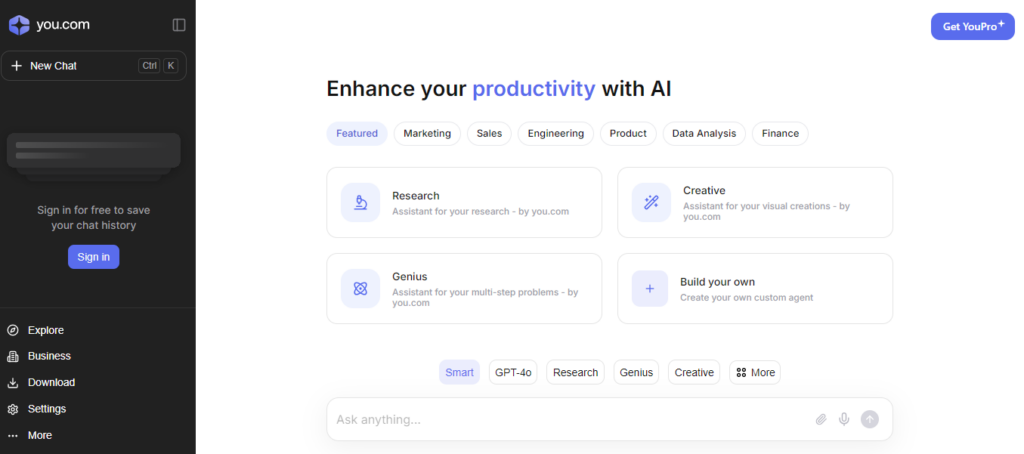
    You.com was founded in 2020 by Richard Socher, a well-known natural language processing (NLP) expert and former Salesforce chief scientist. Since its launch, they have served 1 billion queries.

    You.com’s AI-powered search engine provides summary responses to questions. Additionally, they offer a list of websites with content related to your search.

    Even though You.com has its internet crawler, it uses Bing to power its searches. You can select between a private mode, which guarantees that You.com does not gather any of your data, and a personal mode, which provides more customized options. You.com offers both a paid and freemium edition.

    Additionally, the company provides an AI writing helper called YouWrite, an image-generating tool driven by AI, and a Chrome extension.

    You may select from more than 20 different AI models with it, making it the ideal option for AI enthusiasts.

    Mainstream Search EngineschGPT

    Mainstream search engines have established themselves as credible competitors to Google and have retained a small but consistent market share over the last few years.

    5. Yahoo!
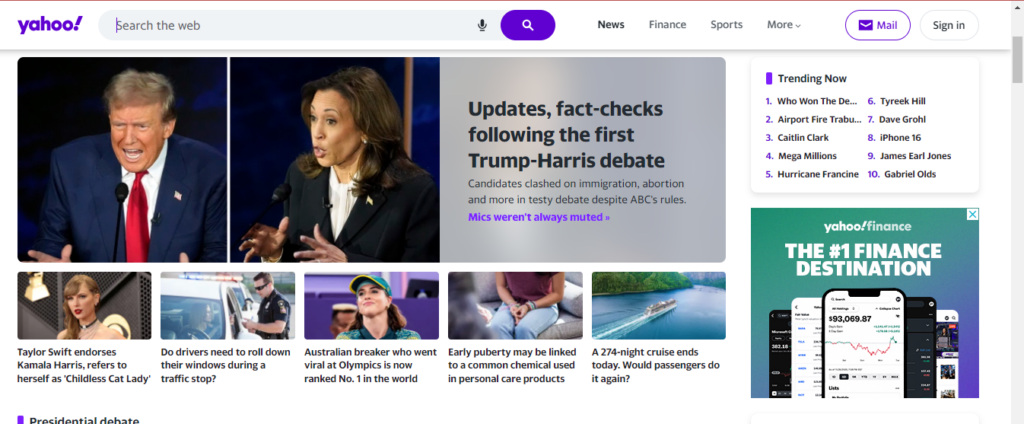
    Yahoo! is one of the more popular alternatives to Google, with a decent 2.67% of the market share in 2023.

    Yahoo was around before Google. It started as a web portal and in 1995 developed its search engine. Yahoo’s strength lies in its diversification; in addition to search, it offers services like email, news, finance, and more.

    Since Yahoo! uses Microsoft Bing as its engine, search results are comparable. It has a simple, text-heavy layout for its search results page.

    Yahoo received over 700 million monthly active users and received 3.4 billion monthly visits in 2022 even though their search market share is declining.

    6. Ecosia
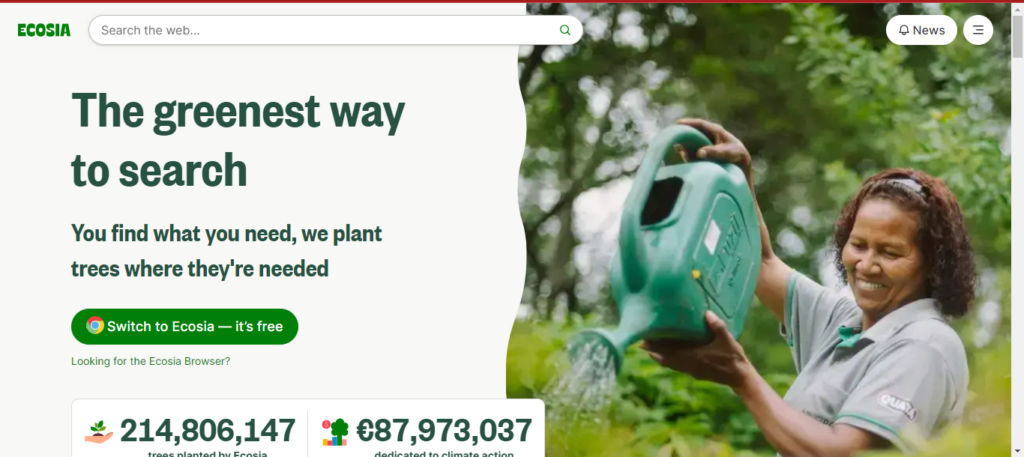
    The primary distinction that sets Ecosia apart is its dedication to using ad income for green initiatives, like planting trees.

    Ecosia plants a tree for around every 45 searches you conduct. They give you a customized counter to keep track of the number of searches you’ve done, which demonstrates your direct involvement in reforestation.

    Nearly 210 million trees have been planted by Ecosia to date, and the organization has also committed 85 million euros, or roughly $92 million, to climate action.

    It doesn’t build a personal profile to customize adverts and search results, nor does it keep your search history indefinitely (it gets erased after a week). Additionally, Ecosia is open about the fact that you can disable cookies.

    Additionally, Ecosia asserts that it is carbon-negative, having constructed its solar power plant to power its servers sustainably. Ecosia is free, however, you can gift a tree.  

    7. Aol
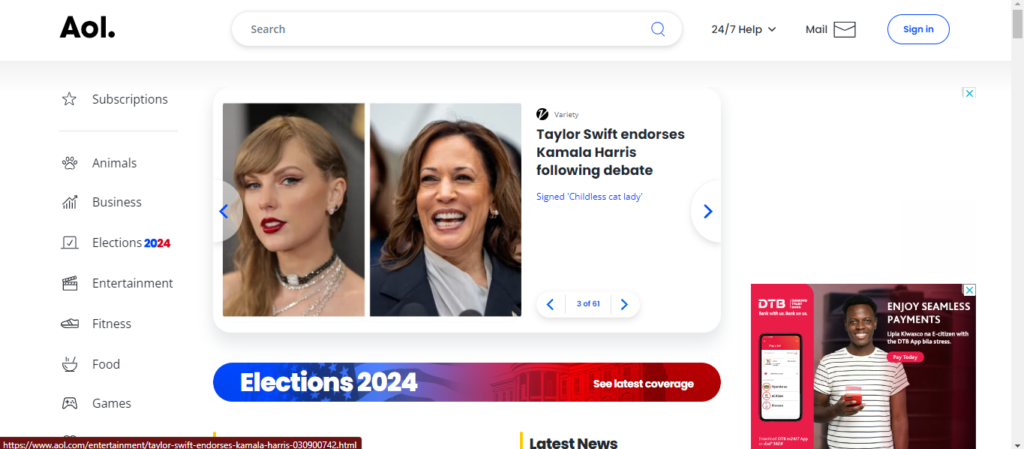
    AOL, previously America Online, is a brand marketed by Yahoo! Inc. You still get a start page with selected hot subjects from the news, entertainment, sports, health, food, and finance categories in the online portal game.

    However, it can also be used as a web search engine. In the US, its market share is 0.09%. During the 1990s and 2000s, it was extremely popular.

    It is not the most private search engine because location and activity tracking are enabled by default. On the other hand, you can disable these through the Privacy Dashboard. The search results are powered by partnerships with Google and Bing.

    Privacy-Focused Search Engines

    Protecting your digital privacy might be tough in the present day of targeted ads and tracking. For a more private and safe online search experience, these are the best alternative search engines.

    8. Startpage
    Startpage, headquartered in the Netherlands, provides Google-like search capabilities without tracking users. It is excellent for people who appreciate privacy.

    Instead of searching the entire web, Startpage collects results from numerous search engines such as Google, Bing, and DuckDuckGo, highlighting links that are present across all of them. It also includes a URL generator, a proxy service, and HTTPS capability.

    Startpage had topped 3 million daily searches by 2023, indicating that it was becoming increasingly popular among privacy-conscious users. It also complies with the General Data Privacy Regulation (GDPR), which ensures user data privacy.

    9. DuckDuckGo
    DuckDuckGo is a mainstream search engine, but its main appeal is that it doesn’t collect or store any personal information.

    In 20121 it had substantial growth, managing about 98.79 million search queries per day. DuckDuckGo accounted for 2.13% of the US search market as of December 2023.

    DuckDuckGo’s search results come from over 400 sources, but no personal information is shared with any of them.

    DuckDuckGo is a wonderful solution for those who value their privacy and personal information when exploring the web.

    They have DuckDuckGo Lite, a mobile version of the search engine.

    10. Swisscows
    Swisscows is a privacy-focused search engine headquartered in Switzerland, a country known for its strict privacy rules. It uses semantic information recognition to get rapid and efficient search results without retaining personal information.

    Swisscows is also family-friendly, with automatic filtering of violent and inappropriate content. It avoids using tracking cookies and geolocation. While it uses Bing for web searches, it created its index for the German language edition.

    With over 20 million searches processed monthly in 2018, Swisscows distinguished itself as a search engine that respects user privacy by not collecting or keeping data.

    Swisscows also provides a unique, ad-free music search option that respects user privacy.

    11. Brave Search
    The private search engine Brave Search is produced by Brave Software, the same company that created the privacy-focused Brave browser.

    In 2023, it became completely independent of other search engines such as Bing, relying only on its index to improve user privacy and transparency in search results.

    Brave Search, which is integrated with the Brave browser, provides an ad-free browsing experience while also rewarding users with cryptocurrency, resulting in a unique combination of privacy and earnings.

    Brave Search has grown rapidly, with 24.57 million daily active users as of January 2024. Additionally, it states that over 65 million people use the Brave browser every month for a faster and safer browsing experience.

    12. Gibiru
    Gibiru is a search engine that values privacy and does not censor results. It is ideal for people who want to avoid being tracked by the government or companies. Gibiru’s servers remove all search logs within seconds after processing the query. In March, Gibiru received 2.84 million visitors. It uses a modified Google algorithm to provide search results, so you can get what you’re looking for without worrying about Google tracking you.

    Gibiru also offers a mobile app for anonymous online browsing. Gibiru earns commission when users make purchases or perform activities based on its search results, rather than using personal data for ads.

    Search Engines for Specific Countries or Languages

    These search engines are intended to address the special needs of users in various regions by reflecting local languages and cultural backgrounds. They can adjust to both language and cultural differences.

    For example, Baidu and Yandex adhere to local censorship laws, which influence the material that users see. Similarly, Naver’s design has been modified to South Korean consumers’ preferences.

    Here are some notable examples:

    13. Baidu
    Baidu is China’s leading search engine, with a 66% market share. Its search results cater specifically to the Chinese market, with content hosted on Chinese servers ranking higher in the SERPs.

    Baidu, like Google, provides a variety of services, such as maps, music, movies, and an app store. In addition, Baidu offers a mobile browser and an app.

    14. Yandex
    Yandex is Russia’s top search engine, with more than 50% of the market share. It is well-known for its powerful algorithm, which accurately interprets Russian-language search requests. Yandex is also widely used in Belarus, Kazakhstan, Turkey, and Ukraine.

    Apart from its search engine, Yandex offers a range of services like Yandex.Maps, Yandex.Music, and Yandex.Money, all of which contribute to a smooth user experience.

    It also has an advertising network that lets businesses and organizations reach their intended audiences.

    15. Sogou

    Sogou is a rapidly growing Chinese search engine with a 5% market share in China. It provides an interactive search experience and includes features like WeChat integration, article search, English search, and translation services.

    Sogou is committed to providing professional, accurate, and convenient search results by utilizing its own artificial intelligence algorithms.

    16. Naver
    Naver is the second most popular search engine in South Korea, accounting for 34% of the market share. Its interface is only in Korean, with no English version available.

    As a local search engine, Naver does not index the entire internet. Instead, it concentrates on offering a variety of services, including blogs, news, music, and shopping.

    Furthermore, Naver provides a mobile app for easy searching on the go.

    Charitable search engines

    17. Goodsearch
    Goodsearch is a charitable search engine that donates a portion of its profits to organizations that its users choose. Goodsearch donates $0.01 to the user’s selected charity for each search that is conducted. Yahoo generates the search results.

    But there are a few things you should know about the GoodSearch browser extension. It is categorized as a browser hijacker by PCRisk, which implies that it can change browser settings without the permission of the user, possibly compromising their security and privacy.

    18. YouCare
    YouCare, a charitable search engine founded in France, gives away 80% of its income to various charitable organizations.

    YouCare stands out for being transparent; to confirm the contributions made, go to their donation certificates page. YouCare also has a counter that keeps track of how many searches you’ve done.

    You can also specify where your money can be allocated among the many charitable deeds.

    A Copyright-Free Search Engine

    19. Openverse
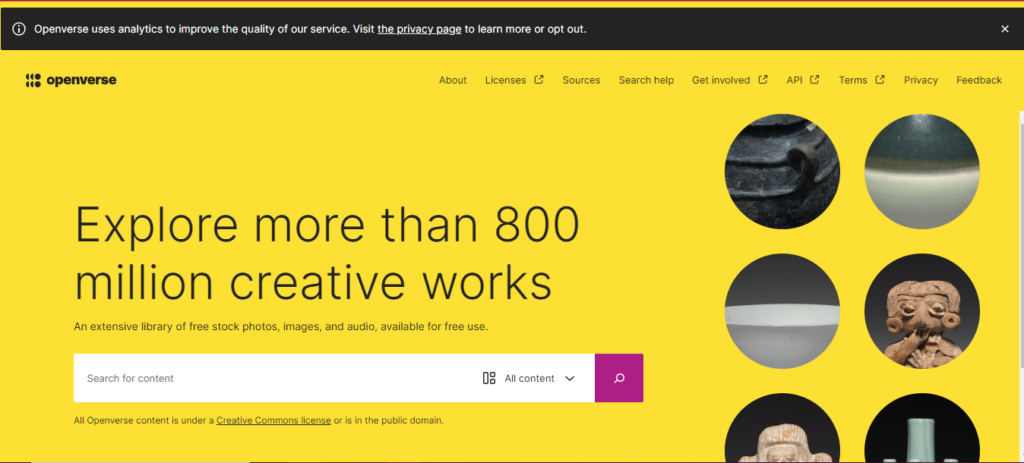
    Openverse is an open-source search engine developed as part of the WordPress initiative to assist users locate free and freely licensed content like as images and audio.

    Unlike Google, which provides a broader range of search results, Openverse focuses on a huge, searchable library of open-source media, such as images, audio, and videos.

    It’s excellent for anyone who needs music for movies or photos for blog articles without having to worry about copyright issues.

    Openverse indexes more than 700 million objects from 45 sources, including Wikimedia Commons and Flickr.

    A Revenue-Sharing Search Engine

    20. Yep.com
    Yep.com, created by Ahrefs, positions itself as a unique search engine that prioritizes user privacy by not tracking or selling user data.

    While it monitors the frequency of keyword searches and the click popularity of links, it does not create personal profiles for targeted advertisements. Its business approach encourages direct pay for content providers by offering a 90/10 revenue share.

    Additionally, it does not keep search history, IP addresses, or User-Agent strings indefinitely.

    Knowledge-Based Search Engines

    21. Wiki.com
    Wiki.com collects results from thousands of wikis throughout the internet, making it a perfect search engine for people who value community-driven information, such as Wikipedia.

    Wiki.com increases the accessibility of varied information sources by focusing on collaborative content, which appeals to individuals who value community-led information.

    22. Wayback Machine
    The Internet Archive, often known as the Wayback Machine, is a useful tool for researching historical web pages and much more.

    It serves as a comprehensive online library, providing access to a wide collection of digitized materials such as millions of free videos, books, music, and software.

    23. X (Formerly Twitter)
    X stands out as a fantastic real-time search engine, especially useful during situations when immediate updates are critical. While Google may eventually catch up, nothing beats the speed of a tweet in critical situations.

    X excels in providing minute-by-minute information, making it the go-to platform for those who need quick updates and insights when every second counts.

    Its capacity to supply real-time material ensures that people remain informed and connected during critical events.

    Specialized Search Engines

    Specialized search engines focus on specialized topics or industries, giving users more relevant and focused results than broad search engines such as Google.

    Here are some  examples:

    24. WolframAlpha
    WolframAlpha is a powerful computational knowledge engine that delivers precise answers in a variety of fields, including mathematics, science, and linguistics.

    It is an excellent resource for students, teachers, and professionals.

    The Pro version, priced at $5.49 per month, includes advanced computing and data processing features.

    25. LinkedIn
    LinkedIn is widely known as a business-oriented search engine, with 61 million searches made each week. Its search algorithm promotes the originality of an organization’s LinkedIn Page name; more distinctive names get higher search results. 

    However, overusing keywords might backfire, triggering spam filters and lowering visibility.

    The system takes into account criteria such as the number of followers, connections to the searcher, page activity, and the relevancy of search terms in the organization’s name, all of which influence search ranks.

    Conclusion

    While Google is still the preferred search engine for many people, it’s important to know that it may not always be the greatest fit for your requirements and tastes.

    Exploring other search engines can have numerous advantages, including increased privacy and a more personalized search experience. Whether you want to share entertaining material or protect your online privacy, these options can help.

    From privacy-focused platforms to those with unique features and eco-friendly solutions, there is a search engine for everyone. We encourage you to experiment with these alternatives and share your results.

    Which ones did you try, and how did they affect your search habits?
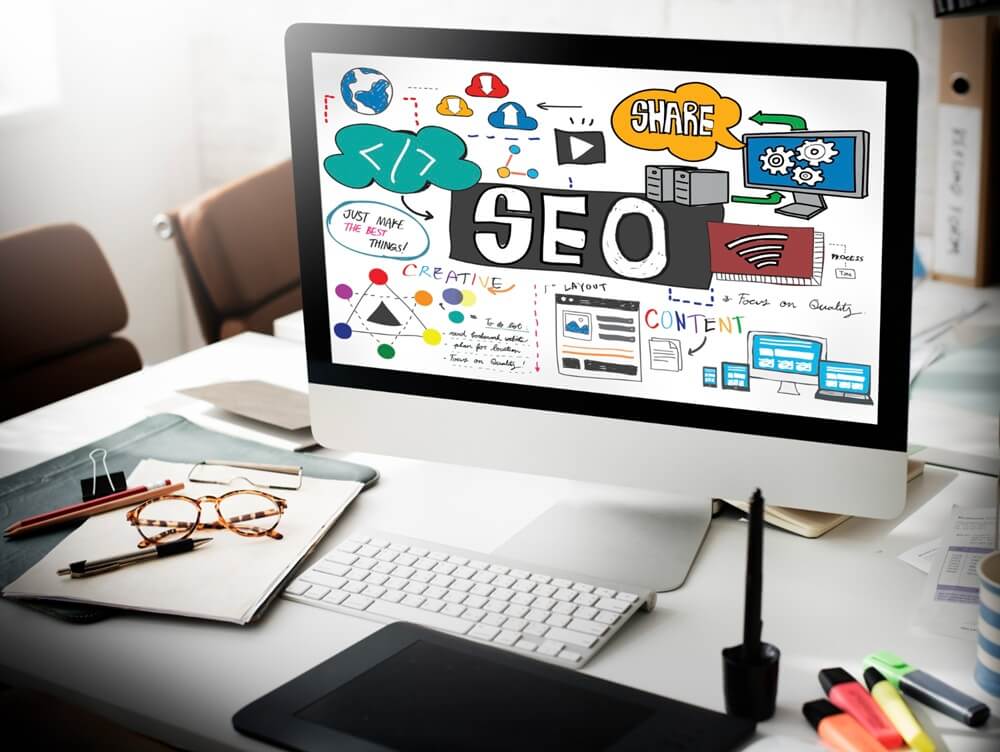
  • What Is SEO and How Does It Work? (A Simple Guide for Beginners)

    What Is SEO and How Does It Work? (A Simple Guide for Beginners)

    Let’s say you just launched your website. It looks great, it has all your services, maybe even a blog post or two. Now what?

    How do people find you on Google?

    This is where SEO comes in.

    In this guide, I’ll explain what SEO really means, how it works, and how to start using it—in plain, non-technical language. Whether you’re a small business owner, startup founder, or total beginner, this is for you.

    What Is SEO?

    SEO stands for Search Engine Optimization.

    It simply means making changes to your website and content so that search engines like Google can:

    1. Find your pages
    2. Understand what your pages are about
    3. Decide to show them to people searching for something relevant

    In other words: SEO helps your website show up when people search for things on Google.

    If you sell handmade soap, and someone types “natural lavender soap for sensitive skin” into Google—you want your page to show up, right?

    That’s SEO.

    How Does SEO Work?

    To understand SEO, you have to know what happens behind the scenes when someone types something into Google.

    Here’s a simple version of what Google does:

    1. Crawls your site (like a robot scanning all your pages)
    2. Indexes your pages (stores them in its giant library)
    3. Ranks them (decides which page should show up first for each search)

    To help Google do this well, your site needs to be clear, helpful, trustworthy, and easy to navigate.

    Let’s break it down further.

    Key Concepts to Understand

    1. SERPs (Search Engine Results Pages)

    The SERP is what you see after typing a question or phrase into Google.

    It includes:

    • Organic results (these are the ones SEO helps with)
    • Ads (people pay to show up here)
    • Featured snippets, AI overviews, people also ask, and more

    Your goal in SEO is to appear in the organic results—ideally near the top, because most people don’t scroll far.

    2. Keywords

    Keywords are the words or phrases people type into Google.

    For example:

    • “how to bake banana bread”
    • “best hiking shoes for beginners”
    • “accounting software for freelancers”

    To rank on Google, your content needs to match the intent behind those keywords. That means:

    • If someone wants a guide, give them a full tutorial
    • If they want to compare products, create a comparison
    • If they want to buy, show them pricing and features

    Keyword research is the process of figuring out what people search for, how often, and how hard it is to rank.

    3. Links (Backlinks and Internal Links)

    Backlinks are when other websites link to your site. Think of it like a vote of confidence.

    • The more high-quality backlinks you have, the more Google trusts your content.
    • That trust helps your pages rank higher.

    Internal links are when you link from one page on your site to another.

    • This helps users navigate your site
    • It helps Google understand how your pages relate to each other

    4. Crawling and Indexing

    Google uses bots (called spiders or crawlers) to scan the web.

    • Crawling is when the bot visits your site and checks out your pages.
    • Indexing is when Google stores that information and decides whether your page should be shown in search.

    If your site has broken pages, weird code, or missing information, Google might skip it or not understand it well.

    That’s why technical SEO—making sure your site loads fast, works on phones, and is structured clearly—is so important.

    What SEO Looks Like in Practice

    Here’s an example:

    Let’s say you run a local dog grooming business in Seattle.

    You create a page titled “Professional Dog Grooming Services in Seattle.”

    You include:

    • A clear description of your services
    • Prices
    • Photos
    • Customer reviews
    • Your location and hours

    You also:

    • Add this page to your website’s menu
    • Submit your site to Google using Search Console
    • Ask a local pet blogger to mention your service (earning a backlink)

    Now when someone nearby searches “dog grooming near me” or “pet grooming Seattle,” Google might show your page—especially if your competitors aren’t doing SEO.

    That’s the power of SEO.

    Why SEO Matters

    • It brings free traffic to your website
    • It compounds over time: the longer you invest, the more results you get
    • It builds trust and authority with your audience
    • It helps you get discovered by people actively searching for what you offer

    You don’t need to be an expert to get started.

    You just need to:

    • Create helpful content
    • Make your site easy to use
    • Learn a little at a time
    • Keep showing up

    SEO is like planting seeds. It takes time, but once things start growing, the results keep coming.

    What’s Next?

    Now that you understand what SEO is, you might want to:

    Let’s take it one step at a time. You’ve already started.

    Welcome to SEO.

  • Checklist: 25 Technical SEO Fixes to Run on Any Website (Explained Like You’re 5)

    Checklist: 25 Technical SEO Fixes to Run on Any Website (Explained Like You’re 5)

    If you’ve ever wondered why your website isn’t showing up on Google—or why it’s not bringing in traffic—chances are, technical SEO is the missing piece.

    And don’t worry, I’m explaining this like you’re five. Because that’s how simple technical SEO should be.

    Let’s go through 25 key fixes one by one, like a friendly guide walking you through the backstage of your website.

    1. Make Sure Google Can See Your Website

    What it is: Think of Google like a visitor at your house. If your door is locked, they can’t come in. Your website has a special file called robots.txt that tells search engines what they’re allowed to see. If it says “stay out,” then Google won’t look at anything.

    Why it’s important: If Google can’t access your site, it won’t be able to rank it. That means nobody will find you in search.

    How to fix it:

    1. Type yourwebsite.com/robots.txt in your browser.
    2. Look for a line that says Disallow: /—that blocks everything.
    3. If it’s there, change it to Allow: / or delete the line.

    How to test it:

    • Go to Google Search Console
    • Use the URL Inspection Tool
    • Type in your homepage URL
    • If it says “URL is on Google,” you’re good. If not, check your robots.txt again.

    2. Submit a Sitemap

    What it is: A sitemap is like a table of contents for your website. It lists all the pages you want Google to know about.

    Why it’s important: It helps Google crawl your site more efficiently. Especially useful for new websites or large sites with lots of pages.

    How to fix it:

    1. If you’re using WordPress, install Yoast SEO or Rank Math.
    2. These plugins automatically create a sitemap for you (usually at yourwebsite.com/sitemap_index.xml).
    3. Log into Google Search Console
    4. Click on Sitemaps on the left
    5. Paste your sitemap URL and click submit

    How to test it:

    • Google will show “Success” under submitted sitemaps
    • It will also tell you how many pages were discovered

    3. Fix Broken Links (404 Errors)

    What it is: A broken link is like giving someone directions to a store that no longer exists. When they get there, they hit a dead end, also known as a 404 error page.

    Why it’s important: Broken links frustrate visitors and tell Google your site isn’t well-maintained. Too many of them can hurt your rankings.

    How to fix it:

    1. Use tools like Screaming Frog, Ahrefs, or Google Search Console
    2. Find all pages or links that return a “404 Not Found” error
    3. Decide how to fix them:
      • If the page still exists, update the link to the correct URL
      • If the page was deleted, either remove the link or redirect it to a related page

    How to test it:

    • Click each link to make sure it opens a real page
    • Use a free broken link checker like BrokenLinkCheck.com

    4. Ensure Mobile-Friendliness

    What it is: Your website needs to work well on mobile phones. That means it should load quickly, text should be readable without zooming, and buttons should be easy to tap.

    Why it’s important: Most people use their phones to browse. If your site doesn’t work on a phone, they’ll leave. Google also checks mobile experience before deciding to rank your site.

    How to fix it:

    • Use a responsive theme that automatically adjusts to different screen sizes
    • Make fonts large enough to read on a small screen
    • Avoid using pop-ups or elements that cover content

    How to test it:

    5. Speed Up Your Website

    What it is: Imagine clicking on a website and waiting 5 seconds for it to load. Annoying, right? Slow sites lose visitors fast.

    Why it’s important: Page speed affects user experience and rankings. Google wants to show fast-loading sites.

    How to fix it:

    • Compress large images using tools like TinyPNG
    • Use a caching plugin (e.g., WP Rocket or W3 Total Cache)
    • Use a reliable, fast hosting provider
    • Limit heavy scripts (especially those that load ads, popups, or animations)

    How to test it:

    6. Use HTTPS, Not HTTP

    What it is: HTTPS is a secure version of HTTP. It keeps your site safe by encrypting data.

    Why it’s important: Google uses HTTPS as a ranking signal. Plus, browsers now mark HTTP sites as “Not Secure,” which scares visitors away.

    How to fix it:

    1. Get a free SSL certificate from your hosting provider (most offer this)
    2. Use a plugin like Really Simple SSL (if on WordPress)
    3. Set up a redirect so all traffic goes from HTTP to HTTPS

    How to test it:

    • Visit your site and make sure the URL starts with https://
    • Look for a padlock icon next to your URL in the browser

    7. Remove Duplicate Content

    What it is: Duplicate content means having the same content on more than one page. For example, if two pages have the same product description word-for-word.

    Why it’s important: Google gets confused. It might not know which page to rank—or it might ignore both.

    How to fix it:

    • Merge similar pages into one stronger page
    • Use a canonical tag (a special code that tells Google which version is the “main” one)
    • Avoid copying content from other websites

    How to test it:

    • Use Siteliner.com to scan for duplicates
    • Or use Copyscape to make sure your content is original

    8. Set a Preferred Version of Your Website

    What it is: Some websites can be accessed in multiple ways:

    Google treats these like different sites unless you tell it otherwise.

    Why it’s important: If you don’t choose one preferred version, Google may split your rankings between them.

    How to fix it:

    • Set up 301 redirects from all alternate versions to one preferred version
    • Choose the same preferred domain in Google Search Console

    How to test it:

    • Type all four versions in your browser and check that they all redirect to one version (e.g., https://example.com)

    9. Fix Redirect Chains

    What it is: A redirect is when one URL automatically takes you to another. A redirect chain is when a URL redirects to another, and then that one redirects again—and maybe again.

    Why it’s important: Each hop in the chain slows things down. Google might stop following the chain altogether.

    How to fix it:

    • Use Screaming Frog or Ahrefs to find redirect chains
    • Update links to point directly to the final URL in the chain
    • Example: Instead of A → B → C → D, go straight from A → D

    How to test it:

    • Enter a URL into Screaming Frog and look for chains in the report
    • Click links manually and watch the browser bar—if it jumps through more than one URL, you have a chain

    10. Remove Unnecessary Redirects

    What it is: Sometimes, people link to a page that’s redirecting—but they could have just linked to the final page directly.

    Why it’s important: Each redirect slightly delays page loading. Clean, direct links are better for users and search engines.

    How to fix it:

    • Find links on your site that point to redirecting URLs
    • Update them to link directly to the final page

    How to test it:

    Click the link and watch the browser bar. If it hops to another page, and then another, you need to fix it.

    11. Fix Orphan Pages

    What it is: An orphan page is a page on your site that nobody links to. It’s floating out in space with no path leading to it.

    Why it’s important: If there’s no link to the page, Google (and visitors) might never find it. It’s like building a great room in a house but forgetting to add a door.

    How to fix it:

    • Use tools like Screaming Frog or Ahrefs to find orphan pages
    • Add internal links to those pages from other relevant articles or your main menu
    • For example, if you have a blog post about “summer shoes,” and your orphan page is about “summer sandals,” link them together!

    How to test it:

    • Crawl your site again with Screaming Frog to make sure those pages are now linked from at least one other page

    12. Add Structured Data (Schema Markup)

    What it is: Structured data is extra information you add to your website’s code that helps Google understand what your content is about—like telling Google, “Hey, this is a recipe!” or “This is a product!”

    Why it’s important: It can help you appear in fancy search results, like star ratings, FAQs, and product details. These are called “rich results” and they catch more attention.

    How to fix it:

    • Use plugins like Schema Pro or Rank Math if you’re on WordPress
    • Or use Google’s Structured Data Markup Helper to generate the code manually

    How to test it:

    13. Use Descriptive, Unique Titles on Every Page

    What it is: The title tag is what shows up as the big blue link in search results. It tells people (and Google) what your page is about.

    Why it’s important: If your titles are boring, duplicate, or missing, nobody will click on your results—and Google might not rank them well.

    How to fix it:

    • Make sure every page has a title that is clear, unique, and includes relevant keywords
    • Keep titles under 60 characters so they don’t get cut off

    How to test it:

    • Use Screaming Frog to find pages with missing or duplicate title tags

    14. Write Unique Meta Descriptions

    What it is: This is the short summary that appears below the title in search results. It doesn’t directly impact rankings, but it affects whether someone clicks.

    Why it’s important: Good meta descriptions = more clicks. More clicks = more traffic.

    How to fix it:

    • Write a 1–2 sentence summary for each page
    • Include keywords naturally
    • Make it sound like a mini-ad or teaser

    How to test it:

    • Check the HTML of your pages or use SEO plugins
    • Use Screaming Frog to find missing or duplicate meta descriptions

    15. Use Only One H1 Heading Per Page

    What it is: An H1 tag is your page’s main headline. It’s like the book title. Other headings (H2, H3, etc.) are chapter or section titles.

    Why it’s important: Having multiple H1s confuses search engines. They want to know: what is this page mainly about?

    How to fix it:

    • Check your page editor (like WordPress) and make sure there’s only one H1
    • Use H2 and H3 for subheadings

    How to test it:

    • Use a browser extension like SEO Meta in 1 Click or Web Developer Toolbar

    16. Avoid Thin Content

    What it is: Thin content means pages with very little useful information—usually under 300 words, or just fluff.

    Why it’s important: Google wants to rank pages that actually help people. If your page is too short or empty, it probably won’t rank.

    How to fix it:

    • Add more useful content: answer common questions, include visuals, write real examples
    • Merge thin pages into one better resource if they’re about the same thing

    How to test it:

    • Use Screaming Frog or Ahrefs to find pages with very low word counts

    17. Use Clear, Clean URLs

    What it is: A clean URL is short and easy to read. Example: yourwebsite.com/blue-running-shoes is better than yourwebsite.com/page?id=4738201.

    Why it’s important: Clear URLs are better for users and give Google more context.

    How to fix it:

    • Go into your site settings and make sure URLs use words, not numbers
    • Remove unnecessary words like “and,” “the,” or weird characters

    How to test it:

    • Just look at your URLs. Are they readable? Descriptive?

    18. Check for Crawl Errors

    What it is: Sometimes Google tries to visit your pages and runs into errors (like 404s, server errors, or blocked pages).

    Why it’s important: If Google can’t access your pages, it can’t index them. And if they’re not indexed, they won’t appear in search.

    How to fix it:

    • Go to Google Search Console
    • Click on Pages > Why pages aren’t indexed
    • Fix the issues shown (usually broken links, incorrect redirects, or blocked content)

    How to test it:

    • After fixing, re-submit the pages in Search Console and wait for them to be re-crawled

    19. Avoid Mixed Content (HTTPS + HTTP)

    What it is: If your website is HTTPS (secure) but still loads images or scripts over HTTP (non-secure), that’s called mixed content.

    Why it’s important: It creates security warnings in browsers and breaks trust. Google also dislikes insecure setups.

    How to fix it:

    • Update image, script, and stylesheet URLs to HTTPS
    • Use plugins or search-and-replace tools to do this in bulk

    How to test it:

    20. Minimize JavaScript That Blocks Content

    What it is: JavaScript can be useful, but too much of it—or poorly used code—can slow down your site and hide content from Google.

    Why it’s important: If important content can’t be seen or loaded quickly, your rankings suffer.

    How to fix it:

    • Defer non-essential scripts
    • Remove scripts you don’t need
    • Use a plugin to load scripts asynchronously

    How to test it:

    • Run PageSpeed Insights and check if “Reduce unused JavaScript” appears in the suggestions

    21. Add ALT Text to Images

    What it is: ALT text is a short description added to your images. Google can’t “see” pictures, so this helps it understand them.

    Why it’s important: Improves SEO, helps visually impaired users, and allows your images to show in Google Images.

    How to fix it:

    • For every image, add a clear and simple description in the “ALT text” field
    • Use your main keyword if it makes sense naturally

    How to test it:

    • Right-click the image > Inspect, and check for the alt="..." attribute

    22. Compress Large Images

    What it is: Large image files slow down your page speed.

    Why it’s important: Slow pages = bad rankings and unhappy users.

    How to fix it:

    • Use tools like TinyPNG, ShortPixel, or ImageOptim
    • Save images in WebP or compressed JPEG/PNG format

    How to test it:

    • Use PageSpeed Insights or GTmetrix and look for “Efficiently encode images” in the report

    Here is the full image SEO guide you can follow to ensure your images are well optimized for search engines.

    23. Use Pagination Properly

    What it is: When you split a long list (like blog posts or products) into multiple pages, that’s pagination.

    Why it’s important: If not done correctly, search engines may not crawl your full content, or may treat each page as duplicate content.

    How to fix it:

    • Add rel=”next” and rel=”prev” tags in the HTML (developers can help)
    • Or use a “Load more” button instead of numbered pages

    How to test it:

    • Use Screaming Frog or view source code to confirm the presence of pagination tags

    24. Block Low-Value Pages from Indexing

    What it is: Some pages (like thank-you pages, login pages, internal searches) don’t need to show up in Google.

    Why it’s important: Indexing junk pages wastes crawl budget and can dilute your site’s relevance.

    How to fix it:

    • Add a noindex meta tag to those pages
    • Or block them in robots.txt

    How to test it:

    • Search site:yourdomain.com/page-url in Google to see if it’s indexed

    25. Check Core Web Vitals

    What it is: These are three performance metrics Google uses:

    • LCP (Largest Contentful Paint): how fast the main content loads
    • FID (First Input Delay): how fast the page responds to interaction
    • CLS (Cumulative Layout Shift): does stuff jump around as it loads?

    Why it’s important: Good scores = better rankings and happier users

    How to fix it:

    • Optimize images and fonts
    • Reduce JavaScript
    • Improve server response times

    How to test it:

    • Go to Google Search Console > Core Web Vitals
    • Run a test on PageSpeed Insights or use Chrome’s Lighthouse tool

    Final Tip

    Don’t try to fix everything in one day. Start with the basics: speed, crawlability, and mobile-friendliness. Fix 2–3 things per week, and before you know it, your site will be faster, cleaner, and ranking better.

    Bookmark this guide. Run through it every few months. Your future self—and your rankings—will thank you.

  • Top 40 Free Backlink Sites To Scale Your SEO Rankings

    Top 40 Free Backlink Sites To Scale Your SEO Rankings

    Backlinks remain one of the most critical factors in improving search engine rankings. This guide highlights 40 free backlink sites that can help you earn high-quality backlinks to your website.

    We selected platforms based on their reliability, domain authority, and relevance to different industries.

    Whether you’re just starting or refining your SEO strategy, these free resources offer practical opportunities to strengthen your backlink profile and boost your site’s authority in search results.

    What is the Role of Backlinks in Improving SEO Rankings?

    Backlinks are a key factor in how search engines evaluate and rank websites. When reputable sites link to your content, they signal trust and authority. These links validate your site’s relevance and credibility within a topic or industry.

    Google and other search engines rely on backlinks as part of their ranking algorithms. The more high-quality backlinks you earn, especially from authoritative sources, the higher your site will appear in search results. It boosts organic traffic, lead generation, and brand awareness.

    However, not all backlinks are equal. A few links from trusted, relevant sites are far more effective than dozens from low-quality or unrelated sources. Prioritizing quality over quantity is essential to building a strong SEO foundation.

    In short, backlinks directly impact your site’s authority, visibility, and position in search results.

    Read Also: How Many Backlinks Do I Need To Rank On Page 1

    Top Free Backlink Sites 

    In this section, we will introduce you to the top free backlink sites that can provide valuable backlinks to your website.

    These websites have been selected carefully for their domain authority, relevancy, and reputation to ensure quality. As a result, utilizing these sites can improve your website’s SEO rankings and increase your online visibility.

    1. Crunchbase

    Crunchbase offers a high-authority (DA 81) backlink opportunity. You can list your business for free, include your website link, and optimize your profile with accurate details and relevant keywords to strengthen your backlink profile and boost SEO visibility.

    2. HARO 

    HARO (Help a Reporter Out) connects journalists with expert sources. Create a free account, select relevant industries, and receive three daily emails with media queries.

    Respond to the ones that match your expertise. If a journalist uses your response, you’ll earn a backlink from a reputable publication.

    3. MyBlogU

    MyBlogU is a content collaboration platform where bloggers, writers, and marketers connect to exchange ideas and co-create content.

    Create a profile and participate in interviews or brainstorming projects. Share valuable insights within your niche, and contributors may credit you with a backlink, helping you grow authority and improve SEO.

    4. Google Sites 

    Google Sites is a free tool that lets anyone with a Gmail account build a simple website and secure a backlink. These sites get indexed quickly, helping improve your brand’s visibility in search results.

    Create a Google Site with relevant content about your niche or business. Then, add a link to your main website and optimize the page with niche-specific keywords to boost SEO.

    Read Also: Best SEO Practices to Dominate the SERPs

    5. Google Drive Assets

    Google Drive offers more than just cloud storage. You can use it to build quality backlinks. Create public Docs, Sheets, or Forms that include links to your website.

    Share these assets publicly and embed valuable content with niche-relevant links. Boosts your backlink profile, drives referral traffic, and strengthens your authority in search results.

    6. SourceBottle 

    SourceBottle connects journalists with expert sources. It sends daily emails with media queries from reporters looking for insights and quotes.

    To earn backlinks, sign up, create a complete profile showcasing your expertise, and monitor queries related to your niche. Respond with precise, helpful pitches. If selected, your quote may appear in a published article with a backlink to your website, boosting SEO and referral traffic.

    7. BizSugar

    BizSugar lets business owners and entrepreneurs share tips, trends, and news. You can gain backlinks by posting niche-relevant content others vote on and engage with.

    To build backlinks, create an account, publish valuable content, and include a link to your website. As your posts gain traction, other members may share or link back to your content, increasing referral traffic and SEO rankings.

    8. GitHub 

    GitHub is a platform where developers collaborate and share open-source projects. You can build backlinks by contributing to repositories, creating documentation, or launching your projects.

    Add a link to your website in your GitHub profile, project READMEs, or shared resources. Positions you as an active contributor and helps drive traffic while improving your site’s authority.

    9. GrowthHackers 

    GrowthHackers is a community for digital marketers focused on business growth. You can earn backlinks by sharing original content, syndicating blog posts, and engaging in discussions.

    Post valuable insights and link to your website where relevant. Consistent participation increases your visibility, drives referral traffic, and improves SEO.

    10. DeviantArt 

    DeviantArt is an online community where artists share artwork, photography, and GIFs. Upload your creations, include a backlink in the description or bio, and attract a new audience while improving your SEO.

    Create an account, post consistently, and link to your site. Boosts visibility and earns valuable backlinks from an engaged art community.

    11. Business 2 Community 

    Business 2 Community is a content-sharing platform where professionals publish insights on marketing, SEO, leadership, and tech. As a contributor, you can submit original or repurposed content to build authority and gain backlinks.

    Not only boosts your visibility but also drives referral traffic to your content marketing website, helping improve your search rankings.

    12. SoundCloud 

    SoundCloud is a popular platform for sharing both music and podcasts. Create a free account, upload your audio content, and add your website link to each track, episode description, or show notes. Helps you build backlinks and drive referral traffic from listeners.

    13. Blogger

    Blogger is a free, Google-owned platform you can use for link building. Set up a branded blog, publish valuable articles related to your niche, and add relevant links to your website. Optimize blog posts with keywords to drive organic traffic and strengthen your backlink profile.

    14. Alltop 

    Alltop is a content aggregator that collects real-time RSS feeds from top blogs and websites. Submit your blog’s RSS feed to earn a backlink, boost brand visibility, and drive referral traffic. Optimize blog content to ensure relevance and value for the Alltop audience.

    Read Also: How to Remove Outdated Content from Your Website

    15. Mix 

    Mix is a free platform for curating and sharing content. Create an account, build collections of high-quality articles, videos, or images, and include links to your site.

    As users engage with your collections, you earn backlinks, boost brand visibility, and improve your backlink profile.

    16 Weebly 

    Weebly is a free Web 2.0 platform for building backlinks. Use its drag-and-drop builder to create a branded site, add valuable content, and include backlinks to your main website. These links help improve SEO, boost brand visibility, and build credibility.

    17. Wix 

    Wix is a free platform you can use to build Web 2.0 backlinks. Create a site, add optimized content, and include backlinks to your leading site.

    Sign up for a free account, customize your pages with valuable content, images, or videos, and boost your SEO with relevant links.

    18. Yola

    Yola is a user-friendly site builder that lets you create content and add backlinks to your business. Sign up, build a site with optimized content, and include links to your main website to strengthen your backlink profile and improve SEO rankings.

    19. Live Journal

    LiveJournal is a blogging platform that lets you share industry-related posts and include backlinks to your website. Create an account, publish content with targeted links, and engage readers to boost traffic and strengthen your backlink profile.

    Read Also: Content Marketing Statistics to Drive Your Brand

    20. Tumblr

    Tumblr is a microblogging platform that still offers link equity, making it helpful in building free backlinks. Create an account, share valuable multimedia content, include backlinks, and optimize posts with relevant keywords to boost traffic and brand visibility.

    21. WordPress

    WordPress is the world’s leading content management system, powering over 40% of all websites. To build backlinks, start with a self-hosted WordPress site.

    Then, publish high-quality content in your niche and embed strategic backlinks. Additionally, engage your audience through comments and social sharing to boost SEO and increase traffic.

    22. Yelp

    Yelp is a high-authority platform ideal for building local backlinks. To get started, claim your business listing with a verifiable local address. Once approved, Yelp provides a free, high-quality backlink.

    Next, optimize your profile with accurate details, images, and services. Finally, respond to customer reviews to build trust and improve local SEO visibility.

    23. Google My Business Profile

    Google My Business helps your business rank higher in local search results and builds website authority by linking your brand to a trusted Google platform.

    Since 68% of online experiences begin with a search engine, claiming your profile can significantly boost local visibility and customer trust

    Read Also: SEO Tips to Help Your Rank Higher

    24.  TripAdvisor

    TripAdvisor is a high-authority platform ideal for businesses in the travel industry, such as hotels, restaurants, car rentals, or tour services.

    You can earn a quality backlink by creating a strong profile, responding to reviews, and highlighting what sets your business apart. Additionally, this builds trust and attracts potential customers searching for reliable travel experiences.

    25. Trustpilot

    Trustpilot is a customer review website that contains reviews of businesses worldwide. You may sign up, have your company listed, and add a backlink.

    Then, encourage your consumers to submit reviews for your site, which can help you increase your brand’s authority in your sector.

    26. LinkedIn

    LinkedIn helps you connect with industry professionals and share content relevant to your niche. When you post valuable insights, engage in conversations, and link to your website, you build backlinks while increasing your brand’s authority and visibility.

    27. Medium

    Medium lets you publish for both original and repurposed content with backlinks to your website. Use this platform to boost your reach, build authority, and strengthen your SEO strategy.

    28. Quora

    Quora is a popular Q&A platform where users seek and share knowledge. While it doesn’t primarily serve for backlink building, providing valuable answers related to your expertise can indirectly drive traffic to your site.

    Include links when genuinely relevant. However, be cautious not to overly self-promote, as Quora values informative contributions.

    29. Pinterest

    Pinterest is a visual discovery platform where you can showcase both contents through engaging pins and boards.

    To get started, create eye-catching visuals, optimize descriptions with keywords, and link back to your website. Consistent activity helps you build visibility, drive traffic, and earn valuable backlinks.

    30. Facebook

    Facebook isn’t a primary backlink source, but you can still earn link equity. Create a business page, add links in the About section, and share content in posts. Join niche-relevant groups, engage with users, and post valuable content to increase visibility and drive traffic.

    31. Twitter

    Twitter is a popular site for various Internet marketers, and it’s an excellent place to obtain a steady supply of backlinks.

    32. YouTube

    YouTube is a powerful platform for building both do-follow and nofollow backlinks. Add links in your video descriptions, channel About section, and community posts.

    Include more than five links per channel to drive traffic and improve SEO. Create helpful videos that match your niche, and engage with viewers to guide them to your site.

    Also Read: How Many Backlinks Per Month Should You Get?

    33. Vimeo

    Vimeo is a professional video-sharing platform that creators and businesses use to showcase high-quality videos. Additionally, it lets you add links to your website in your profile and video descriptions.

    Vimeo doesn’t primarily focus on link building, but supports your SEO strategy if you regularly publish video content. These links can drive traffic, improve visibility, and boost your brand’s authority.

    34. Wikipedia

    Wikipedia is a widely used online encyclopedia with strict editorial standards. You can earn backlinks by contributing well-sourced, neutral content to relevant articles.

    When you cite your website as a credible reference, editors may retain the link if it adds value. While Wikipedia backlinks are usually nofollow, they can improve your site’s visibility and drive traffic from a trusted platform.

    35. Industry Blogs

    Industry blogs offer opportunities for guest posting, which is an excellent way to earn backlinks. However, to make the most of this strategy, choose reputable blogs relevant to your niche with good domain authority, ensuring that the backlinks gained can positively impact your SEO efforts.

    36. Minds

    Minds is a blockchain-based social media platform where users earn tokens by posting and engaging with content.

    You can include backlinks in your posts and profile to drive traffic to your site. It offers a niche space to build backlinks while participating in a decentralized, crypto-friendly community.

    37. Unsplash

    Unsplash is a platform where users share and download free, high-quality images. While not designed for link building, photographers and creators can add backlinks to their website in image attributions.

    By uploading original photos, you can earn backlinks and drive referral traffic when others use your images and credit your site.

    38. Flickr

    Flickr is an image-sharing platform where users can upload and showcase their photos. Moreover, you can include your website link in image descriptions or your profile.

    While Flickr isn’t primarily a backlink-building tool, popular images can generate referral traffic and improve brand visibility.

    39. SlideShare

    SlideShare is an online resource that allows you to share presentations and documents. Moreover, it enables users to include backlinks in their slides, making it a valuable platform for sharing content and earning backlinks.

    40. Wattpad

    Wattpad is a writing and reading community. While it allows authors to showcase their work, including backlinks within the content might be more complex.

    However, you can still use it to engage with readers while indirectly promoting your website.

    Final Take on Free Backlink Sites

    Free backlink sites can help boost your SEO rankings, but they work best when used strategically. Focus on relevant platforms, share high-quality content, and diversify your link sources.

    It builds a strong, natural backlink profile that supports long-term SEO growth.
    Since the value of these sites can change over time, track their performance and adjust your strategy regularly to maintain lasting results.

    Featured Image Source: seochatter.com

  • How Long Does SEO Take to Work? (And Why It Feels So Slow)

    How Long Does SEO Take to Work? (And Why It Feels So Slow)

    If you’ve just started working on your website’s SEO and are wondering when you’ll start seeing results, you’re not alone. Almost every founder, blogger, or marketer has asked this same question: How long does SEO take to work?

    And the frustrating answer?

    It depends.

    But that’s not helpful, right? So in this guide, I’ll walk you through exactly what’s going on behind the scenes, what affects how fast (or slow) you rank, and how to know if your SEO is on the right track. Think of this like a map—one that shows you where the slow curves, steep hills, and acceleration lanes are.

    Let’s start at the beginning.

    Why Does SEO Take So Long to Work?

    Imagine planting a seed.

    You water it, give it sunlight, and care for it daily. But the next day? It still looks like a pot of dirt. That’s SEO.

    SEO works kind of like farming. You’re not buying results like you would with ads. You’re building authority, relevance, and trust with Google—over time.

    Here’s why it takes a while:

    • Google doesn’t instantly trust your website. Especially if it’s new, Google needs time to figure out who you are and if you’re a reliable source.
    • There are millions of websites. If you’re writing about something lots of other websites are also covering (like “best laptops” or “how to lose weight”), you’re in a tough race.
    • Google uses hundreds of factors to rank websites. Things like your content, your website’s speed, how many other websites link to you, and how easy your site is to read and navigate.
    • Google needs time to find and understand your content. Even if you publish a great blog post, it can take days or weeks before Google fully crawls, indexes, and evaluates it.

    So SEO isn’t just about writing and waiting. It’s about doing the right things consistently and patiently.

    How to Get SEO Results Faster

    Now, while SEO takes time, there are things you can do to speed things up a little bit. Think of these like adding fertilizer to your plant—it doesn’t make it grow in one day, but it helps.

    1. Choose Easier Keywords to Compete For

    Let’s say you’ve just opened a tiny coffee shop in a big city. If you try to compete with Starbucks on day one, you’ll get crushed. But if you focus on your local street or neighborhood—boom, now you have a chance.

    That’s what low-competition and long-tail keywords are.

    Instead of going for “digital marketing,” try something like “digital marketing for handmade soap businesses.”

    Tools like Ahrefs, Semrush, or even Google’s autocomplete can help you find these gems.

    2. Understand What the Searcher Really Wants (Search Intent)

    Let’s say someone types “best running shoes.” Do they want a history of shoes? No—they want recommendations.

    Google tries really hard to match what people mean when they search—not just the words they type.

    So before you write, Google the keyword yourself and look at the top results:

    • Are they listicles? (“Top 10 Running Shoes”)
    • Are they reviews? (“Nike vs. Adidas”)
    • Are they how-tos? (“How to choose running shoes”)

    Match the type of content you create with what’s already ranking. That’s what Google thinks people want.

    3. Fix the Hidden Tech Problems on Your Site

    Even if your writing is great, your website needs to be technically sound.

    Think of it like a beautiful house built on a weak foundation—it looks good, but it’s risky.

    Technical SEO means:

    • Making sure your pages load fast
    • Making sure your site works well on mobile phones
    • Fixing broken links
    • Avoiding duplicate content
    • Making sure search engines can find your pages (via sitemaps and clean code)

    You can use tools like Google Search Console, Screaming Frog, or Sitebulb to find and fix problems.

    4. Keep Publishing Great Content—and Clean Up the Bad Stuff

    Content is your fuel.

    You need to publish regularly, but more importantly—you need to publish helpful content. That means:

    • Giving real answers
    • Showing examples
    • Keeping it updated

    At the same time, go through your old posts. If something is thin, outdated, or useless—either fix it or delete it.

    And if you have 3 articles saying the same thing? Combine them into one powerful guide and redirect the old ones.

    5. Get Links—Internally and From Other Sites

    Links are like votes.

    If other good websites link to your content, Google sees you as trustworthy.

    You can get these by:

    • Guest posting
    • Being featured in niche blogs or news sites
    • Creating content that’s good enough to be cited naturally

    Also, don’t forget to link between your own pages. It helps Google understand your site structure and keeps people exploring.

    5 Things That Determine How Fast You’ll See Results

    You can do everything right and still see slow results if these factors aren’t working in your favor:

    1. Your Budget and Resources

    If you’re doing everything yourself in your spare time, results will come slower. If you have a team creating content, fixing your site, and building links, things move faster.

    2. Your Domain’s Age and History

    Older websites that have built up a good reputation usually rank faster. New sites? They need to prove themselves.

    If your domain has been penalized before (maybe someone used spammy tactics in the past), that can also slow you down.

    3. How Search-Engine-Friendly Your Website Is

    If your website has poor navigation, no clear structure, or messy code, Google has a hard time figuring it out. Clean things up:

    • Use proper headings (H1, H2, etc.)
    • Make sure your URLs are simple and descriptive
    • Write good page titles and meta descriptions

    4. How Fast Google Can Crawl and Index Your Site

    Sometimes Google takes a long time to discover your pages. You can help by:

    • Submitting new pages to Google Search Console
    • Having a sitemap
    • Avoiding pages blocked by robots.txt or “noindex” tags by mistake

    5. The Competition in Your Industry

    Trying to rank for fitness, health, finance, or tech? Expect slower results. These are ultra-competitive.

    But if you’re targeting something specific like “SEO for landscaping companies in Phoenix,” you might see traction within weeks.

    What a Real SEO Timeline Looks Like (Month by Month)

    Let’s say you’ve just started your SEO campaign. Here’s what to expect in the first six months:

    Month 1: Research and Audit

    You begin by:

    • Auditing your website
    • Researching your keywords
    • Looking at what your competitors are doing
    • Making a game plan

    Not much happens on the surface this month, but this research is your blueprint.

    Month 2: Fixing and Preparing

    You fix tech issues, set up Google tools, and maybe redesign a few parts of your site.

    You’ll also start writing your first pieces of content.

    But traffic? Still probably flat. That’s normal.

    Month 3: Content Starts Rolling Out

    Now the fun begins.

    You start publishing helpful blog posts, improving service pages, and setting up internal links. If you’ve done outreach, maybe you get your first backlinks.

    A few keywords might creep onto page 2 or 3 of search results.

    Month 4: First Signs of Life

    Now you start seeing actual growth.

    • You get more impressions in Google Search Console
    • A few posts show up on page 1 (usually for long-tail keywords)
    • You might start getting a trickle of traffic

    Keep going. This is where most people give up—but you’re just warming up.

    Month 5: Acceleration

    You’re in a groove now.

    • Content is consistent
    • You’re building links and getting mentions
    • You’ve removed bad pages and improved your site structure

    Traffic starts climbing. Maybe 300–1000 monthly visitors. Leads or sales might start trickling in.

    Month 6: Compounding Growth

    This is when it gets fun.

    Your old posts are ranking higher. Your new posts get indexed faster. Your site starts earning trust.

    If you’ve done things right, you might be seeing:

    • 2–5x the traffic you had in month 3
    • Consistent keyword wins
    • Some page 1 rankings for higher-volume queries

    So… When Will I Rank #1?

    If you’re asking, “When will I be number one on Google?”—pause.

    It’s not about ranking #1 for everything. It’s about building a steady stream of traffic that grows month after month.

    Realistically:

    • In a low-competition niche with great execution? You might see real results in 3–6 months.
    • In a competitive niche? Expect 9–12 months before you hit serious traction.

    But the cool part?

    Once it works, it works on autopilot. No ads. No chasing trends. Just reliable, compounding organic traffic.

    Final Thoughts

    SEO is not a quick fix. It’s a long-term investment. But if you stick with it, the rewards are huge.

    You’ll build trust, get traffic while you sleep, and eventually—rankings, leads, and authority will come to you.

    So be patient. Keep learning. Keep publishing.

    Your future self will thank you.

  • Google’s Search Quality Rater Guidelines: How Does the Google Algorithm Perceive Quality

    1,000 words or less based on this page: https://www.sistrix.com/ask-sistrix/seo-basics/google-quality-evaluator-guidelines

    Read here: https://www.searchenginejournal.com/google-eat/quality-raters-guidelines/

  • Fix “Alternate Page With Proper Canonical Tag” Status

    Fix “Alternate Page With Proper Canonical Tag” Status

    Are you getting the “alternate page with proper canonical tag” message in Google Search Console and wondering what to do with it? In this article, we will discuss this status in further detail so that when you see it on your Google Search Console, you can take the necessary steps to fix the issue.

    How to fix "alternate page with proper canonical tag" status

    If you feel this is too much work already, check out our SEO audit service to help you discover why your website has canonicalization errors, among other technical issues.

    What Is a Canonical Tag?

    A canonical tag is also known as a canonicalized URL, a canonical link, or a rel canonical. A page is tagged on Google Search Console as canonical when there is a duplicate version of it. A canonical tag means that Google has marked the page as the original and indexed it.

    What Does “Alternate Page With Proper Canonical Tag” Mean?

    In summary, Google is telling you that the pages listed here on this status have alternative duplicate pages, and Google has preferred those duplicate pages for indexing. Therefore, these pages listed here have not been indexed and are not being served on Google.

    What Does “Alternate Page With Proper Canonical Tag” Mean?

    This means that Google can index alternative pages by inspecting the URLs listed here. 

    For example, this page is listed under “alternate page with the proper canonical tag.” I clicked on the URL, which gave me a pop-up on the side with some options. I chose to Inspect the URL to find out which page Google serves users instead of this one. In other words, which page is canonicalized?

    Inspect URL to see which page Google servers users

    When inspection of the URL ended, Google showed me below the canonicalized page and the page that it is showing users instead of the one above:

    Google shows canonicalized page

    Under the “Indexing” sub-title, Google shows me the indexing page instead of the first URL. 

    Inspecting the Links in This Scenario

    When analyzing these two URLs, I can see that the only difference is the forward slash (/) at the end of the link: URL 1 doesn’t have the forward slash, while URL 2 does.

    URL 1: /the-cloud-mvrdv

    URL 2: /the-cloud-mvrdv/

    When we publish blog posts on this WordPress site, the forward slash is automatically added at the end of every link. The original blog post has the forward-slash (/) at the end. That makes the URL 2 above the original one. It makes sense why Google didn’t pick URL 1 for indexing – it is not the original link.

    URL 2 is the alternate page with the proper canonical tag, which is being indexed and served on Google.

    This also means that URL 1 is not being served. The message on Google Search Console is that this URL 1 link exists on your site. Even though Google found it, it is a duplicate URL and will not be preferred over URL 2, which is the original version.

    Troubleshooting

    You might be asking yourself, how in the world did URL 1 without a forward slash exist if all articles automatically publish with a forward slash?

    Well, in this case, there is only one scenario why this URL 1 exists. Someone on the site added this link as an internal link on a different blog post but did not add the forward slash at the end of the link. Therefore, when Google crawled the site and came across this link without the forward slash, it became a duplicate version of the original link with a forward slash. Google chose not to index the page without a forward slash and marked the page with the forward slash as the proper canonicalized URL for indexing.

    This is just one example of some links in the “alternate page with proper canonical tag” status on the Google search console. 

    How Do You Fix the ‘Alternate Page With Proper Canonical Tag” Status?

    In some cases, you don’t need to fix anything. Why? Google has checked a set of duplicate links and chosen the original version—most likely the one we created first. Google has then added all the other duplicates to this list so that you know it chose the original. Therefore, Google is not indexing these pages listed under this status.

    In this case, Google is correct in choosing the original page, so Google is accurate. So you don’t have to do anything. 

    But what if Google is wrong? In some cases, this happens. Google chooses to index an alternate page from the one listed here, but you want the one listed here to be the right page for indexing.

    If that’s the case, then you need a fix.

    So what do you do?

    1. Set the Correct Canonical URL

    These pages under “alternate page with proper canonical tag” are not being indexed because other pages are marked as canonical, and Google is crawling them instead. 

    Removing the canonical URL and setting the right one on the page under the “alternate page with proper canonical tag” status is the best fix for this issue.

    Therefore, you would go to the alternate page that Google is currently indexing and remove the canonicalization. Then, return to the page you want Google to index instead and add the rel canonical in the page header.

    Use the simple code below:

    <head>
    
    <link rel="canonical" href="https://www.kontely.com/canonical-url/>
    
    </head>

    2. Check Your Internal Links

    In the case we shared in the screenshots above, we need to be careful about adding internal links on this site. This would ensure that the URL 1 without the forward slash would never happen. All my internal links would have the forward slash like URL 2.

    I would quickly fix this issue using one of two ways:

    1. Redirect URL 1 to URL 2 using a 301 redirect
    2. Audit my internal links to find where URL 1 was added without the forward slash. Fix this by adding a forward slash at the end of that link.

    Depending on which is more manageable, both solutions would work just fine. 

    3. 301 Redirects

    I have used a 301 redirect because the page is the same. Only the forward slash creates a scenario where Google thinks these are two duplicate pages.

    When using 301 redirects to fix this for your use case, ensure you don’t want to keep the duplicate pages. Once you redirect them, you cannot access the duplicate pages. You might as well delete the pages and implement the redirect.

    The redirection plugin for WordPress websites is a quick way to implement the 301 redirect.

    Conclusion

    We have established that the “alternate page with proper canonical tag” status means the pages listed are not being indexed. Some might be okay, while others need a fix by:

    • Telling Google which page to canonicalize and index instead
    • Going through our internal URLs to fix poorly done internal links
    • Implementing 301 redirects to the right alternate page with proper canonical tags. Inspect the URL to find which links Google is indexing, and then do the 301 redirect to those links.

    Remember, if you need us to do a thorough SEO audit of your website, don’t hesitate to contact us. The most common reasons for canonicalization errors are excessive duplication and poor internal linking practices. Today, we can investigate these technical issues by diving deeply into your website.