
Category: SEO

  • Top 5 Local SEO Tools for 2025: Boost Local Visibility

    Top 5 Local SEO Tools for 2025: Boost Local Visibility

    In today’s competitive landscape, visibility in local search isn’t just lovely; it’s critical. And local SEO tools are powering the growing visibility needs.

    With 80% of U.S. consumers searching online for local businesses every week and 18% of mobile local searches leading to a purchase within 24 hours, being found online directly impacts your bottom line.

    For brick-and-mortar businesses in 2025, staying ahead means using the right tools to support your Local SEO strategy.

    From managing your Google Business Profile to tracking local rankings and collecting reviews, specialized software simplifies the process and delivers measurable results.

    Based on performance data, user feedback, and real-world impact, we’ve selected five Local SEO tools that consistently help businesses improve their visibility and outperform the competition in local search.

    What Should You Look for in a Local SEO Tool?

    Before exploring the tools, it’s important to understand what makes a strong local SEO solution.

    It should feel like it was built for local businesses, because your needs differ.

    1. Multi-location management capability

    Got more than one storefront? You’ll want a tool that can handle that without making you juggle a million tabs.

    Whether it’s two shops or twenty, look for features like one dashboard for everything, bulk updates, and the ability to see how each location is doing individually. It should feel easy, not overwhelming.

    2. Google Business Profile integration

    It falls short if a tool doesn’t connect directly with your Google Business Profile (GBP).

    You should be able to respond to reviews, post updates, and see your Performance without logging into another platform. GBP is where your local visibility lives, so your SEO tool needs to speak that language.

    For businesses in competitive metros — say, a restaurant group in Tennessee working with a Nashville digital marketing agency — that direct integration means the agency can manage and optimize GBP activity across all locations from one place, without constantly switching platforms.

    3. Local citation management 

    It is one of those behind-the-scenes features that makes a big difference. The best tools help you find places to get listed online, fix any wrong info, and keep all your business details consistent.

    Why does that matter? Because even minor errors, like an old phone number, can confuse search engines and hurt your rankings.

    4. Scalability matters

    Even if you’re starting with one location, think long-term. What happens when you open a second shop or a fifth? Your tool should grow with you.

    The last thing you want is to outgrow your platform and deal with switching tools, retraining your team, and losing data down the road.

    Comparison Criteria

    I evaluated these tools based on four key areas: functionality, ease of use, pricing value, and integration capabilities.

    • Integration capabilities: Look at how easily each tool connects with platforms like Google Analytics, CRMs, and schedulers. Top tools integrate seamlessly without needing technical skills.
    • Performance metrics: Measures how effectively tools track local rankings, manage citations, monitor reviews, and generate clear, actionable reports.
    • Cost versus benefits: Compares price, setup time, features, and long-term value. Affordable tools aren’t always cost-effective if they drain time or lack automation.
    • User reviews: Based on honest feedback from local businesses, service providers, and multi-location brands. Reviews help cut through marketing claims to show actual performance.

    The Top 5 Local SEO Tools

    1. Revijet – The Review Automation Powerhouse

    Screenshot of Revjet's Google Reviews Funnel software homepage

    Revijet is a review automation tool that helps local businesses boost and manage Google reviews through smart funnels, multi-channel requests, AI-generated replies, and a dashboard with analytics for multiple locations.

    Key Features:

    • Automated review requests via Email, SMS, QR code, and WhatsApp (coming soon)
    • Smart review funnel: directs 4–5★ reviews to Google, 1–3★ to private inbox
    • AI-generated review reply suggestions (up to 200 on the Pro plan)
    • Centralized review dashboard with location filtering
    • Analytics for opens, clicks, star ratings, and conversion rates
    • Website widget to showcase the latest 5-star reviews

    Pricing: Revijet offers a Free Plan with 5 email requests and 5 AI replies for 1 location, and a Pro Plan at $10/month (or $96/year) with 100 multi-channel requests, 200 AI replies, and support for extra locations at $6/month each.

    Screenshot of Revjet's subscription options

    Why It Stands Out: 

    Revijet focuses on the most influential local SEO factor: Google reviews. It’s smart funnel helps protect your public rating by automatically filtering low ratings to a private inbox while showcasing glowing reviews.

    Minor Drawbacks: 

    It’s primarily focused on review generation and feedback management, so you’ll still need other tools for broader SEO tasks like keyword tracking or citation building.

    2. BrightLocal – The Local SEO Specialist

    Screenshot of the BrightLocal website for local business growth

    BrightLocal earned the top spot by doing one thing exceptionally well: local SEO. While other platforms try to be everything to everyone, BrightLocal focuses exclusively on helping businesses dominate local search.

    Key Features:

    • Local rank tracking across Google, Bing, and Apple Maps
    • Google Business Profile management and optimization
    • Citation builder with access to 60+ directories
    • Local SEO audit tool with actionable recommendations
    • Review monitoring and response management
    • White-label reporting for agencies

    Pricing: Starts at $39/month for one location. Manage and Grow plans begin at $49 and $59/month. Higher tiers available (e.g. $79/month for 6–10 locations). It includes a 14-day free trial, so no credit card is needed.

    BrightLocal pricing plans with monthly rates and free trial.

    Why It Stands Out: 

    BrightLocal customizes citation recommendations based on business category and region. Their submission process is manual or semi-automated and includes progress tracking.

    Minor Drawbacks: 

    One thing to note is that you can’t schedule Google Business Profile posts directly through BrightLocal right now. Also, some users say reports can be a bit slow to load at the beginning of the month, but it’s not something that gets in the way of day-to-day use.
    3. Moz Local – The Citation Authority

    Moz Local platform for simplifying local SEO

    Moz Local takes a different approach, focusing heavily on citation management and local listing accuracy. Their strength lies in ensuring your business information is consistent across the web.

    Key Features:

    • Automated citation building and monitoring
    • Duplicate listing detection and suppression
    • Review monitoring across 10+ platforms
    • Local visibility scoring
    • Competitive benchmarking
    • Integration with Moz Pro SEO tools

    Pricing: Starts at $16/month per location, with higher-tier plans offering additional features like review management and data aggregator distribution. Discounts may apply for annual billing or multiple locations.

    Moz Local pricing plans starting at $16/month per location

    Why It Stands Out: 

    Moz Local partners with trusted data aggregators like Data Axle (formerly Infogroup), Neustar Localeze, and Foursquare.

    When you update your business info on Moz Local, it gets pushed to hundreds of directories automatically, saving hours of manual work and reducing the risk of inconsistent citations.
    Minor Drawbacks: 

    While Moz Local is excellent for listing accuracy and review monitoring, it doesn’t offer the advanced keyword tracking, backlink audits, or comprehensive local SEO reporting tools found in platforms like SEMrush or BrightLocal.

    4. Whitespark – The Citation Building Specialist

    Whitespark login dashboard with local rank tracking

    Whitespark excels at managing citations and local visibility. Its tools help you discover, build, and monitor listings while offering localized rank tracking, which is ideal if consistent directory presence is your top priority.

    Key Features:

    • Local citation finder with 300,000+ sources
    • Citation building campaigns with progress tracking
    • Local rank tracking with heat maps
    • Review monitoring and alerts
    • Local search audit tool
    • Citation cleanup services

    Pricing: Plans start at $14/month for the Local Rank Tracker and $33/month for the Local Citation Finder, with rates increasing based on campaign size, location volume, or feature tier.

    Why It Stands Out: 

    Whitespark’s Citation Finder has one of the most thorough databases available, spotting citation opportunities most tools miss.

    Its Visibility Heat Map rank tracking shows where in your metro area your business ranks best, perfect for service areas with geo-specific targeting.

    Minor Drawbacks:  

    Whitespark is citation-focused. It doesn’t provide keyword research, backlink auditing, or full-site local SEO analysis like BrightLocal or SEMrush.

    Screw driving? It handles direction. Building complex campaigns? You’ll need other tools.

    5. Yext – The Enterprise Solution

    Yext dashboard with business listings and performance stats

    Yext is a local SEO tool built for large businesses with multiple locations. It helps keep business information accurate and consistent across many platforms like Google, Apple Maps, and Facebook.

    Key Features:

    • Knowledge management across 100+ platforms
    • AI-powered content optimization
    • Multi-location analytics and reporting
    • Advanced workflow automation
    • Integration with major CRM and POS systems
    • Enterprise-level security and compliance

    Pricing: Yext offers annual plans from $199 to $499 per location for small businesses, while larger firms with advanced needs typically pay $500 or more monthly for custom enterprise solutions.

    Yext Local SEO pricing for Emerging, Essential, and Complete plans

    Why It Stands Out: 

    Yext automates listing updates across platforms, making it ideal for businesses with dozens or hundreds of locations. It ensures consistent local data and branding without manual effort.

    Minor Drawbacks: 

    Expensive and built for scale. Small businesses may be better off with simpler tools like Moz Local or BrightLocal.

    How to Implement Local SEO Tools for Maximum ROI

    Choosing the right tool is just the beginning. Success requires strategic implementation that aligns with your business goals and operational realities.

    1. Setting Clear Goals and KPIs

    Start with measurable, specific goals, not vague ones like “improve local SEO.” Instead, aim for targets like “increase Google Business Profile views by 40% in 90 days” or “rank on page one for five local keywords in six months.”

    Focus on metrics that impact your business, calls, visits, and sales, not just rankings. Set up conversion tracking to connect SEO efforts to real outcomes.

    Track leading indicators (like citation completion or review response time) and lagging ones (like traffic and rankings) to get a complete performance picture.

    2. Training Staff for Success

    Even the best local SEO tools are only as effective as those using them.

    Assign a local SEO lead to manage tools like BrightLocal, Moz Local, or Whitespark. They’ll handle setup, troubleshooting, and team support.

    Then, use built-in tutorials and templates to create clear workflows for updating listings, responding to reviews, or tracking rankings. Including screenshots ensures consistency.

    Finally, schedule monthly check-ins using the tool’s reporting features. Reviewing metrics like citation accuracy and keyword trends helps refine your strategy.

    3. Consistent Monitoring and Adjustment

    Local search results shift constantly due to algorithm updates, competitor moves, and evolving customer behavior. As a result, regular monitoring is essential.

    Use tools like Local Viking or GeoRanker to track rankings, citation accuracy, and listings to do this effectively. Instead of reacting to daily fluctuations, focus on weekly or monthly trends. These reveal meaningful patterns and guide smarter decisions.

    Moreover, some industries experience seasonal spikes. Platforms like Semrush or Google Trends help you spot them early so that you can adjust your content or campaigns in advance.

    4. Utilizing Analytics for Continuous Improvement

    Connect your local SEO tools to platforms like Google Analytics and Google Business Profile to measure what’s working.

    This integration links actions like listing updates or keyword tweaks to real results such as calls, website visits, or conversions.

    For instance, if replying to reviews increases calls or a new description boosts click-through rates, the data will show it, helping you refine your strategy.

    Roll out one change at a time when testing updates like new images or business categories. Then, monitor Performance for 4–6 weeks before adding more.

    Final Thoughts on Choosing a Local SEO Tool

    The right tool can turn local SEO into a competitive edge. Revijet, for instance, simplifies review generation and response with AI, helping businesses boost Google reviews and protect their reputation, which are key factors in local rankings.

    Meanwhile, BrightLocal offers an all-in-one toolkit with rank tracking, citations, audits, and review monitoring that is ideal for complete control over local SEO.

    Other tools have niche strengths: Moz Local focuses on citation management, Whitespark excels at discovery and rank tracking, while Yext is best for large enterprises managing complex location data.

    However, tools alone aren’t enough. Choose based on your goals and use them consistently; strategy matters more than software.

    Ultimately, local SEO takes focus and persistence. With 80% of consumers searching locally each week, wise investment beats falling behind.

  • What Are Contextual Backlinks, and Do I Need Them?

    What Are Contextual Backlinks, and Do I Need Them?

    Launching a successful content marketing campaign in today’s competitive digital landscape requires innovative strategies to enhance search engine rankings and brand visibility. Contextual backlinks emerge as a powerful tool for achieving these goals effectively.

    By integrating contextual backlinks within your content, you enrich your blogs and articles and provide search engines like Google with valuable insights into the relevance of your content to specific topics and themes.

    This comprehensive guide aims to delve into contextual linking, elucidate the significance of prioritizing contextual backlink building, and outline various effective link-building techniques.

    What Are Contextual Backlinks?

    Contextual backlinks are hyperlinks embedded within a webpage or blog post intricately connected to the content’s topic or theme. Unlike conventional backlinks, contextual links seamlessly blend into the narrative, offering readers a natural progression within the text.

    These links can be in your page’s body content, the resource box, or the author’s biography. You can also find them on the website in pictures, movies, and other types of material.

    Typically, there are three primary categories of contextual links that a company may utilize for its website:

    1. Internal links: These links lead people to other pages on the same website. You may link your blog post to one of your product pages so visitors can easily click through and purchase.
    2. External links: These are links that take visitors from your website to another pertinent or authoritative website. For instance, you can direct readers to the study’s source by providing a fact or statistic and then linking to it.
    3. Reciprocal links: These are links acquired from agreements between two websites, where they link back to one another’s websites so that both websites can gain from each other’s authority and popularity with search engines.

    What’s critical in this case is that the link has to point to a relevant webpage; otherwise, it’s not contextual.

    Why Are Contextual Backlinks Important?

    1. Brand Awareness

    Contextual links are an excellent way to increase or expand brand awareness. When you obtain a contextual link or participate in a reciprocal link-building campaign, the website you mention in your content will be able to find it via search or social media. This exposes more people to your content, website, and everything you offer.

    2. Higher Credibility

    Contextual linking lends credibility to both your content and the website or blog. This is because a backlink from an authoritative website demonstrates that you conducted thorough research and contributed to creating helpful content.

    When links come from popular websites in your industry, your credibility as a blogger or website owner is enhanced.

    3. Improved Rankings and Organic Traffic

    Another critical benefit of contextual backlinks is that they help you rank higher and increase the traffic to your website. Because they are placed on relevant web pages, these links are thought to be more natural. Backlinks boost the quality of your website by providing search engines with relevant information.

    Read Also: SEO Tips to Help Your Rank Higher

    4. Better SEO Efforts

    Contextual backlinks can also enhance your SEO efforts. These links can be helpful to search engines because they are put on relevant web pages. Additionally, increase your chances of appearing higher on their search pages. This implies that more individuals will find your content using Google or other search engines.

    5. Enhanced SERP Rankings

    Raising brand awareness and acquiring more high-quality backlinks will eventually help your website rank higher on search engine results pages (SERP).

    Because Google views contextual links as endorsements, they aid in improving your ranks. When a website with a lot of authority links to your content, Google interprets this as a recommendation that your work is worthy of being ranked.

    In essence, Google and other search engines are more likely to rank your pages higher on their search result pages when you acquire contextual links and use them to enhance users’ experiences.

    Read Also: Best SEO Practices to Dominate the SERPs

    How Do You Get Started With Contextual Link Building?

    Contextual Backlinks

    1. Guest Blogging Contextual Backlinks

    Guest blogging, or guest posting, creates content for another website while including a link to your own. It’s one of the most successful link-building techniques for attracting new clients and increasing brand recognition.

    Read Also: Why is Content Marketing Important for Your Brand?

    Why is it a little more straightforward than other approaches? Well, both the author and the publishing site benefit from them. The webmaster receives top-notch content for their website, while the author gains the ability to add external links to their site, improving their backlink profile.

    You want to research your industry to find suitable sites for your guest links. Find out where audiences will find the most delinquent news and the sites they consider the most authoritative.

    However, keep in mind that not all backlinks are created equal. If you want to boost your site’s search performance, your guest post should be on a site with a high DA or domain rating (DR).

    Once you’ve decided which websites to contact, you can either write content for them to read or suggest themes for future articles. Remember, your main goal should always be to establish relationships. 

    2. Broken Link Building

    One of the many practical contextual link-building strategies is creating backlinks from broken links. Getting other websites to fix their broken links also entails providing them with more resources. If the content is relevant to your industry, this could be a chance for you.

    It is evident that webmasters want to avoid broken links appearing on their pages, but occasionally, unexpected things happen. This implies that if the resource URL changes or the resource itself disappears, a once-useful link could soon stop working.

    By pointing broken links at the website owner and providing them with a resource like the one on your website, you can leverage broken link building to your benefit.

    3. Create Shareable Content for Contextual Backlinks

    Producing high-quality, helpful content is one of the most crucial elements in developing contextual backlinks. Natural links from other websites will occur when your content is helpful, informative, and relevant to your target audience.

    Good quality contextual backlinks can be hard to come by, but fortunately, you can either buy backlinks from an agency, outsource your operations, or generate these links manually.

    Since it benefits their audience, people will want to link to it, share it, and recommend it. When creating content, consider your intended audience’s questions and issues. Ensure that your information is precise, thoroughly researched, and current.

    Read Also: How to Remove Outdated Content from Your Website

    Additionally, your writing should be simple to read and comprehend by dividing lengthy text passages into manageable sections and employing headings and subheadings. It would be best to consider producing various content, including blog articles, infographics, videos, and podcasts. Connect with a variety of audiences by using different formats. Besides that, your content needs to be SEO-optimized.

    Lastly, spread the word about your content using email marketing and social media. Inform your network about it, and request that they tell their network about it. More opportunities exist to obtain those priceless backlinks as more people read your article.

    4. Guestographics for Contextual Backlinks

     A study found that 90% of the information sent to the brain is visual. While blog postings are terrific, infographics often have a more significant emotional impact. Because designing infographics requires few people’s strategic expertise, only some marketers use them to their full potential.

    Using infographics, you can obtain contextual links. Find a popular blog post and create an infographic for it. Next, contact the bloggers and inquire about putting the infographic on their sites along with a link to your website.

    5. Conduct or Receive Interviews

    Another excellent content strategy to obtain a contextual backlink is to secure an interview. When you conduct interviews for your business, you can build additional contextual backlinks for your website. For instance, if you interview an expert in your field and publish the interview on your website, they are most likely to link to the interview from their website, enhancing both their brand and yours.

    A great place to start the interview process is to find websites that frequently feature interviews with business owners and are relevant to your industry. Published interviews typically have backlinks

    Additionally, you may request an interview with industry leaders, particularly from smaller companies and brands. You and them will gain from this relationship because you can both increase your marketing efforts. 

    6. Use Manual Outreach to Bloggers or Influencers

    One of the best ways to get an excellent contextual link is to conduct a manual outreach to bloggers. Making a list of target websites is the first stage in the manual outreach link-building process. Finding sites important to your company and with a high domain authority will be necessary. 

    When you have a list of potential websites, the following step is to contact the website owners and present your idea. For instance, if you’re a florist, you might suggest writing a guest blog post about spring flowers. The site owner will link to your post if your pitch is compelling.

    In addition to increasing website traffic, this link will raise your website’s search engine position. Although manual outreach link building takes time, it is a valuable method for obtaining high-quality links from pertinent websites.

    7. Participate in Online Communities for Contextual Backlinks

    Engaging in online communities related to your specialty and industry is another successful method for creating contextual backlinks. By conversing with other users and sharing insightful knowledge, you can establish yourself as an authority in your niche and draw links from others.

    You can accomplish this through forums, social media groups, SEO Slacks, and other social clubs. However, it’s crucial to remember that establishing a reputation and trust within the community takes time. Being a productive member of these platforms can increase your chances of earning trust, which may open up options like backlinks.

    Contextual Link Best Practices

    When you’re ready to start a contextual link campaign, there are several best practices to adhere to. Some of the top tips we suggest you should follow include: 

    1. Select Relevant Websites for Contextual Backlinks

    Google appreciates links from comparable websites. Therefore, you must develop contextual links with appropriate websites within your niche.

    2. Analyze Website Metrics

    We advise double-checking their SEO analytics as you select prospects. Before moving forward, verify their domain rank (DR) and authority (DA) using online DA PA Checker. The more authoritative a website is regarding domains, the more benefit you receive from its links. This is ultimately what raises your ranking and increases traffic.

    3. Check Backlink Profiles

    Regarding backlink profiles, quantity and quality matter; therefore, you must perform a backlink analysis to determine how many backlinks an external website has. Remember to examine each backlink’s quality.

    4. Anchor Text

    Pay special attention to the anchor text as you acquire contextual links. This is the text where your link will be inserted. We recommend using highly descriptive keywords or long-tail keywords in each anchor text. This benefits the ranking of your website for such keywords, which is the explanation. 

    5. Personalized Outreach

    Whether you contact prospects or use a unique SEO tool, you must personalize your messages and incorporate email verification to ensure you’re reaching valid contacts. Again, make each pitch unique to improve your chances of obtaining a relevant backlink.

    The Bottom Line

    Search engines are moving toward contextual link creation. Context and relevance linking are becoming increasingly crucial factors in their algorithms when determining a link’s worth. It’s, therefore, vital that you acquire contextual links.

    Additionally, numerous strategies exist to acquire a contextual connection with vital link metrics. In this manner, you can design a varied strategy for constructing contextual backlinks to produce the best outcomes for your campaign.

  • What Separates the Best B2B SaaS SEO Agencies from General Marketing Firms

    What Separates the Best B2B SaaS SEO Agencies from General Marketing Firms

    In the high-stakes B2B software market, general marketing often fails to translate technical value into revenue. Unlike broad brand awareness, SaaS growth relies on a compounding investment in organic search that builds permanent equity.

    Recent data from 2026 highlights this impact, with organic search generating 44.6% of all B2B revenue, making it the single largest revenue channel according to industry benchmarks. In fact, specialized SaaS SEO campaigns now achieve an average 702% ROI with a break-even point in just seven months. Understanding this timeline is essential for leaders looking to transition from renting expensive ad space to owning their market’s search results.

    Deep Domain Expertise vs. Surface-Level Knowledge

    The primary difference between a specialist and a generalist is their approach to “Product-Led SEO.” Specialized agencies dive deep into how your software actually works, identifying features that solve specific user problems rather than just chasing high-volume, generic keywords. This level of expertise allows them to create content that bridges the gap between a technical manual and a marketing brochure, making your product the hero of the search result.

    Furthermore, the technical edge of a SaaS-specific agency is unmatched when it comes to complex site architectures. They understand the unique challenges of managing app subdomains, intricate integrations, and dynamic pages that general firms might overlook. This technical proficiency ensures that your platform is not only visible but also structurally optimized to handle the specific demands of a scaling software-as-a-service business.

    Choosing the Right Partner: A Direct Comparison

    Navigating the crowded world of digital marketing can be overwhelming, especially when every firm claims they can “rank you on page one.” However, for a software company, a general approach often leads to a lot of traffic that simply doesn’t convert into paying users. Finding the Best B2B SEO Agencies for SaaS requires looking for a partner that understands the specific nuances of the subscription economy. These experts don’t just look at search volume; they look at how a user moves from a search query to a product demo and, ultimately, to a long-term contract.

    A common mistake founders make is hiring based on general popularity rather than niche performance. To avoid this, many industry leaders now treat specialized directories like The SaaS Hackers as their primary vetting tool to find proven experts. By using this curated hub to identify agencies that speak the language of MRR, churn, and LTV, you ensure your marketing budget is an investment in growth rather than a gamble on generic visibility.

    Comparison Table: Generalist vs. SaaS Specialist

    FeatureGeneral Marketing FirmB2B SaaS SEO Agency
    Primary GoalGeneral brand awarenessMRR, ARR, and SQL growth
    Keyword FocusHigh-volume, broad termsHigh-intent, product-led terms
    Content TypeGeneral interest blogsDetailed solution-based guides
    ReportingClicks and ImpressionsPipeline and Conversion Rate

    Choosing the right partner means selecting a team that views your website as a sales engine rather than just a digital brochure. A specialized agency will bridge the gap between “getting found” and “getting signed,” providing the technical and strategic depth needed to thrive in a competitive market. This direct comparison highlights why moving away from a generalist model is often the first step toward achieving a truly scalable and efficient organic growth strategy.

    Content Strategy: High-Intent vs. High-Volume

    A specialized SaaS SEO agency shifts the focus from vanity metrics to high-intent “Bottom-of-Funnel” content. Instead of generic “Top 10” listicles that attract casual readers, they prioritize “Comparison” and “Alternative” pages that capture users who are actively looking to switch or purchase a solution. This strategy ensures that your content library is filled with assets that directly contribute to your sales pipeline and demo requests.

    Additionally, this approach focuses on authority building for high-level decision-makers. The best firms create in-depth whitepapers and solution-based guides that speak directly to the concerns of CTOs and VPs. By providing high-level value to those who hold the budget, a specialized agency helps you establish market leadership and trust within your specific software category.

    The Compound Effect of Specialized SEO

    When you work with a specialized agency, you aren’t just buying traffic; you are building a “moat” around your brand. By dominating the search results for your niche’s most critical terms, you create a defensive barrier that is incredibly difficult for competitors to replicate. This long-term equity means that your organic presence continues to grow and deliver leads even if your direct marketing spend fluctuates.

    The compound effect of this strategy leads to sustainable, predictable growth. Unlike paid advertising, where the flow of leads stops the moment you stop paying for clicks, a strong SEO strategy provides a consistent foundation for your business. Owning your category’s search results allows you to scale more efficiently, as your cost-per-acquisition naturally drops while your authority in the market rises.

    Conclusion

    Recognizing the difference between general marketing and specialized SaaS SEO is the key to efficient scaling in 2026. By choosing a partner that understands the nuances of the B2B software lifecycle, you ensure your growth is built on a foundation of data-driven results. Investing in expertise is the most direct path to turning your website into a powerful lead-generation engine. True category leaders choose partners who speak the language of software growth.

  • How To Rank Blog Posts Faster On Google

    How To Rank Blog Posts Faster On Google

    Millions of new pages are published every day, and search engines now prioritise quality, relevance, and usefulness more than sheer volume. Faster ranking does not mean shortcuts or manipulation. It means aligning content and technical fundamentals correctly from the start. By 2025, data from the search industry showed that over 90% of web pages received no organic traffic from Google, primarily because they failed to meet search intent, content quality, or technical standards. This highlights why thoughtful execution matters more than frequent publishing.

    Ranking faster depends on how well a blog post matches what users are searching for, how clearly it delivers value, and how easily search engines can understand and trust the content.

    Why Blog Posts Take Time to Rank

    Google does not rank new content instantly. It first needs to discover the page, understand its topic, evaluate its quality, and measure early engagement signals.

    New websites or blogs with low authority usually take longer because Google has limited historical trust data. Even strong content needs time to compete against established pages. Ranking delays often occur due to these factors. Understanding these factors helps reduce delays rather than waiting passively.

    • Search intent is unclear or mismatched
    • Content lacks depth or structure
    • Technical issues block indexing
    • The page has no supporting signals

    Core Factors That Help Blog Posts Rank Faster

    Ranking faster on Google usually depends on a small group of fundamentals working together. When these elements are handled carefully, new blog posts tend to gain visibility sooner and perform more consistently.

    1. Clear Topic Focus

    A blog post ranks faster when its topic is clearly defined. Pages that try to cover too many ideas at once often confuse both readers and search engines. Focusing on one primary question or problem helps Google understand what the page is about. It also helps readers find what they are looking for without having to scan unnecessary sections.

    1. Search Intent Alignment

    Matching search intent is one of the strongest signals for faster ranking, similar to how candidates who apply to jobs using AI improve outcomes by aligning applications with role requirements rather than sending generic submissions. A post should deliver exactly what a user expects based on their query. For example, if users are researching solutions like a White label AI agent, the content should clearly explain use cases, benefits, and practical considerations rather than offering surface-level descriptions. When intent and content align closely, engagement improves, and ranking stabilises more quickly.

    1. Content Depth Without Padding

    Depth matters, but only when it adds value. Blog posts that clearly explain concepts, address common questions, and provide useful context tend to perform better. Adding extra words without purpose often slows performance rather than improving it. Strong posts answer the topic fully without repetition or filler.

    1. Internal Context and Linking

    Internal links help search engines place a new post within the broader structure of a site. When a blog post is linked to related content, it becomes more relevant and is discovered sooner. Linking from existing pages that already receive traffic can also help new posts get early attention.

    1. Technical Readiness

    Even well-written content struggles if the technical basics are weak. Fast loading times, mobile-friendly layouts, and clean URLs help Google crawl and index pages efficiently. Technical readiness supports ranking by removing barriers that delay visibility.

    Why Early Engagement Signals Matter

    After indexing a new post, Google observes how users interact with it. While engagement is not a direct ranking factor, it influences how Google interprets content quality.

    When users spend time reading, scroll through sections, and do not return immediately to search results, it signals that the content met expectations. Clear formatting, logical flow, and useful explanations all contribute to better engagement.

    Improving engagement is often less about optimisation and more about writing content that is genuinely easy to read and understand.

    How Internal Updates Can Speed Up Performance

    Ranking faster does not stop at publishing. Updating content within the first few weeks can improve alignment with search intent and clarify weak sections.

    Small improvements such as refining headings, adding missing explanations, or improving clarity can make a noticeable difference. These updates help Google reassess the page and often improve ranking stability.

    Why Backlinks Still Influence Ranking Speed

    Backlinks remain an important trust signal. A few relevant links from reputable sites can significantly reduce the time it takes for a blog post to gain visibility.

    Quality matters more than quantity. Links from related websites or authoritative sources provide stronger signals than mass links from unrelated pages. Helpful, original content is more likely to attract natural backlinks over time.

    Content Freshness Affects Ranking Speed

    Google prefers content that reflects current information and recent relevance. While evergreen topics can rank for years, freshness still matters, especially for competitive queries.

    Freshness does not always mean publishing new posts. Updating existing content with clearer explanations, current examples, or recent data can help search engines reassess the page. Even small updates signal that the content is maintained and still useful.

    In highly-saturated niches, strengthening originality signals is equally important, as search engines prioritize content that offers distinct value. So, if revisions introduce overlapping phrasing, running the revised draft through a reliable plagiarism remover can help rewrite duplicated sections while preserving the original intent of the content. In this way, even small updates can signal that the content is maintained and still useful.

    For new blog posts, reviewing performance within the first 30 to 60 days is helpful. If a post is indexed but not ranking well, refining sections that users spend less time on can improve alignment with search intent and engagement.

    How Content Format Supports Faster Understanding

    Google evaluates not only what you write, but how information is presented. Content that is easy to scan and understand is indexed and evaluated more efficiently.

    Short paragraphs, clear subheadings, and logical section breaks help both users and search engines follow the topic. When readers can quickly locate answers, they are more likely to stay on the page longer.

    This does not require complex formatting. Simple structure, consistent headings, and natural language usually perform better than over-optimised layouts.

    The Role of Site Authority in Ranking Speed

    Site authority influences how quickly new posts gain visibility. Websites that consistently publish helpful content within a specific topic area tend to rank new posts faster over time. Authority is built gradually through-

    • Consistent topic coverage
    • Internal linking between related posts
    • External references and mentions

    When a site is recognised for a subject, Google is more confident in indexing and ranking new content within that area. This is why topic clusters often outperform isolated posts.

    Why User Experience Matters More Than Content

    Even strong content can struggle if the user experience is poor. Pages that are difficult to read, cluttered with ads, or hard to navigate often lose users quickly.

    Google observes signals such as bounce rate and session behaviour to understand whether users find a page useful. While these signals are indirect, they influence how Google evaluates content quality. Improving readability, reducing distractions, and ensuring mobile usability all support faster, more stable rankings.

    Building Momentum Over Time

    Ranking faster is easier when blogging is consistent. Publishing relevant content regularly helps Google understand your site’s scope and relevance.

    Consistency does not mean volume. Publishing fewer, well-planned posts that support each other often works better than frequent low-quality updates. Over time, this creates momentum. New posts benefit from existing structure, links, and trust, reducing the time needed to gain visibility.

    Common Mistakes That Slow Ranking

    Many blogs fail to rank quickly because of avoidable issues. Writing solely for keywords, ignoring search intent, or over-optimising headings often reduces clarity.

    Publishing thin or duplicated content also delays visibility. In most cases, ranking improves faster by fixing the basics than by adding complex tactics.

    Wrapping It Up

    Ranking blog posts faster on Google depends on clarity, relevance, and execution rather than shortcuts. Strong topic selection, clear structure, alignment with search intent, and solid technical foundations reduce the time it takes for content to gain visibility.

    Google rewards content that genuinely helps users. When blogs are written with a clear purpose, supported by internal links and good technical health, they are indexed faster and perform more consistently. Faster ranking is not about tricks. It is about making it easy for both users and search engines to understand, trust, and value your content.

  • 14 Places to Find Free Images for Your Content

    14 Places to Find Free Images for Your Content

    Free images for your blog can instantly make your content more eye-catching, easier to read, and engaging for your audience. But while adding visuals sounds simple, many bloggers and content creators struggle to figure out where to find high-quality images they’re actually allowed to use.

    Is it safe to grab images from Google, or could that land you in copyright trouble? Are there reliable places to find professional photos without paying expensive licensing fees? The good news is there are plenty of websites offering beautiful, free-to-use images — sometimes with nothing more than simple attribution required.

    We’ve put together a list of trusted sources you can use anytime you need visuals for your content. But first, let’s look at why adding images to your blog posts matters so much.

    Why You Need Free Images for Your Blog

    Did you know that the average attention span is now 8 seconds? Your attention span is now worse than that of a goldfish.

    Part of the reason for this decline in attention is information overload.

    free images for your website

    People are scrolling through endless content every day and long blocks of text just don’t cut it anymore.

    Adding images to your content isn’t just about looks. It directly affects how people read, engage with, and remember your content.

    Here’s why visuals matter:

    • They grab attention instantly – Images stop the scroll and pull readers into your content
    • They break up long text – Making your article easier and less tiring to read
    • They improve understanding – Visuals help explain ideas faster than words alone
    • They boost memory retention – People remember information better when it’s paired with images
    • They increase time on page – Engaged readers stay longer and explore more
    • They make your content feel professionalWell-placed visuals build trust and credibility
    • They improve shareability – Posts with images are more likely to be shared on social media

    Using free images strategically helps your blog compete in a noisy online world while keeping readers engaged from start to finish.

    Pro Tip: Always optimize your images for performance and visibility:

    • Compress and resize images so they load quickly and don’t slow down your website (page speed affects both user experience and search rankings)
    • Optimize images for search engines by using descriptive file names, alt text, and captions so they can appear in image search results

    Now, let’s look at the best places to find high-quality free images for your blog.

    Where to Find Free Images for Your Website

    Before we share the image sources, let’s get a brief understanding of a very key aspect of image use: licensing.

    Licensing of Free Images

    Most of the images in the sources listed below are free from copyright or licensed under Creative Commons. This means you can copy, modify, and distribute the photos—even for business purposes—without asking the owners for permission.

    Even though most of these fall under the Creative Commons, we have done our best to highlight where attribution is required. It also wouldn’t hurt to double-check when you download your images, especially as AI-generated and manipulated visuals become more common online. Verifying the authenticity of an image before publishing helps protect your brand from credibility and compliance risks.

    Remember that images marked CC0 can be used worldwide without restrictions if you’re especially worried about attracting legal fines.

    14 Places to Find Free Images for Your Blog

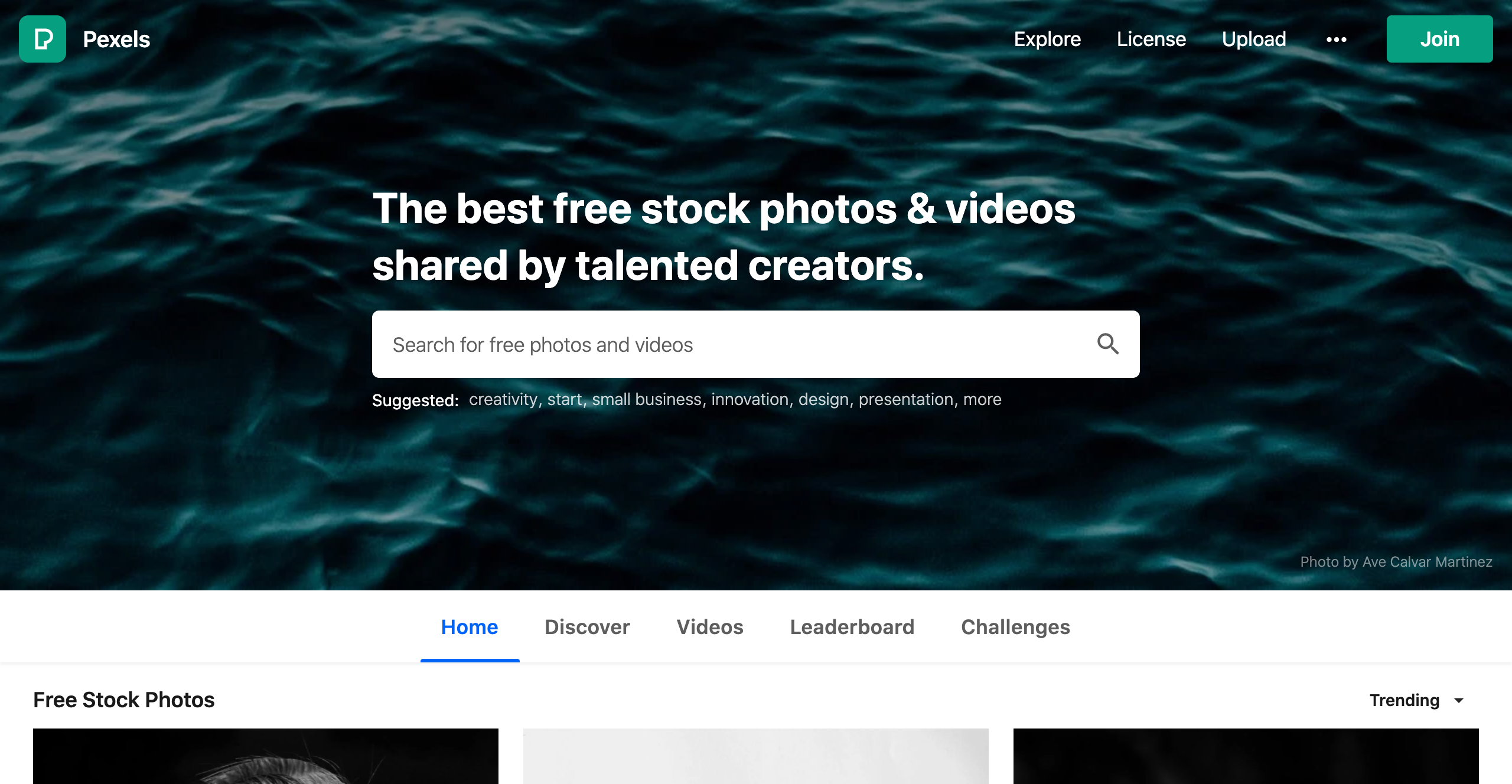
    1) Pexels

    free images for your blog

    We love Pexels because you can search for quality photos and videos in different categories.

    When you download an image from Pexels, attribution is not required but is appreciated. Moreover, you can use the content you get from Pexels for business purposes, as long as you don’t portray any identifiable people negatively. However, if you’re selling the photo, then you must edit it first. Finally, Pexels doesn’t allow you to share or sell their images on other stock photos or wallpaper sites.

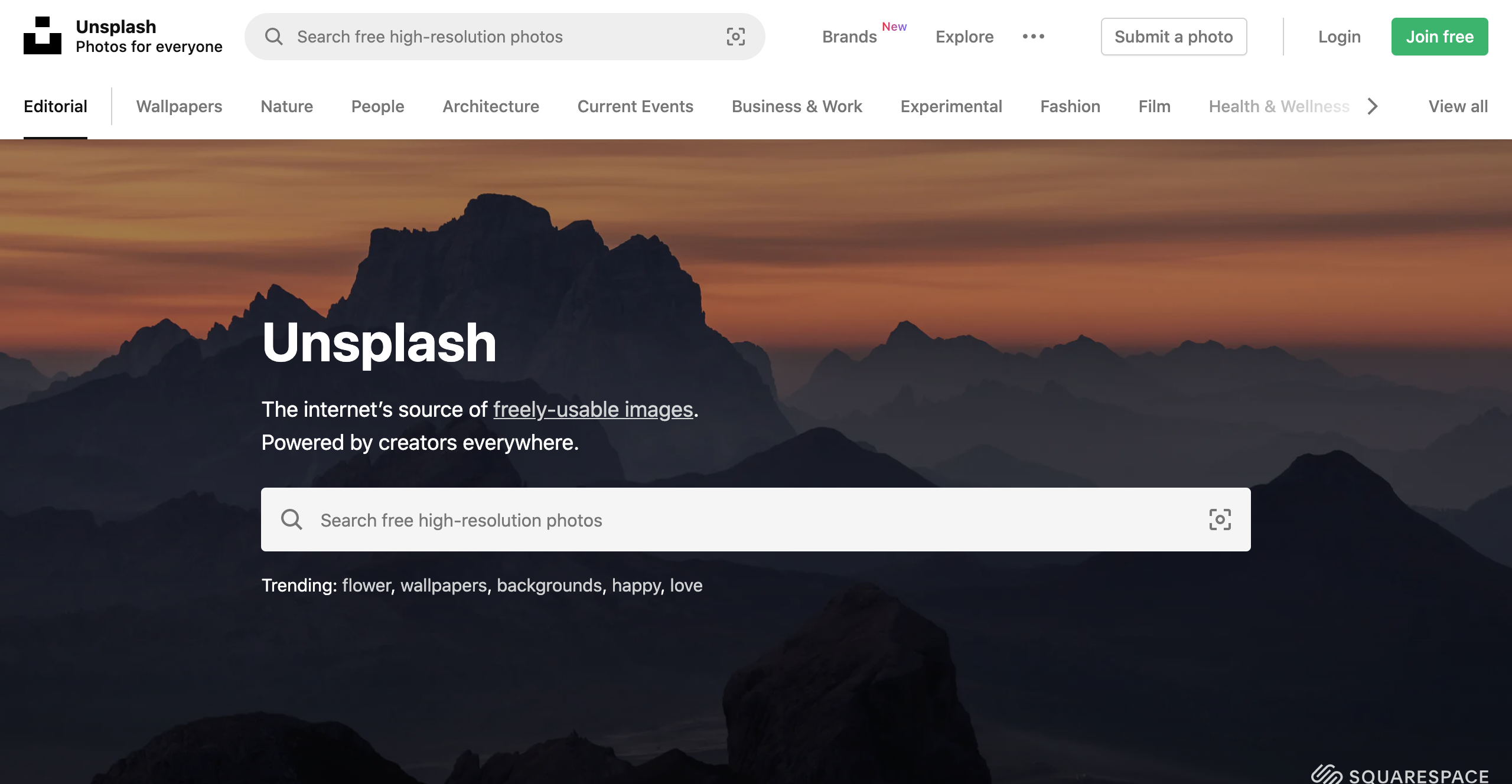
    2) Unsplash

    free images for your blog

    When we can’t find something on Pexels, our next stop is usually Unsplash. This site has various categories and is a great place to look for free images for your blog.

    As with Pexels, permission isn’t required, but attribution is appreciated. Similarly, you cannot resell or redistribute Unsplash images unless you’ve made significant edits.

    3) Canva

    free images for your blog

    At Click Raven, we are huge fans of Canva. While its primary purpose is to help you design your visuals, a free account also gives you access to stock images and videos.

    Since Canva offers multiple design templates, this deal is even sweeter because you can incorporate images into any organic design. For example, you can use their pictures in a social media post or flyer for your brand. How awesome is that?

    When you use images from Canva, you don’t need to get permission or attribute anyone. You can freely use these images on your blog, website, and any marketing material. However, you can’t resell or redistribute their photos on other sites.

    4) Freepik

    free images for your blog

    Freepik is heaven for designers, boasting free vectors, stock photos, PSD files, and presentation templates. For this reason, it works well as a one-stop shop for free images for your blog. While a premium version exists, you can still access many resources on a free account.

    As with the three previous sites, you don’t need to ask for permission or attribute your images from Freepik. On the other hand, you can’t sell or redistribute these images.

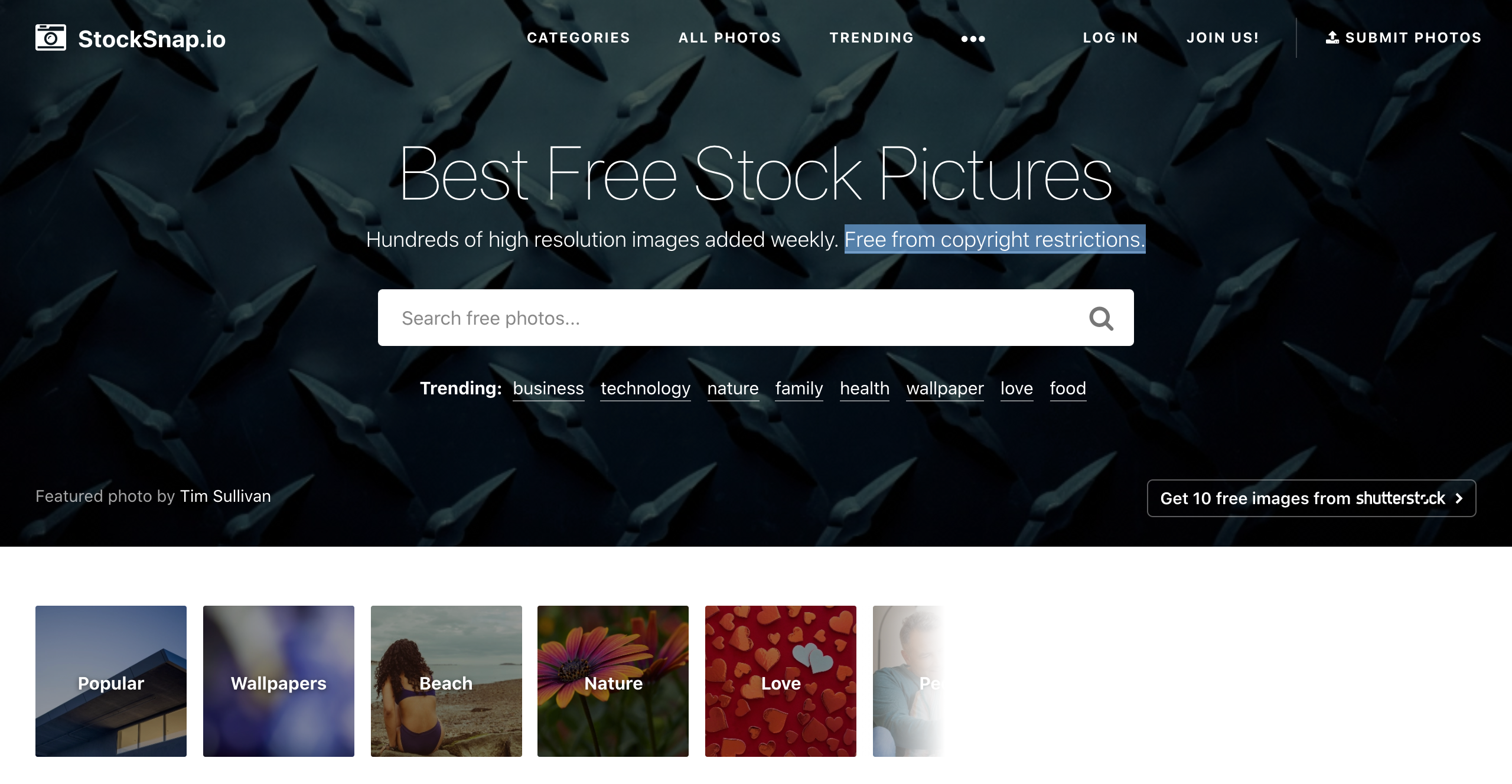
    5) StockSnap.io

    StockSnap.io free images for blog

    StockSnap offers a vast collection of high-resolution images in different categories. You can browse their collections at random or enter a specific search term.

    The Creative Commons (CC0) license governs the photos on this site. In other words, as before, they are free to download, edit and use. StockSnap encourages you to attribute the images you download to their owners. At the same time, it’s not illegal to use the photos without attribution.

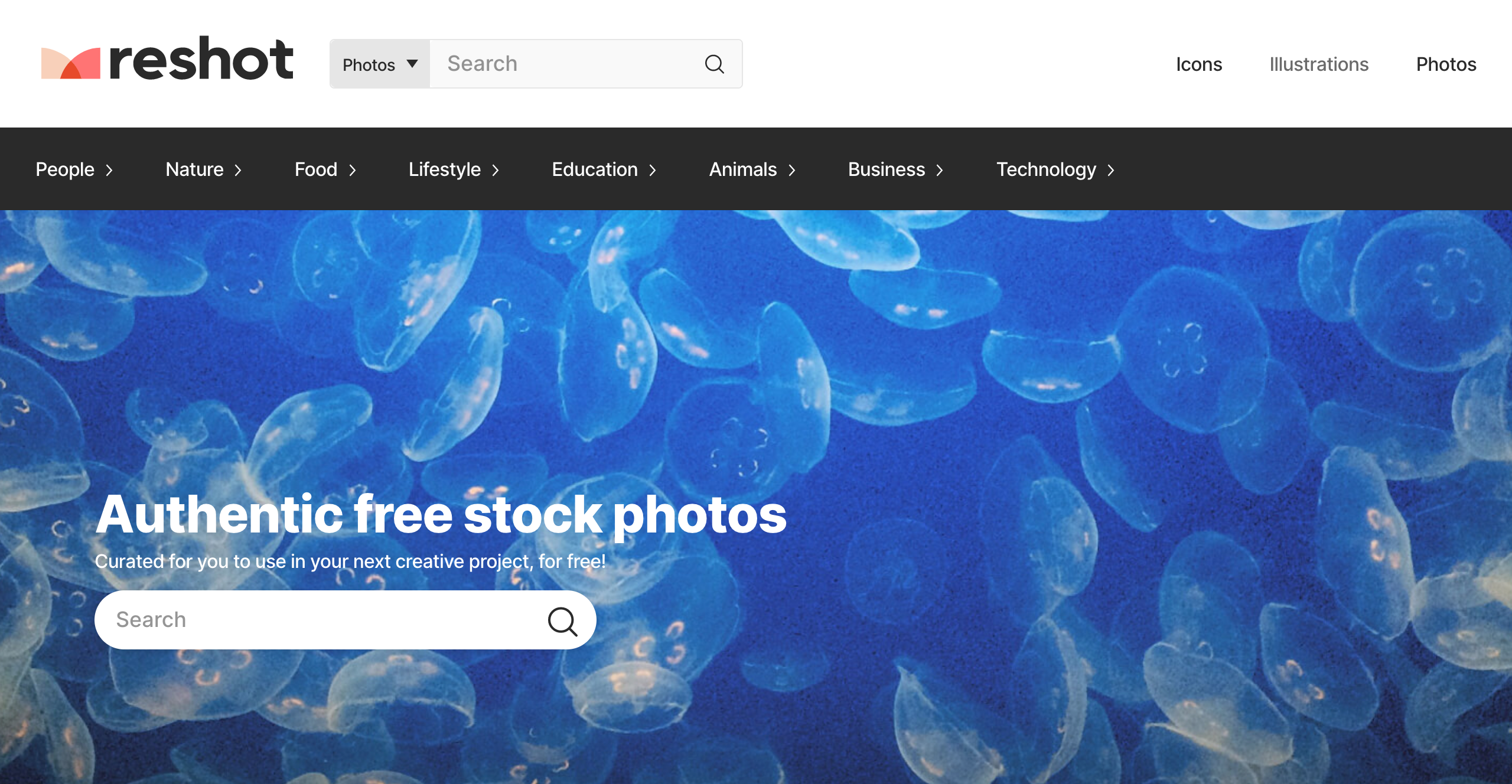
    6) Reshot

    Reshot

    Reshot is the perfect place to go if you’re looking for non-stocky, stock-free photos. Here, you can get free images for your blog, and most of their images are unique.

    The photos you download from Reshot can be used in both non-commercial and commercial projects. As with the previous sites, attribution is appreciated but not required.

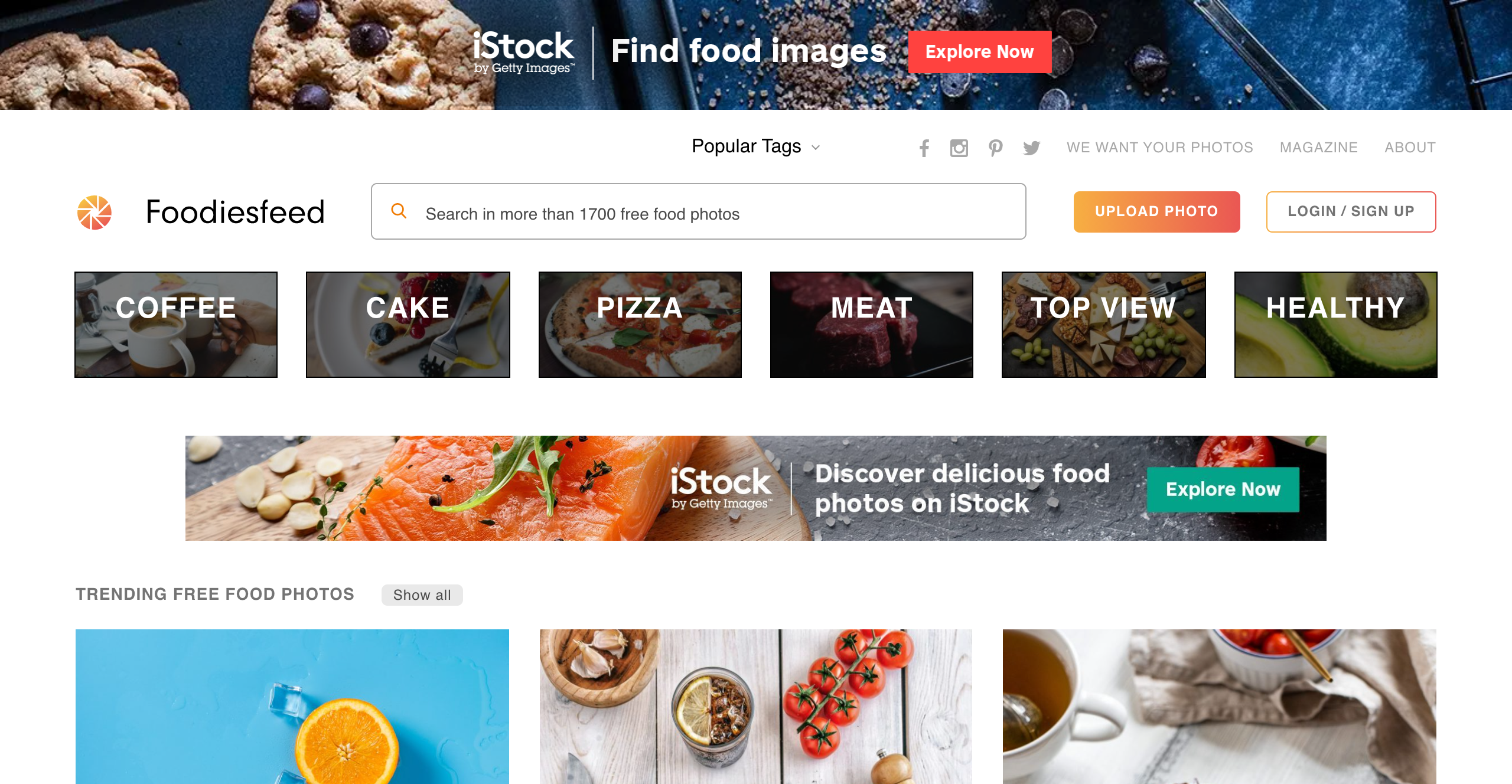
    7) Foodiesfeed

    Foodiesfeed images for free

    As the title suggests, this site is for you if you are a content creator and a foodie. Foodiesfeed will provide plenty of free images for your food, cooking, or dining blog.

    All the images on Foodiesfeed are licensed under the CC0 license. This means you can use them for non-commercial and commercial purposes without restriction.

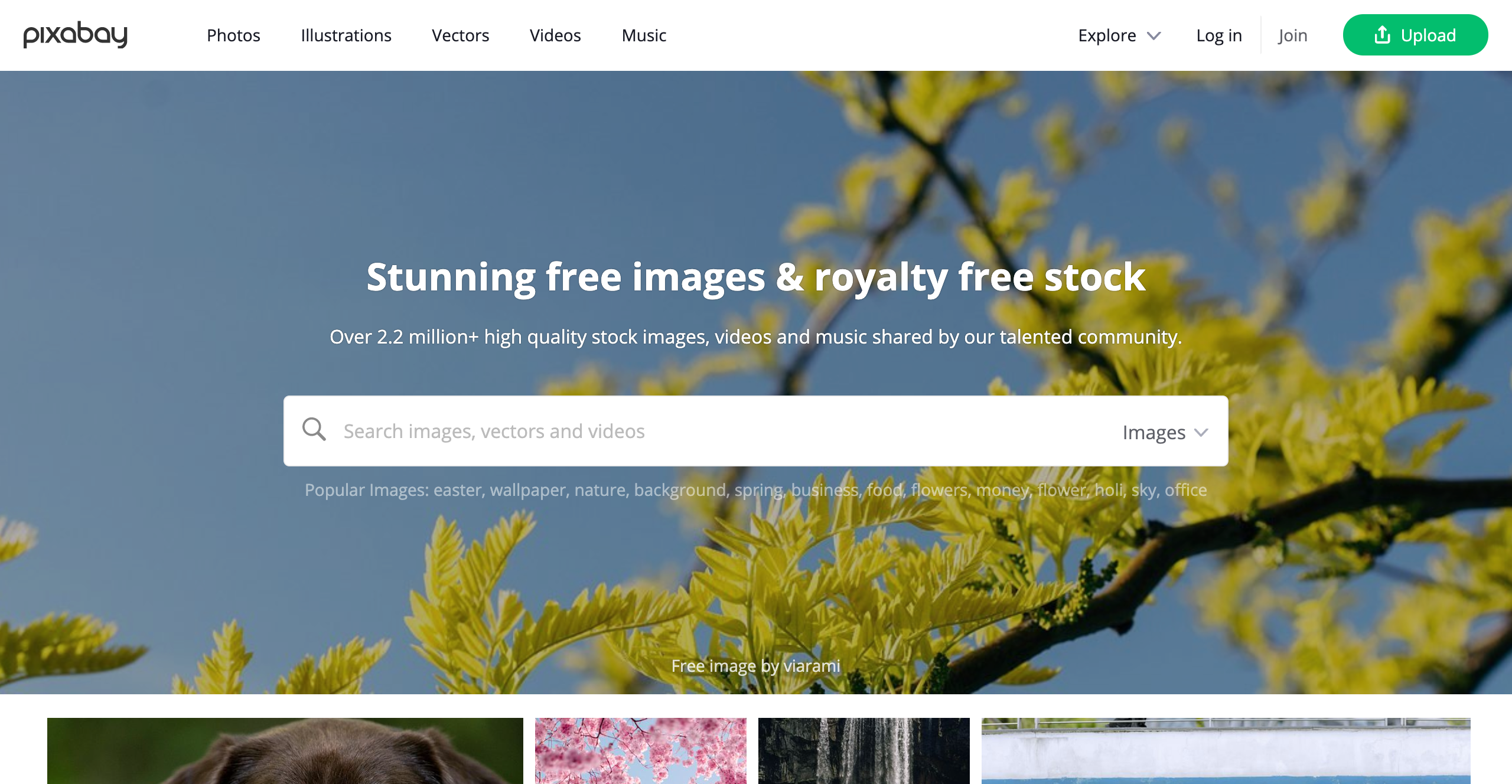
    8) Pixabay

    Pixabay

    Since Pixabay delivers on its promise of stunning free images, it’s an excellent site for your blog.

    All the photos on Pixabay are in the public domain, so you can use them freely without worrying about legal issues.

    9) Kaboompics

    Kaboompics

    We couldn’t leave Kaboompics off our list of places to get free images for your blog. It hosts a massive collection of photos to meet every need. Go ahead, check it out, and see for yourself.

    All the photos on Kaboompics are licensed under the CC0 license, making this a straightforward site.

    10) Flickr

    flickr

    Flickr is more well-known than most other sites and with good reason. This site has a vast collection of high-quality images that anyone can use.

    Although we’ve added Flickr to this list of places to find free images for your blog, this site requires more attention. Flickr has copyrighted content and content covered by the CC0 license, so you must use these photos carefully.

    11) New Old Stock

    New Old Stock

    If you need vintage photos, New Old Stock is the perfect place for free images for your blog. The site is a collection of pictures from the public archives that beautifully recapture history.

    These photos are sourced from Flickr and are governed by the Flickr Commons license. While most pictures from this site can be used freely for personal and non-commercial purposes, the site administrator provides a link to each original Flickr photo where you can confirm this.

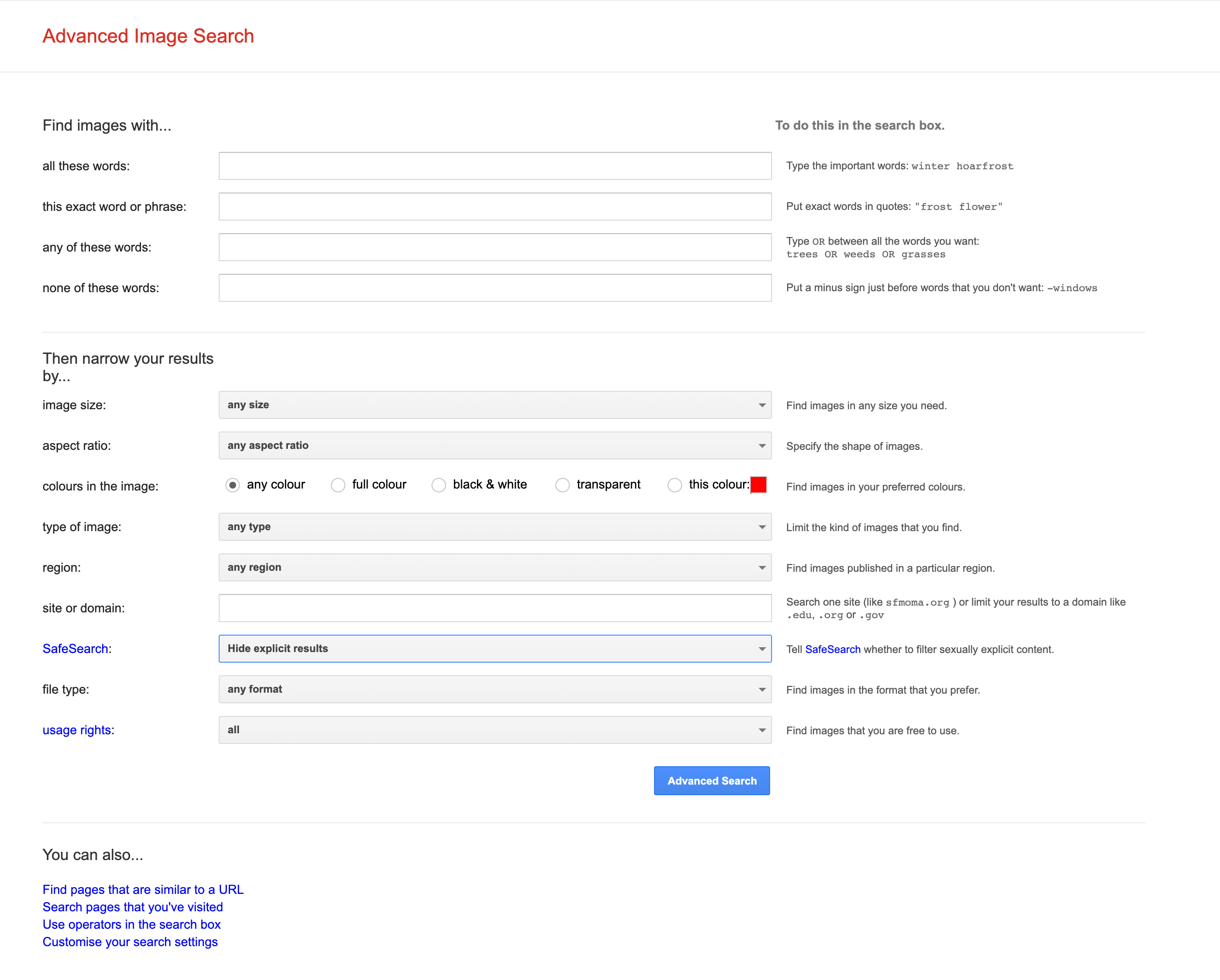
    12) Google Advanced Image Search

    Google Advanced Image Search

    Did you know you can use Google’s Advanced Image Search to find free images for your blog under the CC0 license?

    You only need to type a description of the image you’re trying to find. Once done, you can narrow the results by choosing details such as file size and image color. As you narrow your search, select the “Creative Commons licenses” option under “usage rights,” you’re all set.

    If you’re targeting audiences in different countries, using a residential VPN can also help you see region-specific image results and verify how visuals appear in local search results.

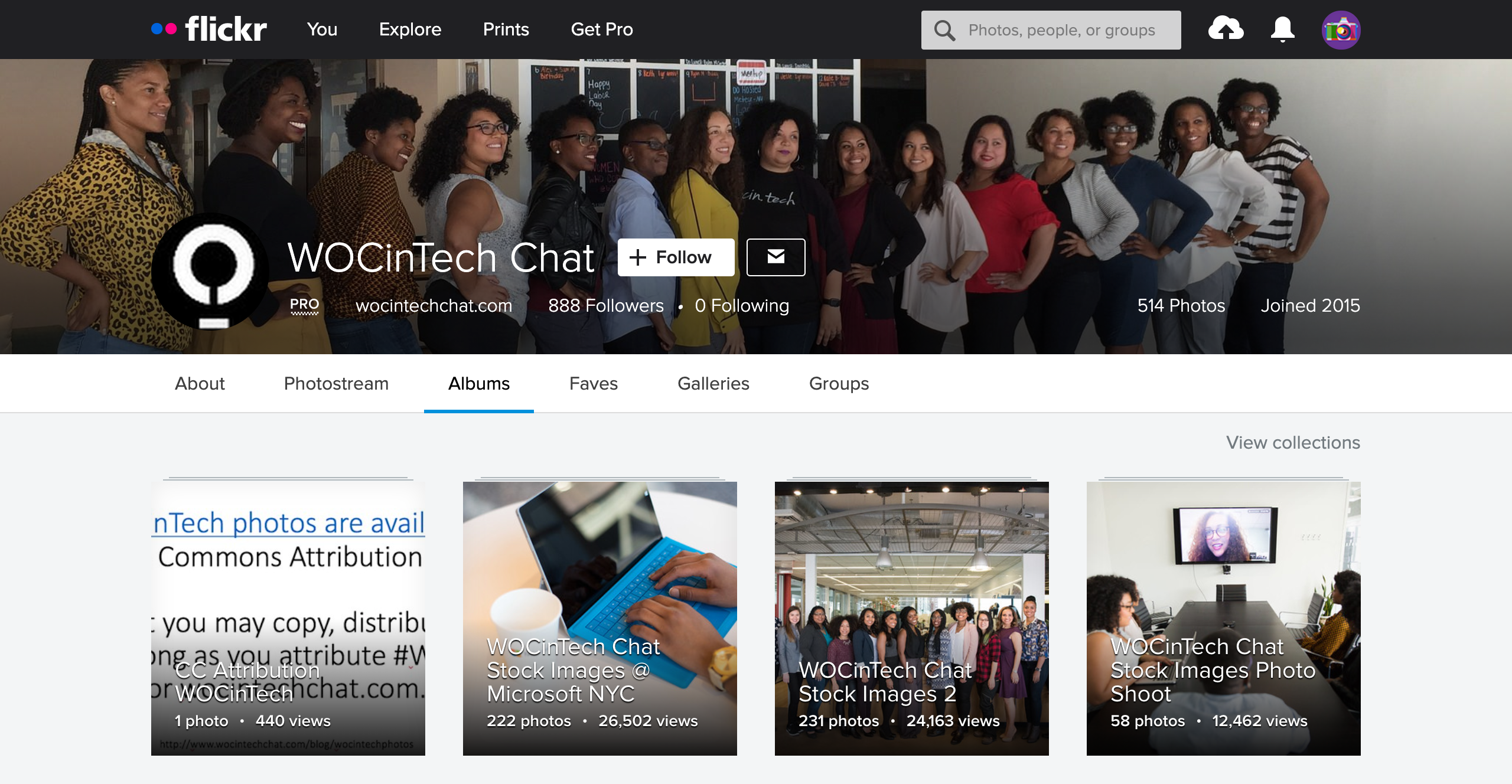
    13) WOCinTech

    WOCinTech

    If you need diversity in the free images for your blog about tech, then this is a great site to check out. WOCinTech knows content creators have difficulty finding women of color doing anything tech-related. They aim to solve this problem by building photo albums of women of color in tech for the public.

    Since the actual albums are hosted on Flickr, the photos combine copyrighted content and content governed by the CC0 license. Use these wisely.

    14. The Value of Company Photos When You’re Looking for Free Images

    Yes, your company photos can be a valuable source of free images for your blog.

    They might be even more priceless than the photos you could get on any of the above sites.

    By displaying the real faces behind your brand name, you give your brand authenticity. In addition, seeing photos of your team members helps your audience feel connected to your brand.

    Your coworkers are the ideal models, just waiting to be photographed for free.

    If you’re having a brand event or just hanging around at the office, take advantage of these opportunities and build a collection of authentic photos representing your brand.

    While you should always ask people for permission first, you shouldn’t let these photo ops pass you by.

    Conclusion

    As you can see, there are many places you can go when you need free images for your website.

    The CC0 license covers most of the sites we’ve recommended.

    You can use the images freely if you don’t imply that the people in these photos endorse your product, portray them negatively, or use them as part of a logo.

    Pro tip: It’s always important to know what kind of license you’re working with before using the photos.

  • The 5 Top Guest Blogging Services Worth Checking Out

    The 5 Top Guest Blogging Services Worth Checking Out

    Guest blogging sounds simple, but for most marketers, it rarely works the way it should. Outreach emails get ignored, “high-authority” blogs turn out to have no real readers, and many published guest posts fail to drive any traffic or ranking improvement. Links exist, but results don’t.

    Industry data backs this up. Research shows that over 65% of backlinks never send meaningful referral traffic, even when they come from sites with strong metrics. In 2026, search engines care far less about where a link exists and far more about why it exists and how naturally it fits within the content.

    With editors becoming more selective and low-quality placements easier to ignore, running guest blogging in-house has become slow and unreliable for many teams. That’s why marketers now look for guest blogging services that focus on editorial relevance, real audiences, and consistent execution.

    In this guide, we break down the 5 top guest blogging services worth checking out, based on which ones actually solve these challenges and deliver links that still matter today.

    What Makes a Guest Blogging Service Worth Checking Out

    In 2026, a guest blogging service is only worth considering if it aligns with how search engines now evaluate links. Simply offering placements isn’t enough anymore. The focus has shifted to relevance, intent, and editorial credibility, which is why many traditional guest blogging services no longer deliver consistent results.

    A guest blogging service worth checking out usually gets the fundamentals right:

    • Editorial relevance: Guest blogs are published on real websites that are closely related to your niche, not generic or filler blogs.
    • Manual outreach: Placements are earned through human-led blogger outreach, not automated emails or reseller networks.
    • Quality over metrics: Sites are vetted for traffic, content quality, and topical alignment instead of relying only on DR.
    • Contextual links: Links are placed naturally within the content where they add value, not forced into irrelevant sections.
    • Scalable execution: The service can support both small campaigns and long-term guest blogging without quality dropping.


    Ultimately, the best guest blogging services are built around process, not shortcuts. When outreach, content, and publisher selection are handled properly, guest blogging continues to support authority, visibility, and long-term SEO growth — which is exactly what makes a service truly worth checking out.

    1. Outreach Monks

    Outreach Monks is a link building agency that has been active for several years, helping brands and agencies earn backlinks through ethical, white-hat methods. Rather than chasing quick wins or bulk link volume, Outreach Monks focuses on building authority through editorial placements that align with how search engines evaluate links today.

    At its core, Outreach Monks treats guest blogging as an authority-building channel, not just a backlink tactic. Campaigns are designed to support long-term SEO growth by prioritizing relevance, content quality, and genuine publisher relationships over shortcuts.

    What They’re Known For

    Outreach Monks is known for running fully managed guest blogging services built on manual outreach and strict quality control. The team focuses on securing guest blogs on real websites with existing audiences, ensuring each placement makes editorial sense and adds contextual value. Instead of relying on pre-built site lists or resellers, they build links through relationship-driven outreach and niche-relevant content.

    Another key strength is customization. Campaigns are planned around specific target pages, anchor strategies, and business goals, making the service suitable for both traffic-focused and authority-focused SEO efforts. Transparency is also a recurring theme, with clear processes, predictable delivery timelines, and placements that are reviewed for long-term SEO value.

    From a cost perspective, Outreach Monks stands out as one of the more accessible options among top guest blogging services, with pricing that allows brands and agencies to scale consistently without paying premium per-link costs.

    How Their Guest Blogging Works

    • Campaigns start with niche and competitor analysis
    • Target pages and anchor strategy are planned upfront
    • Manual outreach is used to secure placements that fit the publication’s content
    • Guest blogs are written to match editorial tone and audience expectations

    This approach makes Outreach Monks a dependable guest blogging agency for brands that care about context and authority, not just link delivery.

    Pricing

    One reason marketers shortlist this service is pricing flexibility. Guest blogging packages start from $79 per link, which is significantly lower than most paid guest blogging services while still maintaining editorial quality.

    Outreach Monks Reviews & Client Feedback

    You’ll also find a client review here, reflecting feedback from real users. Beyond this, there are many more reviews available across different platforms that you can check to better understand client experiences with their guest blogging services.

    These reviews commonly mention consistency, clear communication, and placements that feel editorial rather than transactional.

    Best for: Marketers, agencies, SaaS, and eCommerce brands looking for affordable, white-hat guest blogging services that scale without sacrificing quality.

    2. Ecommerce Link Builders

    For brands operating in product-driven niches, guest blogging often needs tighter alignment with category pages and buyer-intent content. That’s where ecommerce-focused services come in, offering placements on retail, DTC, and product-review blogs.

    A commonly used option in this space is Ecommerce Link Builders, which specializes in guest blogging for ecommerce and Shopify-based websites. The emphasis stays on niche relevance rather than broad editorial coverage.

    What they’re known for: They focus on product and retail blogs, making them suitable for ecommerce brands that want category-level authority.

    Pricing: Guest blogging typically starts around $170–$250 per link, which can become expensive for long-term campaigns compared to more affordable guest blogging services.

    Best for: Ecommerce brands prioritizing niche relevance over scalability.

    3. LinksThatRank

    Some guest blogging services focus more on authority metrics and controlled placements rather than broad customization. These are often used for targeted campaigns where budget is less of a concern.

    One such provider is LinksThatRank, which offers premium guest blogging placements through manual outreach.

    What they’re known for: Editorial-style placements on higher-authority websites with a focus on link quality.

    Pricing: Guest blog placements generally fall in the $170–$350+ per link range, making them better suited for selective or one-off campaigns.

    Best for: Brands looking for higher-authority guest blogs with flexible budgets.

    4. Authority Builders

    For marketers who want direct control over where their guest blogs appear, marketplace-style services are often appealing.

    A popular name here is Authority Builders, which allows users to choose specific websites for guest blog placements based on metrics.

    What they’re known for: Hands-on control over site selection and predictable delivery.

    Pricing: Guest blogging costs usually range between $170–$400 per link, depending on site authority and traffic.

    Best for: Experienced SEOs who prefer selecting sites manually rather than running fully managed campaigns.

    5. GetMeLinks

    Some marketers prefer a simpler, metric-based approach to guest blogging, especially for quick placements or testing campaigns.

    That’s where GetMeLinks fits in, offering guest blogging services based largely on DR tiers and predefined options.

    What they’re known for: Easy ordering and DR-based guest blog placements.

    Pricing: Guest blogging generally starts around $179–$219 per link, with higher prices for stronger domains.

    Best for: Marketers who want straightforward, one-off guest blog placements without deep customization.

    Top Guest Blogging Services – Quick Comparison

    ServiceOutreach ModelContent StyleBudget FlexibilityControl LevelIdeal Use Case
    Outreach MonksRelationship-driven, manual outreachEditorial, niche-aligned articlesHigh (entry-level friendly)Fully managedLong-term, scalable guest blogging with consistent quality
    Ecommerce Link BuildersNiche-focused outreachProduct & retail-oriented blogsLow–MediumManagedEcommerce brands targeting category/product relevance
    LinksThatRankManual but selectiveAuthority-heavy editorial contentLowManagedOne-off or premium authority placements
    Authority BuildersMarketplace-style accessPublisher-specific contentLowHigh (self-select sites)SEOs who want direct control over placements
    GetMeLinksProcess-driven orderingMetric-based guest blogsMediumMediumQuick placements based on DR preferences

    Looking at these services side by side, the biggest difference comes down to execution and flexibility.

    While some platforms focus on niche access, authority metrics, or manual site selection, Outreach Monks stands out for offering a more balanced approach — combining editorial relevance, relationship-driven outreach, and budget-friendly scalability.

    That mix is what makes it a practical choice for brands that want guest blogging to work consistently, not just occasionally.

    Conclusion

    Guest blogging in 2026 is less about access and more about alignment. The services that deliver lasting value are the ones that understand editorial intent, audience relevance, and consistent execution—without forcing placements or chasing surface-level metrics.

    In “The 5 Top Guest Blogging Services Worth Checking Out,” you’ve seen how different providers approach outreach, content, and control in their own ways. Each has a place depending on goals and budgets, but the real takeaway is to choose a service that fits how you plan to scale—not just how quickly you want links.

    Use this list as a practical reference, compare options carefully, and pick a partner that matches your expectations for quality and sustainability. The right choice now can save time, budget, and rework later—while helping your guest blogging efforts actually pay off.

  • How Do AI SEO Agents Actually Work? A Behind-the-Scenes Breakdown

    How Do AI SEO Agents Actually Work? A Behind-the-Scenes Breakdown

    AI SEO agents offer unprecedented capabilities that go far beyond simple automation or executing predefined tasks.

    These intelligent systems are autonomous entities capable of learning, reasoning, and making strategic decisions to achieve specific SEO objectives.

    Understanding how these systems work is crucial for digital marketers and SEO professionals who want to leverage this technology effectively.

    With this comprehensive breakdown, I’ll explore the inner workings of AI SEO agents to their core architecture to understand why they are vital to your SEO strategy.

    What are AI SEO Agents?

    Not every automation qualifies as an AI agent.

    AI agents are autonomous systems that operate with a clear understanding of an end goal and the resources needed to achieve it.

    In the context of SEO, these agents are specifically designed to optimize websites and content for search engines through intelligent automation and decision-making.

    Tools such as KIVA, Allie AI, Click Raven etc., are AI SEO agents while ChatGPT, Claude and perplexity are termed as LLMs.

    Unlike traditional SEO tools that require manual input and interpretation, AI SEO agents can:

    • Operate Autonomously
    • Process Multi-dimensional Data
    • Adapt in Real-time
    • Execute End-to-end Workflows

    The Typical Workflow of an AI Agent

    1. Data Collection and Analysis

    The effectiveness of AI SEO agents heavily depends on their ability to collect, process, and analyze vast amounts of diverse data.

    AI SEO agents collect data from numerous sources simultaneously:

    • Search Engine Data: These agents directly integrate with Google Search Console, and other search engine APIs to get real-time access to search performance, click-through rates, impression data, and all the industry trends.
    • Analytics Platforms: Information from Google Analytics, Adobe Analytics or other web analytics tools enables comprehensive understanding of user behavior, conversion patterns, and traffic sources.
    • Competitor Intelligence: Automatically monitors competitor websites, content strategies, backlink profiles, and ranking performance to get crucial market context.

    2. Advanced Data Processing

    An AI SEO agent can easily analyze over 10000 pages, recommend actions to take and implement the same all in the span of a day or hours.

    They use advanced algorithms, including machine learning and natural language processing to analyze large volumes of data.

    This is achieved through:

    • Pattern Recognition: Machine learning algorithms identify complex patterns in search behavior, seasonal trends and performance correlations.
    • Sentiment Analysis: They use NLP to analyze user reviews, social media mentions and content engagement to understand audience sentiment and preferences.
    • Predictive Modeling: They analyze historical data and current trends to forecast future search patterns. This foresight allows you to create content and optimize for keywords before they peak, positioning you as a leader rather than a follower in your industry.
    • Real-time Processing: AI SEO agents can process and act on information in near real-time, enabling rapid response to algorithm changes or competitive moves. This same real-time adaptability is also seen in other AI-driven systems, such as AI-powered sales automation platforms, which respond dynamically to shifts in customer behavior and engagement signals.

    For example, when Google releases a major core update, some businesses face immediate ranking losses.

    With AI SEO agents you can detect these anomalies in near real-time, prioritize fixes based on impact and automate the responses to help recover rankings faster.

    3. Data Quality Validation

    AI SEO agents implement sophisticated data quality controls to ensure the accuracy and reliability of their analysis through;

    • Cross-source Verification: Information is validated across multiple data sources to identify and correct inconsistencies.
    • Statistical Confidence Testing: Agents apply statistical methods to determine the reliability of observed trends and patterns.
    • Outlier Detection: Automated systems identify and investigate unusual data points that might indicate errors or significant changes.

    4. Decision-Making Frameworks

    These systems must evaluate complex, multi-variable scenarios and make strategic choices that align with business objectives.

    They employ various techniques such as:

    • Goal-Oriented Reasoning which involves operating within clearly defined objective frameworks that guide their decision-making processes.
    • Multi-Criteria Decision Analysis by weighing the impact, resource requirements and risks of a certain action over another.
    • Contextual Adaptation based on the data they process and the outcomes of their previous decisions to respond to industry-specific optimizations.

    5. Implementation

    These systems bridge the gap between analysis and action. The execution of content strategies happens on different levels:

    Direct Implementation: For organizations comfortable with full automation, agents can directly implement optimizations through CMS integrations, API connections and automated deployment systems.

    Approval Workflows: For more conservative approaches, agents can prepare optimization recommendations and await human approval before implementation.

    Hybrid Execution: The agents handle routine optimizations automatically while escalating strategic decisions or significant changes for human review.

    6. Learning and Adaptation Mechanisms

    As they gather more data and learn from the outcomes of their actions, these agents continuously refine their strategies over time.

    This iterative process allows them to stay ahead of the curve with up-to-date information. They learn through:

    Supervised Learning

    Agents learn from historical data where outcomes are known, developing patterns that connect specific optimization actions with successful results.

    This enables them to predict which strategies are most likely to succeed in similar circumstances.

    Reinforcement Learning

    Through trial and error, agents learn to optimize their decision-making by receiving feedback on the success or failure of their actions.

    Unsupervised Learning

    Agents can identify hidden patterns and relationships in data without explicit guidance, potentially discovering new optimization opportunities that weren’t apparent through traditional analysis methods.

    Core Components of an AI SEO Agent

    AI SEO agents are built on sophisticated architectures that combine multiple advanced technologies.

    1. LLMs For Reasoning and Conversation

    Modern AI SEO agents typically use advanced language models like GPT-4, Claude as their reasoning engine.

    These LLMs enable the agents to understand natural language queries, generate human-like content, interpret search intent and user behavior patterns .

    2. Memory Systems

    Memory sytems like Pinecone or Redis allow them to store historical performance data, trend analysis and build comprehensive knowledge bases about specific industries or niches.

    3. Tool Integration Framework

    Most AI agents integrate with other tools to access keyword research databases, analytics platforms, and social media platforms for direct implementation and analysis, making it easier for marketers to build AI agent workflows that connect data insights with real-time execution.

    Conclusion

    The architecture of modern AI SEO agents like Click Raven enables them to process vast amounts of data, identify complex patterns, and implement strategic optimizations at scale.

    Click Raven AI SEO agent‘s ability to operate across multiple dimensions simultaneously, from technical SEO improvements to content strategy and competitive analysis, makes it an invaluable tool for businesses looking to maintain competitive advantage in organic search.

    The learning and adaptation capabilities of these agents ensure that they become more valuable over time.

    This creates a compound advantage for organizations that implement these systems early and allow them to accumulate experience and insights.

  • 7 Expert Tips to Structure Pages for AI Citations and Real Leads

    7 Expert Tips to Structure Pages for AI Citations and Real Leads

    AI citations happen when large language models reference or summarize a page as a source in their answers. In simple terms, the page becomes part of the machine’s explanation. This matters because citations influence trust, shape buying research, and capture demand before a user even clicks.

    The goal is not visibility alone. Pages should earn citations and still drive real leads. The seven tips below focus on structure, intent, proof, and conversion placement. Teams that want to explore specialist packages for implementing AI tools in practice can visit Netpeak US to discover how structured AI SEO solutions are applied in real projects. This guide explains what actually works.

    Tip 1 — Answer First, Then Expand

    AI systems prioritize direct answers. Pages that open with a short, clear response have a higher chance of being quoted. Two or three lines that define or solve the core question make extraction easier.

    After the direct answer, depth can follow. Add context, examples, and clarifications below the opening summary. This structure helps human readers scan quickly while giving AI tools a clean quote-ready block.

    In practice, pages that lead with clarity outperform pages that build suspense. The key is to remove ambiguity from the first screen. A visitor should understand the main takeaway without scrolling. When the primary answer appears immediately, both AI systems and decision-makers gain confidence in the page’s usefulness.

    Tip 2 — Keep One Page, One Primary Intent

    Mixed intent pages confuse both users and retrieval systems. A page that tries to define, compare, and teach at the same time often lacks structure. AI tools struggle to extract a clear takeaway.

    Clear intent simplifies citation. It also improves conversion because users see exactly what they searched for. Common intent splits that deserve separate pages:

    • definition vs comparison;
    • “how to” vs “best tools”;
    • tutorial vs pricing breakdown;
    • beginner guide vs advanced strategy;
    • product overview vs implementation checklist.

    When each intent has its own page, internal links can connect them. This creates a clean knowledge hub. AI systems can then reference the right page for the right question.

    Tip 3 — Build Quote-Ready Sections

    Quote-ready sections are short blocks that summarize key points under descriptive headings. After each H2 or H3, add a micro-summary. This makes extraction easier and keeps the structure consistent.

    Many teams refine this approach inside broader AI marketing workflows, where content is planned around retrieval patterns instead of just keywords. Small structural shifts often increase citation frequency without rewriting entire pages. A simple tactic works well: include a one-sentence “In short” line after complex explanations. This improves both scannability and AI readability.

    Tip 4 — Use Headings That Read Like Questions People Ask

    Headings influence how AI tools retrieve information. Question-style headings mirror real search queries. They also help users understand what each section answers. Clear question patterns reduce ambiguity and increase the chance of being quoted. When a heading matches the wording a user might type into a search bar, retrieval becomes more accurate. Strong heading patterns include:

    • what is…;
    • how to…;
    • when should you…;
    • best way to…;
    • common mistakes in….

    Consistency matters. Keep headings specific and avoid vague titles like “Overview” or “Details.” When headings reflect real user language, retrieval becomes more precise. Over time, this structure also makes content easier to update, because each section clearly maps to one focused question rather than a broad theme.

    Tip 5 — Add Proof Without Turning the Page Into a Report

    AI citations favor pages that include constraints, criteria, and data points. Proof does not require a long research paper. It can include timeframes, ranges, definitions, and conditions that frame the statement clearly.

    For example, instead of saying “improves conversions,” clarify the context, such as which funnel stage, audience segment, or timeframe the result applies to. Light attribution helps too. Briefly mention what a number refers to, how it was measured, and under what conditions it applies.

    The goal is clarity, not volume. Concise proof strengthens authority and makes quoting safer for AI systems. It also reduces misinterpretation, because the claim stands on defined boundaries rather than general language. When proof is specific but compact, it supports both credibility and readability without overwhelming the page.

    Tip 6 — Place Conversion Paths Next to Value

    Citation alone does not generate leads. Conversion paths must sit close to high-value sections. After a definition or tutorial block, offer a logical next step. Conversion placements that don’t break trust:

    • contextual CTA after a how-to section;
    • template download below a checklist;
    • demo link after a comparison block;
    • audit offer following a diagnostic guide;
    • short consultation invite after a pricing explainer.

    Each placement should match intent. A reader comparing tools may prefer a checklist, while someone implementing a strategy may respond to a demo. Relevance keeps trust intact.

    Tip 7 — Control Quality When Using AI to Produce Content

    AI tools accelerate drafting, but they can introduce thin or repetitive pages. Editorial review remains essential. Every section should answer a real question and avoid vague claims.

    Teams must align outputs with entity consistency, factual accuracy, and structure. It helps to cross-check content against the guidance outlined in Google’s rules for AI-generated material. This ensures pages remain compliant and trustworthy. Quality control also includes regular updates. AI citations favor pages that stay current and precise.

    Conclusion

    Pages that earn AI citations and real leads follow a disciplined structure. They open with direct answers, focus on one primary intent, and include quote-ready sections that AI systems can extract cleanly. Clear question-based headings, concise proof, and well-placed conversion paths connect visibility with business results. When structure supports both retrieval and user intent, citations become more likely, and lead quality improves.

    Teams that treat AI visibility as an ongoing system usually test, refine, and document what works over time. In many practical cases, Netpeak US has applied this structured approach across different industries, validating which page formats and content models produce consistent outcomes. Rather than chasing trends, they focus on repeatable processes, careful implementation, and measurable impact.

  • Is Your Local SEO Working? Key Metrics to Verify for Improved Local Visibility 

    Is Your Local SEO Working? Key Metrics to Verify for Improved Local Visibility 

    SEO serves as a critical pillar in customers discovering nearby businesses. Regardless of whether someone is searching for a restaurant, a service provider, or a clinic, visibility plays a key role in local search results. It determines who gets the exposure (the click) and who gets ignored in the long run. 

    However, simply investing your time and money in local SEO will not guarantee success. That’s because algorithms evolve, rankings fluctuate, and competitors continually refine their strategies. So, the real question is not whether you are investing in local SEO, but whether it is actually delivering results that count. Performance tracking allows businesses to refine strategies, identify gaps, and enhance local visibility with absolute confidence instead of merely relying on guesswork. 

    Why Measuring Local SEO Performance Matters 

    Many businesses still assume that their local SEO is doing great if they appear somewhere on Google. This assumption can be costly. Visibility without engagement will seldom turn into leads or revenue. This is where an effective local optimization evaluation walks in. It uses data-driven metrics that show how users find, interact, and convert through your digital presence. Measuring key performance metrics is a vital aspect when discussing investments made in SEO services for local business entities for tangible growth, not vanity rankings. 

    So, in order to evaluate these efforts accurately, you need a set of tools and frameworks. An SEO analyzer allows you to identify technical gaps, track visibility trends, and measure performance against competitors. When measurement is consistent, optimization decisions become much smarter, faster, and more aligned with local search intent. 

    1. Local Search Visibility and Ranking Positions 

    Local visibility is the key factor when it comes to ensuring all local SEO efforts are rightly implemented. If your business fails to appear prominently when users search for nearby services, other metrics lose relevance. Therefore, in this context, we must understand that local SEO tools should be used to evaluate rankings not just for branded keywords but also for non-branded, high-intent local queries. 

    2. Map Pack Rankings 

    Do you know that the Google Local Pack drives a significant amount of local clicks? This means that if you are able to track your presence, position, and consistency within the Map Pack, it reveals how well your business is competing locally. Sudden drops may indicate issues with listing, competition, or other algorithm updates. 

    3. Organic Local Rankings 

    In addition to the Map Pack, organic local rankings matter for long-tail searches as well. Tracking keyword movement by location allows you to determine whether on-page optimization and local signals are improving relevance. 

    4. Google Business Profile Performance Metrics 

    Your Google Business Profile is the primary data source for every local search and discovery. Performance insights in this context reflect how users engage with your listing across search and maps. 

    5. Profile Views and Searches 

    Growth in discovery searches is a key indicator of ensuring improved relevance for new audiences. Whether your business’s visibility is expanding depends on how often your listing appears for direct, discovery, and branded searches. 

    6. Actions Taken by Users 

    Well, you must look for calls, website visits, and direction requests as powerful indicators of local intent. These actions are critical, as they show whether visibility is converting into real customer interest and not only passive impressions. 

    7. Website Engagement from Local Traffic 

    This is again one of the most important aspects of the topic we are discussing. An increase in local visibility and SEO success means nothing without website engagement. Rankings are good for attracting visitors, but it is the user behavior that determines whether those footfalls turn into leads. 

    8. Location-Based Traffic 

    So, how do you know nearby users are finding your website? It’s done by analyzing traffic by geographic location. When you find an increase in local sessions, congratulations; you are on the right track. 

    To make the most of this, focus on SEO for local small businesses tactics that help turn local visits into real customers.

    9. Bounce Rate and Time on Page 

    High bounce rates from local search engines are a key indicator of poor user experience and mismatched content. This is where engagement metrics walk in and reveal whether visitors find your local landing pages trustworthy and relevant to what they are searching for. 

    10. Reviews and Reputation Signals 

    Online reviews heavily influence both rankings and customer decisions. Search engines consider authentic and consistent reviews as major trust signals that validate a business’s presence and credibility in the long run. 

    11. Review Volume and Velocity

    This is equally important and undeniably one of the key metrics you must use for improved local visibility. A steady flow of new reviews means you have ‌ongoing customer engagement, which is great. However, sudden spikes or remaining inactive for a long period could raise concerns in terms of originality and relevance. 

    12. Review Quality and Responses 

    If ratings matter, then responses matter even more. Timely, professional responses are considered critical when it comes to showcasing active management. This, as a result, can positively influence both search engines and users. 

    13. Local Citations and NAP Consistency 

    Citations play a pivotal role in reinforcing a business’s legitimacy across the web. A skilled local SEO expert ensures that Name, Address, and Phone (NAP) details remain consistent across directories and listings, because inconsistent information will not only dilute trust but will also impact rankings negatively.

    14. Accuracy Across Directories 

    You must track name, address, and phone number consistency to ensure search engines are confidently associating citations with your business. Even the smallest discrepancy can weaken the local authority. Thus, it is critical that you check and confirm accuracy and relevance across every directory for the best results. 

    15. Authority of Citation Sources 

    The fact remains that quality outweighs quantity. Thus, listings on reputable, industry-specific directories are way more meaningful than dozens of low-quality mentions. 

    16. Conversion Tracking and Lead Quality 

    All said and done, things will go in vain if local SEO cannot drive conversions. You must measure leads in order to ensure visibility turns into viable business outcomes down the road. 

    17. Call and Form Tracking 

    You must track calls, form submissions, and bookings from local pages. Reason? It gives clarity about which keywords and locations generate revenue-driving actions. 

    18. Offline Conversion Attribution

    In-store visits and appointments matter for physical businesses, and there’s no denying the fact. You must focus on linking online actions to offline conversions for a clear ROI picture. 

    Other Helpful Tips

    In addition to each of the aforementioned aspects, you must also track competitor rankings and Map Pack presence, review significant content gaps, and analyze competitor reviews to turn metrics into local growth. 

    Conclusion

    Let’s understand that you cannot measure local SEO success only by rankings. Instead, measure it by ensuring consistent, measurable progress across visibility, engagement, and conversions. Businesses that aim to move beyond assumptions must make timely, informed decisions that enhance local presence and credibility. 

  • How Many Backlinks Do I Need To Rank On Page 1?

    How can you secure that coveted spot on the first page of Google search results? It’s a quest every content creator embarks upon, hoping to decipher the mysterious algorithms that govern search engine optimization (SEO). Among the myriad factors influencing website rankings, backlinks stand out as a crucial component. This guide delves into the perennial question: “How many backlinks do I need to rank?”

    Why Are Backlinks Important?

    Backlinks are more like votes that search engines use to check if a particular site is trustworthy and if the content on the site is credible, valuable, and useful. This means the more links you have, the higher your chances of ranking in Google and other search engines. Therefore, earning these backlinks can positively affect ranking or search visibility.

    Read Also: SEO Tips to Help Your Rank Higher

    Additionally, backlinking will increase your site visitors through referral traffic. Individuals who read a popular page may click on your backlinks, redirecting them to your page to find more information about a particular topic.

    How Many Backlinks Do You Need to Build to Rank?

    Unfortunately, there is no specific number of backlinks all businesses should chase when attempting to build their domain authority (DA). Mostly, the number of backlinks you need to rank on page 1 of Google depends on how much competition there is in your niche and how reliable your website is. 

    Generally, you will need more backlinks if your site is in a highly competitive niche. Therefore, if you are in a less competitive industry, you will only need fewer backlinks. Additionally, if your site is not authoritative, you will need more backlinks; if it is authoritative, you will need fewer backlinks.

    To be competitive for SEO, a site should have at least 40 to 50 backlinks to the homepage and between 0 and 100 backlinks to each web page. For a low-competitive niche, you will need at least 20 backlinks to rank and between 50 and 100 for highly competitive keywords.

    However, the exact number of backlinks required to rank a web page also depends on your site’s domain authority and the page rank of the incoming backlinks. Instead of worrying about the exact number, you should focus on creating high-quality content, building rapport with other people in your industry, earning high-quality backlinks organically, or getting the best niche edit backlinks every month to boost your efforts.

    According to studies, the average number of backlinks a site needs to rank on the first page of Google search results is around 203, and to rank in the top 3, you will need close to 521 backlinks. This indicates that the more backlinks you have, the better your website’s SEO is. However, this only counts if you have high-quality backlinks.

    How Many Backlinks Per Day Is Safe?

    One of the most common link-building myths is that search engines penalize businesses for building too many backlinks in one day. However, you can use as many links as you wish as long as they come from an authoritative site and your anchor text profile feels natural.

    Besides the fact that the anchor text looks natural, you must also remember that you can only build a few backlinks to web pages that should only get a few backlinks. For instance, a non-promotional power page is content-heavy with fantastic content, usually goes in-depth to solve a problem, and can accommodate more backlinks than a site that only offers services.

    Factors That Affect the Number of Backlinks You need in your Site To Rank

    As we have stated, the number of backlinks you need depends mainly on the SEO competition for the keywords you want to rank for and the current domain authority in your industry.

    Read Also: The Keyword Research Checklist For Ranking 

    Nevertheless, some factors can help you estimate how many backlinks you need to build so that you can see results. Even so, it is necessary to note that Google is always re-crawling pages on the web, making search rankings. To keep high rankings solidified, you need to continue building backlinks to pages even after the initial results are achieved.

    Let’s now look at these factors: 

    1. Domain Authority and Domain Rating

    Domain Authority is SEO merit that measures the strength of a domain and shows the power of your site’s backlink profile. Small businesses and new sites in the early stages of growing traffic usually need more domain authority. So when high domain authority sites link to your page, it tells the search engine crawlers that your site is valuable. 

    Your current domain authority will give you an understanding of your starting point. If you have a new site, you are starting from zero. This means you will need a solid backlinking strategy to build authority. If you have high domain authority, ranking for more difficult terms will take fewer backlinks per page.

    2. Keyword Difficulty

    Keyword difficulty is another factor affecting your page’s chances of ranking at the top of search engines. Most SEO tools use keyword difficulty to determine how to rank a page for a target keyword. 

    Several factors influence keyword difficulty scores. Some of these factors include domain authority, which is the strength of the domain; page authority, which is the strength of a particular web page; citation Flow, which is the total number of backlinks to an individual page; and trust flow, which is the overall quality of the backlinks to the individual page.

    The number of links measures the keyword complex SEO tools predict you need to outrank other sites. For instance, if you target a keyword with an SEO difficulty of 20, you will probably need between 25 to 40 links to rank. Consequently, if you desire to rank at the top with a keyword with a difficulty of 50, you will need more relevant backlinks.

    3. On-Site Optimisation

    On-site optimization is another factor affecting your search engine ranking. If your website is well-optimized, you will only need a few backlinks. Conversely, poorly optimized sites will waste the relevance, trust, and authority of backlinks.

    To ultimately optimize your website, there are some crucial steps you need to follow, including:

    1. Position the most significant pages one or two clicks from the homepage
    2. Ensure all the pages are located more than five steps from the homepage.
    3. Check for and fix any broken links
    4. Add content to the most important pages
    5. Remove any unnecessary outbound links.

    4. Internal Linking

    The internal linking strategy you use can significantly affect the strength of a web page. The stronger the web page, the stronger the backlinks from that page. Internal links will help increase a web page’s ranking in the SERPs. On average, three internal links are equivalent to one external backlink.

    Read Also: Best SEO Practices to Dominate the SERPs

    The more internal links you have on your web page, the more search engine crawlers will recognize your site. This means your page will be more visible in the SERPs.

    5. Content Quality

    Another way to build links and rank on Google is to publish high-quality content on your website. Search engines want the most relevant and genuine results at the top of their results. If you have high-quality and relevant content, you will rank higher and get more high-quality organic links.

    Read Also: How to Remove Outdated Content from Your Website

    Consequently, sites with blogs get more links than non-blogging businesses. Therefore, you must give other site owners a reason to link to your website. If you provide low-quality content, even with a high domain authority site, it won’t rank at the top.

    Also, if your competitors publish more high-quality content than you but have yet to have all types of backlinks compared to your site, Google will still prefer to rank them higher. Therefore, it is paramount to pay attention to how your content performs.

    Final words

    So, How many backlinks do I need to rank my site on page 1 of Google? As you can tell by now, the answer is quite nuanced. Several factors determine whether or not a particular web page will rank for a keyword. First, however, there are a few specific factors.

    You can comfortably earn as many backlinks every month or even daily as long as you do so ethically. However, You should remember that search engines concentrate more on quality than quantity.

    High-quality and reputable backlinks will help you grow faster, while smaller links will help you grow consistently. If you want to master SEO and a quality backlink strategy, a healthy mix of links from different sources is your key to success.

    Image Source: seoexpertscompanyindia.com 

  • Keyword Optimization Guide For SEO Beginners

    Keyword Optimization Guide For SEO Beginners

    The main element of your search engine optimization / SEO strategy is to drive more qualified leads to your site by using keywords in your Content. Excellent keyword research reveals the most common terms, phrases, and questions your users and customers search for.

    Read on to learn about keyword optimization, its benefits, and how to use it for long-term website rankings and traffic.

    What Is Keyword Optimization?

    Keyword optimization effectively uses the best keywords to improve visibility in search engines, drive traffic to your site, and increase its organic ranking.

    Good keyword optimization involves researching, analyzing, and selecting the keywords you will use for each page on your Site.

    In simpler terms, keyword optimization helps search engines better understand your Site, making your pages more accessible for people searching for those key phrases.

    Benefits of Keyword Optimization

    Image credit:shoutmeloud.com

    Keyword optimization is significant in digital marketing, from content strategy to how your site content is organized. It is among the most critical aspects of search engine optimization and pay-per-click/ PPC.

    Here are the specific benefits of keyword optimization:

    1. Increases Organic Discovery: Keyword optimization will help deliver your site pages to a relevant audience through pertinent search queries.
    2. Measure and drive potential traffic flow to your Site: Optimization helps you measure and understand your potential online market size.
    3. Write captivating Content. Optimized keywords in your website’s Content let you instantly connect with potential customers and address their needs.
    4. Understand client behavior: By analyzing the best keywords, you get an idea of what your clients need and how to service those needs.
    5.  Credibility and Trust: As a result of ranking first for a specific keyword, your credibility is endorsed, helping clients trust you more 

    How Do You Optimize Keywords?

    Image credit:.business2community.com

    1. Find the Right Keywords for Optimization

    Keyword optimization begins with finding keywords and phrases associated with your Site, product, or service. 

    However, figuring out which words to use is a daunting task. 

    Therefore, using the best keyword optimization tools will help you analyze the popularity of the keywords and improve your SEO.

    And if you want a faster path without doing everything manually, local business SEO services can help you build a keyword plan, map it to pages, and optimize content properly.

    Several practical keyword optimization and SEO analytics tools will help you choose the right keywords.

    Some that offer free trials include Ahrefs Keywords Explorer, Keyword Hero, Jaaxy, and Soovle. 

    Ideally, it would be best if you aimed to find keywords with high search volumes but lower competition. This way, your Content will easily rank high on Google’s search result pages.

    2. Map The Keywords to Each Page on your Site

    Image credit: raventools.com

    Now that you have the relevant keywords you will be working with, the next step is mapping them to your website. This is assigning keywords to specific pages on your Site based on keyword research to avoid duplicating keywords on multiple pages.

    It would be best to focus on one primary keyword per page while including at least two or three SEO keyword variations. Each page should focus on a single topic and include the most essential SEO keywords. 

    3. Check Your Current On-Page SEO and Do Keyword Optimization

    You will audit your current on-page SEO strategy to see if your Site has existing Content.

    However, if you are creating new Content, ensure it is optimized.

    Here are things to look for during content optimization:

    a. Title Tags

     The title tags will show what your page is about. You need to ensure they contain the right length of 56 to 60 characters and are unique.

    Image credit: modernworldconsulting.com

    b. Header Tags

     Your page should have appropriately formatted headings and subheadings in HTML instead of bold headers.

    Image credit: powrsurg.com

    c. Meta Descriptions

    This short description is usually below your web page in search results. It should be 100 to 155 characters and clearly describe your page.

    Image credit: delante.co

    d. URL Structure

     The URL should be short and simple and include your primary keyword.

    e. Images

    You should have more than one image on the page. Ensure the image has the image file names for each keyword and alt text.

    f. Content

    Ensure that your content is optimized by using the main and a few secondary keywords within the first 100 words on your page. Content should be at least 300 words.

    Image credit: neilpatel.com

    g. Internal Links

    If you have links to other Content, ensure those links still work. 

    Image credit: wearekemb.com

    4. Submit your Content to Google Search Console

    Image credit: ahrefs.com

     Submitting your Content to Google Search Console will help index your pages on the search engine results page (SERPs). It will also potentially speed up the discovery process.

    5. Track Your Keyword Rankings

    Image credit: x.dpstatic.com

    After your Content is indexed and ranked in Google, you need to track and see how those keywords rank. 

    You should give it at least 2 months for new Content before making any keyword search optimization changes.

    You can track rankings daily for 14 days before changing existing Content.

    Featured Image credit: page.one

  • Top 7 SEO Tools To Boost Your Efforts in 2026

    Top 7 SEO Tools To Boost Your Efforts in 2026

    It’s always amazing how a good tool can make your life much easier. The same applies to SEO tools. On that same note, there’s nothing like a Google update to leave you gasping and struggling when you think you’ve mastered everything. We have all been there.

    And that is when a good SEO tool comes in handy, with many of the entries below being free to use while some are paid for but have free plans.

    We have selected our best 7 SEO tools below, which you can use in various cases to help your site rank better. Of course, combine them with our list of SEO tips to achieve massive success. Nevertheless, the tools are easy to use and will eventually lead to more organic search clicks and better conversions if you properly use them.

    Additionally, they have plenty of overlapping functionalities. You do not have to use them all. Read on!

    1) Google Analytics

    Setting up your Google Analytics account will help you better understand your website visitors, the content they want to see from your site, and how they behave when browsing it. It also allows you to monitor your online business traffic. Additionally, with this free SEO tool, you can prove your content marketing return on investment thanks to the well-detailed reports it provides on various SEO KPIs.

    Google Analytics
    Image Source: guestraction.com

    This is one of the best free SEO tools that give you access to data like:

    • Whether your traffic came from a mobile device or desktop.
    • The number of leads converted.
    • Information about visitors, e.g., where they live.
    • The overall amount of traffic your site gets.
    • The websites your traffic comes from.

    This tool updates and compiles all the SEO data centrally, making access easier. Agencies such as Paramark can then leverage these insights to design precise SEO strategies that maximize website performance and drive measurable results.

    Therefore, you can use queries to narrow down which areas require improvement. You can also use suggested keywords in your keyword optimization to rank your desired content.

    Utilize this tool to understand and improve your SEO by:

    a) Determining Engagement Metrics

    Using site content reports, you can easily view engagement metrics on your web pages. You can also view factors like page exit metrics, engagement for the directories and pages on your website, acquisition, behavior, and conversion of landing pages.

    b) Filtering Referral Traffic

    Google Analytics data helps you to filter out the traffic that can ruin your SEO reports. Fake traffic, bots, and unusual bounce traffic are some of the culprits in this case.

    c) Reviewing the Multi-Channel Report’s Assistant Conversion Feature

    This free tool explains how your channels work together to create conversions and subsequent sales and the value they bring to your business. For example, after searching for your brand on Google, people might order from your website, leading to conversions that Google Analytics can track.

    d) Comparing Organic and Non-organic Website Traffic

    Organic traffic gives long-lasting results, while non-organic traffic is suitable for driving immediate traffic to specific landing pages through paid sources like pay-per-click ads. Organic traffic is a term used to describe the visitors who visit your page due to unpaid search results.

    2) Google Search Console

    Google Search Console is a helpful tool that helps you conduct a preliminary SEO analysis from square one. Additionally, it is one of the best free SEO tools for conducting SEO analysis. Updating your existing SEO strategy will be easier since it has free keyword research tools. After all, all the Google search console tools ensure you can rank for search engines in terms of the long tail keywords your audience is looking for.

    Image Credit: www.linkedin.com

    Google Search Console can be linked to Google Analytics for a better experience, especially if you are a marketer and require a complete guide to small business SEO. You can also easily monitor, debug, and optimize your website.

    Google Search Console data can help you to optimize the following website elements:

    a) Google Index

    You can use this tool to see how many of your pages are on Google’s Index search results. If your pages aren’t on this index, you can use a URL inspection tool to submit the pages you want indexed on your website.

    b) Keywords

    The tool is perfect for learning about the current ranking keywords. In addition, the Google Keyword Planner will help you search and determine the topics customers are searching for. Using this data, you can tailor your content according to keyword suggestions on Google Trends.

    c) Mobile-Friendliness

    The best SEO tools allow mobile responsiveness since most people now search for products and information from their phones. Using the data Google Search Console provides you with, you can improve the mobile experience for your users.

    d) Crawl Errors

    Of course, there’s no perfect software, so debugging is recommended. For example, has a server error ever popped up when searching for something? This means that the server is taking too long to respond.

    The search engine bots trying to crawl your site will only wait for the duration of the request and then give up trying to load your site. The Google Search Console will boost your SEO performance by identifying the crawl errors and validating them to be fixed.

    3) Bing Webmaster Tools

    Microsoft’s Bing search engine allows SEO content creators to see how their web pages perform. Bing has unique SEO tools, such as a backlink analysis tool that helps you analyze referring domains, pages, and anchor texts. You can also use the keyword research tool to find the relevant keywords and their corresponding search volume.

    Bing Webmaster Tools
    Image Source: seahawkmedia.com

    A Site Scan feature is an audit tool that crawls your site and checks for common and technical SEO issues. The issues and errors across your website are compiled in an SEO report. Additionally, the Bing URL submission for the WordPress SEO plugin enables automated submissions from your WordPress site to the Bing index.

    With Webmaster tools and guidelines, you can easily cover various topics. Additionally, you can easily get your website indexed and discovered on Bing using on-page SEO.

    4) Screaming Frog SEO Spider

    Screaming Frog tool for SEO
    Image Source: doncrowther.com

    Whether you employ this SEO tool for personal use or you have a small business, it is perfect for rank tracking and auditing. Additionally, this crawler gathers critical insight data to help your content rank well on Google’s search results. Screaming Frog is an excellent SERP analysis tool that contains all the details to give you a successful organic SEO experience.

    It can also do the following:

    a) Analyze Page Titles and Meta Tags

    If you have page titles and meta-tag errors, this tool will help you analyze them during a crawl. It can identify too short, too long, duplicated, low-content pages, and missing instances on your site.

    Moreover, you can see where broken links and 404 server errors are, which helps your link-building efforts. You can then correct the errors when you export the errors and source URLs to yourself or a web developer.

    b) Generate XML Sitemaps

    You can quickly generate an XML sitemap by uploading URLs using this DIY SEO software. It should be easy since it has advanced configurations over URLs that can include last, priority, modified, and change frequency.

    c) Audit Redirects

    You can learn to identify redirect chains and loops with audit redirects or upload a list of your site’s URLs to audit in a site migration. It’s perfect if you migrate sites due to a hosting change or website redesign.

    d) Crawl JavaScript Websites

    You can render webpages to crawl dynamic JavaScript-rich frameworks and websites using Chromium WRS.

    5) SEMrush

    Image Source: semrush.com

    SEMrush is the best SEO tool and one of the best paid SEO tools. It offers numerous features, and the best one is the SEO toolkit.

    Additionally, it provides you with a rank tracker tool, and you can track your web page visibility and improvement with time. Through keyword research, you can also help your content rank for a particular keyword and other related keywords for local SEO.

    With SEMrush, you also get the following:

    a) Keyword Magic Tool

    The magic keyword tool helps with keyword research, SEO metrics, and identifying all the keywords you need to build a solid SEO strategy.

    b) Link Building

    As you already know, link building is crucial for search engine optimization. SEMrush helps to build internal and external links – niche edits, blogger outreach links, and other types of backlinks – for a higher SEO score. Using this tool, you can also analyze backlinks from multiple other websites to your site.

    c) See Competitor’s Strategies

    This tool identifies the ad copy or paid keywords used in your competition’s PPC ads. It will guide you in choosing the right SEO tool and strategy.

    6) Ahrefs

    Ahrefs is an excellent SEO tool with advanced features. Since it’s a search engine optimization analysis tool, it examines your website and provides links, keywords, and a ranking profile. This strategy helps you with your SEO efforts, including rank tracking and ensuring minor details like page speed are done.

    Ahrefs
    Image Source: backlinko.com

    Ahref is one of the paid SEO tools. You can try a 7-day trial period for $7 to get a feel of the features you will have access to. After that, depending on your preferred plan, regular users, small businesses, and bloggers can pay between $99 and $999 monthly.

    Other Ahref tools include:

    a) Content Explorer

    The content explorer searches for well-performing pages and sites, depending on the keywords and topics that are most searched.

    b) Site Audit

    A site audit involves crawling your sites with specific aspects within your domain. This is significant because it reveals all the technical issues your pages might be experiencing.

    c) Site Explorer

    The site explorer lets you easily monitor each page’s performance. It also helps you monitor performance to rank organically on Google search results. The better you rank, the sooner your site can become a domain authority and the sooner you can decide whether to focus on organic SEO for your business.

    7) SEObility

    Seobility
    Image Source: growhackscale.com

    SEObility is a free SEO tool with many features. It allows you to check your website’s SEO conformity to the most recent SEO updates. Using it is easy; you only have to enter your website’s URL to get a complete report with tips on improving your website.

    Additionally, after this tool audits your site, you can access other unique features like keyword monitoring, 1000 subpage audits, and email alerts.

    Other essential features include:

    a) Server Error Fixing

    This tool identifies and fixes any errors related to HTTP headers, JavaScript, and CSS files. You won’t have to correct any errors in the link. Additionally, no server errors will be triggered after fixing them.

    b) Accurate SEO Scoring

    SEO scoring in marketing accounts for how well your content incorporates various SEO strategies, such as link structure, meta information, and page quality. You will receive an accurate SEO score to see which areas you can improve.

    c) Optimization

    With this software, you will quickly identify areas you can improve, such as your website’s page speed, removing duplicate content, creating a responsive design, and the overall quality of your content.

    d) Link Building and Structure Suggestions

    As you build backlinks for your website, you will have to perfect how you link to your anchor text, internal links, and headers. If either is wrong, you will receive suggestions for improvement.

    e) Solving Technical Errors

    You can also solve technical errors, like on-page SEO errors. Delving into this as quickly and efficiently as possible enables you to prevent future traffic sinks and recover any lost traffic.

    f) Meta Information and Analysis

    You can get valuable information regarding your meta descriptions, tags, and titles. You must fix them if they are too long, short, or repetitive. You will also uncover specific SEO issues with your meta information. This list also includes invalid and incorrect domain names.

    The Bottom Line

    All the highlighted tools will give you the best insights into your SEO content strategy. Some free tools provide the best analysis if you are on a budget. Follow the suggestions of whichever tool you select for your business. After all, SEO tools make it easier for web admins to find what they need to stay on top.

    Featured Image Source: reliablesoft.com

  • Top 7 Coupon Sites for SEO Tools

    Top 7 Coupon Sites for SEO Tools

    Ranking on page one is no longer just about strategy. It is about budget control. Premium SEO platforms, AI writing tools, backlink databases, and scraping infrastructure now cost more than ever. For agencies and independent consultants, ignoring those rising costs is a fast way to shrink profit margins.

    This is why discount hunting has evolved into a serious business function. Smart SEO professionals no longer treat coupons as small savings. They treat them as margin protection tools that compound over time.

    Why Discount Hunting Is Now a Competitive Advantage

    The SEO industry is dealing with subscription fatigue as nearly every essential tool runs on recurring billing. Most major platforms have increased pricing tiers, especially for advanced features and higher usage limits. Even small monthly hikes compound quickly when you rely on multiple tools.

    For agencies managing dozens of campaigns, those increases translate into serious annual overhead. Startup founders and ecommerce operators face the same pressure while trying to scale organic growth efficiently. Software expenses can quietly erode profit margins if they are not actively managed.

    Securing recurring discounts changes the cost structure without sacrificing capability. The savings can be reinvested into content production, technical improvements, or customer acquisition. Disciplined expense control has become a genuine competitive advantage in modern SEO.

    How the SaaS Coupon Ecosystem Actually Works

    Most professional coupon platforms operate through affiliate tracking systems. SaaS providers give them unique links or promo codes, and the platform earns a commission when a user subscribes through that link. In return, the customer receives a discounted price. This performance based model keeps both the software company and the coupon platform aligned.

    Promotions usually come in several formats, including recurring percentage discounts, annual billing reductions, and limited time sales. Some newer tools also launch lifetime deals to attract early adopters. The most reliable coupon sites actively verify these offers and remove expired codes, which saves users from checkout frustration and wasted time.

    Evaluation Framework for Professional Coupon Sites

    Not all coupon platforms offer the same level of reliability. Some list outdated promotions and rarely remove expired codes, which wastes time for busy professionals. A structured evaluation process helps separate serious platforms from generic directories.

    This ranking prioritizes code accuracy and update frequency. It also considers tool coverage depth, exclusive partnerships, and clarity around billing terms. Clean navigation and transparent conditions are essential for confident subscription decisions.

    Top 7 Coupon Sites for SEO Tools

    The following platforms stand out for their relevance to digital marketers and SEO professionals. Each one has been evaluated based on accuracy, update consistency, and practical value for recurring SaaS subscriptions. Whether you manage multiple client accounts or operate solo, these sites can help reduce software overhead without compromising performance.

    1. SaveMyCent

    SaveMyCent focuses heavily on digital marketing and SaaS discounts, which makes it highly relevant for SEO professionals. Instead of mixing random retail offers, it prioritizes software deals that agencies and consultants actually need. That specialization reduces noise and speeds up decision making.

    The platform maintains consistent updates around major SaaS promo cycles, which improves code reliability. Discounts are usually presented with clear billing and plan details, helping users avoid surprises at checkout. For professionals managing recurring subscriptions, that clarity adds real value.

    2. ProxyCoupons

    ProxyCoupons focuses on SEO infrastructure and software driven tools, making it especially useful for technical marketers. It regularly features discounts on proxies, scraping platforms, and data services alongside mainstream SEO suites. For agencies running automation or large scale campaigns, that niche coverage can reduce a significant operational expense.

    The platform updates promotions around active sales cycles and limited time campaigns. Percentage based discounts are common, which can create meaningful savings on recurring subscriptions. For professionals monitoring monthly overhead closely, that responsiveness makes it a practical resource.

    3. ClipMyDeals

    ClipMyDeals provides a broader aggregation model that includes software alongside other categories. Its strength lies in comparison efficiency. Users can quickly scan multiple available promotions for a single tool without visiting separate vendor pages.

    The platform works well during research phases when evaluating different SEO tools. Startup founders and freelance consultants can identify percentage discounts, trial extensions, or seasonal offers in one consolidated view. It is best used as part of a layered validation approach rather than a standalone authority.

    4. Saver.com

    Saver.com maintains a large scale coupon database with consistent refresh cycles. Its SEO and SaaS section is active enough to provide relevant promotions. The platform often surfaces trending deals, which helps users discover new AI driven tools offering introductory pricing.

    Community interaction adds another layer of confidence. Users frequently report whether codes are working or expired, keeping listings current. For content creators exploring new workflow tools, this feedback mechanism improves decision speed.

    5. DontPayFull

    DontPayFull operates with a high volume aggregation strategy. It frequently lists multiple promotional paths for the same SEO tool, including student discounts, seasonal sales, and first time user incentives. That diversity increases the chance of finding a working deal.

    Usage data is often displayed alongside codes, showing how frequently they succeed. This transparency helps freelance consultants prioritize which promotions to test first. For recurring subscription tools, that small efficiency gain matters.

    6. CreativeBin

    CreativeBin takes a more curated approach to digital and marketing software. Its selection tends to align well with SEO professionals who also rely on design, analytics, and productivity tools. This cross category alignment supports building a complete marketing stack.

    The platform occasionally highlights bundled discounts across complementary tools. That structure can produce higher aggregate savings compared to single tool promotions. For agencies expanding service offerings, this broader lens is valuable.

    7. TenereTeam

    TenereTeam combines business focused technology discounts with a clean interface. SEO tools appear within its broader tech ecosystem, making navigation straightforward. The layout avoids clutter, which speeds up the search process.

    The platform maintains competitive discounts for major SaaS brands while preserving a simple presentation style. Freelance consultants and small teams who prefer minimal friction often appreciate this streamlined experience. As always, checkout validation remains essential before committing to annual billing.

    Which Platform Fits Your Operational Model

    Agencies managing multiple clients generally benefit from focused SaaS platforms like SaveMyCent and ProxyCoupons. Their emphasis on infrastructure and marketing tools aligns with high volume subscription needs. Before committing to discounted subscriptions, it also helps to review the broader landscape of available SEO software through a detailed SEO tools comparison to ensure the savings align with long term strategy. Reliability and update frequency become crucial at scale.

    Solo consultants and bloggers may find broader discovery platforms such as Saver.com or CreativeBin more flexible. These sites help uncover emerging tools offering early stage discounts. That discovery angle supports experimentation without overspending.

    Startups and ecommerce operators should prioritize platforms that clearly outline renewal terms and annual savings. Long term visibility over subscription costs simplifies financial planning. Matching platform strengths to operational needs produces the best results.

    Practical Tips for Validation and Stacking

    Always test coupon codes at final checkout before completing payment. Some promotions only apply to specific tiers or geographic regions. Reading the fine print prevents costly billing mistakes.

    Timing plays a critical role in maximizing savings. Black Friday, Cyber Monday, fiscal year resets, and mid year SaaS promotions often produce the deepest recurring discounts. Planning purchases around these windows improves cost efficiency.

    In some cases, stacking is possible. Applying a promotional code on top of an already discounted annual plan can significantly reduce total cost. This layered approach is how experienced SEO agencies maintain lean operational budgets.

    Conclusion

    Managing SEO software costs is part of staying competitive. Subscription prices will continue rising, but smart operators know how to reduce that pressure without sacrificing performance. The key is combining timing, validation, and consistent research before every purchase. When approached strategically, discount hunting becomes a reliable way to protect margins and scale sustainably.

  • How Local Device Settings Can Impact Testing and QA Before Site Launch

    How Local Device Settings Can Impact Testing and QA Before Site Launch

    A website can load and behave differently for each user due to various local device settings, such as cached files, saved logins, browser extensions, accessibility settings, and VPNs.

    Ignoring those can turn small bugs into big problems.

    That’s why it’s important to know how to test sites under real-world device conditions to avoid costly mistakes.

    Why Local Device Settings Matter in Quality Assurance

    Most QA testing focuses on ideal conditions: browsers, devices, and operating systems. You can launch Chrome 120 on Windows 11 in a clean environment and get predictable results, but in practice, users almost never interact with their devices this way.

    Local settings are hidden during development and unpredictable in production for several reasons:

    • They can’t be controlled.
    • Most teams don’t think to test for them until something breaks.
    • They reflect years of accumulated preferences, installed software, and network conditions that change how your site behaves for the final user.

    Teams often skip local settings because QA testing under such conditions is time-consuming, and time is a luxury for many developers.

    However, this way you risk developing something that works for your team and breaks for a big percentage of real users. That’s when local settings stop being a QA detail and start costing you resources.

    Local Settings That Influence Website Performance and User Experience

    Settings on local devices affect how users engage with your website daily. Here are the factors that commonly impact quality assurance outcomes.

    1. Browser Cache

    Browser caching saves files on your device to improve page loading speed. However, when it comes to QA testing, this could actually be a downside.

    Cached assets can:

    • Load outdated CSS or JavaScript
    • Hide deployment issues
    • Make fixed bugs appear resolved

    Clearing the cache should be an essential step in every QA cycle. Use a fresh browser profile or DevTools “Disable cache” while DevTools is open to validate clean loads, then confirm versioned assets and cache headers behave as expected.

    And if you’re QA testing on macOS, a clean test state may also involve knowing how to clear cache on MacBook to rule out local caching issues.

    2. Cookies and Local Storage

    Cookies and local storage stick around even after a session is over, which can hinder getting accurate test results.

    Common issues include:

    • Login loops
    • Incorrect user permissions
    • Broken personalization logic
    • Inconsistent A/B test behavior

    Testing new features using old data can lead to a false sense of confidence. Start QA sessions with cleared site data unless you’re explicitly testing returning-user scenarios. For authentication testing, include at least one “cold start” run: close the browser completely, reopen it, and test again with cleared site data.

    3. Screen Resolution and Display Settings

    Testing responsive design involves more than just checking the screen width. You also need to consider how things like display scaling, font size changes, and high-DPI screens can affect your layout. These settings can disrupt designs that appear perfect at default settings.

    Navigation elements can disappear, and CTAs overlap simply because a user increased the system text size.

    That’s why it’s important to confirm how layouts look with different scaling and font settings, not just by resizing the browser window. A good way to check things is to see if the UI still works properly when the text is enlarged to 200%. The content, features, and key calls to action must appear and function correctly.

    4. Accessibility Settings

    Accessibility settings can show you if there are any problems with how your website works.

    High-contrast modes, reduced motion preferences, and screen readers often expose:

    • Poor semantic structure
    • Hidden content issues
    • Navigation breakdowns

    These issues impact far more users than most teams anticipate, and unfortunately, they are not considered during the development process.

    To prevent usability issues and compliance risks, turn on accessibility settings during testing. Even basic checks can help avoid these issues. It is important to test prefers-reduced-motion and forced/high-contrast modes, as browsers may override visual styling such as backgrounds, shadows, and animations in ways that disrupt navigation and readability.

    5. Network Configurations

    You can’t assume that everyone browses on fast and stable connections.

    Users might rely on:

    • Mobile networks
    • VPNs
    • Public Wi‑Fi
    • Corporate firewalls

    And these conditions affect script loading, API responses, and third-party tools.

    Use network throttling to simulate slow connections. You’ll quickly spot unoptimized assets and fragile dependencies.

    What’s more, this kind of testing supports Core Web Vitals (real-user performance signals used in Google’s ranking systems), so performance QA can protect both conversions and search visibility. Your SEO specialists will thank you later.

    6. Firewalls and Security Software

    Local security tools can block scripts without warning.

    When security software interferes with analytics tools, chat widgets, payment providers, and embedded features, they often stop working without any visible error messages. That’s why you should include QA sessions on devices with popular antivirus and firewall tools installed.

    This is especially valuable for SaaS and e-commerce sites, as they often depend on third-party scripts and integrations to get the core features working. If you’re evaluating security tools for testing environments or business protection, you can check out Cybernews for the latest exclusive Malwarebytes promo codes to reduce costs while maintaining strong endpoint security.

    7. Time Zones and Language Settings

    Time zone and locale mismatches cause some of the most uncomfortable launch-day bugs.

    Think:

    • Events displaying incorrect dates
    • Date pickers breaking entirely
    • Sorting errors tied to locale formats

    These issues often get overlooked because teams test only in their own region. You must test with different time zones, languages, and date formats of the audience you are targeting. If you publish multiple language or regional versions, don’t depend only on browser language or cookies; use distinct URLs and hreflang so search engines can display the right version.

    8. Operating System Updates

    Operating system updates change more than people realize. What worked perfectly on macOS Monterey might break on Ventura, or a Windows 10 site might behave differently on Windows 11.

    They can affect:

    • Font rendering
    • Browser security rules
    • Media handling
    • Extension behavior. 

    You can’t test every OS version, but you can test the latest stable and most common ones.

    Browser updates matter too. Test on the current version or at least one version back.

    Practical Strategies for Effective Quality Assurance

    Now, let’s get to the part that actually saves time. Here’s how you can handle local device variability in real QA workflows:

    1. Standardize test baselines: Define a small set of initial environments, including OS version, browser state, extensions, and permissions. This makes bugs reproducible rather than being dismissed. When everyone tests from the same baseline, you can isolate what actually changed.
    2. Make clearing cache and data a mandatory step, not optional: Stale cookies, service workers, and local storage cause more phantom bugs than most teams realize.
    3. Utilize virtual machines and cloud testing tools strategically: They serve purposes beyond browser coverage. Use them to simulate clean machines, locked-down corporate setups, and regional configurations without maintaining a hardware lab. BrowserStack and LambdaTest give you access to hundreds of real device combinations without the overhead.
    4. Write test cases for real-world settings: Go beyond happy paths. Explicitly test with accessibility features enabled, throttled networks, aggressive security software, VPNs, and non-default locales. That’s how real users show up, and it’s where the most embarrassing bugs hide.
    5. Document failures specific to the environment: When something breaks only under certain conditions, capture the reasoning, not just the symptom. This prevents the same issue from resurfacing every release. A bug report that says “checkout fails on Firefox” is useless. One that says “checkout fails on Firefox 120+ with Strict Tracking Protection enabled because our payment iframe gets blocked” actually gets fixed.

    If you manage frequent launches or operate a complex SaaS or e-commerce platform, this level of structure isn’t overhead. It prevents the phrase “works on my machine” from becoming a barrier to release.

    Final Thoughts

    As you can see, ignoring local device settings during QA can lead to avoidable launch failures, frustrated users, and damaged trust. Testing them turns uncertainty into confidence.

    When you account for real user environments, you launch stronger sites that work the way people actually use them.

  • 23 SEO Tips to Help You Rank Higher in 2026

    23 SEO Tips to Help You Rank Higher in 2026

    1. Keyword Optimize your content.

    2. High quality content.

    3. Structure your content well.

    4. Seek the featured snippets.

    5. Optimize your Page Titles.

    6. Optimize Your Meta descriptions.

    7. Keep your URLs short, tidy, and readable (memorable?).

    8. Get backlinks and Niche Edits from high-authority sites.

    9. Optimize your page speed.

    10. Add internal links to your content.

    11. Add high-quality – high authority external links to your content.

    12. Use high-quality and well-optimized visuals.

    13. Do a technical site audit often.

    14. Audit your content often.

    15. Study the competition to find content gaps.

    16. Study the competition to find link gaps.

    17. Reduce your bounce rate.

    18. Remove dead non-trafficked pages.

    19. Use related keywords in your content.

    20. Update old content.

    21. Leverage SEO tools for unseen wins or optimizations and to track SEO KPIs.

    22. Leverage blogger outreach to find guest post opportunities.

    23. Improve organic CTR (Found on Google Search Console).

  • 10 Techniques for White Hat Link Building In 2026

    10 Techniques for White Hat Link Building In 2026

    With backlinks being one of the leading Google ranking factors, link building has become very popular with every industry. Most marketers are desperate to grow their brand’s backlink profile and will do anything to gain authoritative links. However, there is a fine line between how you should and shouldn’t build your links, and it can drastically impact your Google rankings. That’s where white-hat link building comes in.

    What Is White Hat Link Building?

    White hat link building is an SEO approach that uses search engine optimization techniques to drive traffic to a site. Unlike the other link-building strategies, white hat aligns with Google’s webmaster guidelines and is least likely to generate a Google penalty that affects a site’s search engine rankings. 

    White hat strategies can be slower than other link-building forms, but they focus on long-term search engine optimization results. 

    White Hat vs. Black Hat vs. Grey Hat Link Building

    White Hat vs Black Hat vs Grey Hat Link Building
    Image Source: tycoonstory.com

    White, gray, and black hat link-building strategies aim to help a site rank. 

    • White hat link building is an ethical and honest way to optimize your site. It follows Google’s guidelines, but it might take longer to work. It involves developing original, high-quality content, legitimate link-building through relationships or guest blogging and creating a valuable user experience on your website. This approach will help Google find, index, and rank your site.
    • Black hat link building: This strategy works faster than the white hat form but goes against Google guidelines and is more of a short-term plan. With this strategy, you use tactics that can work until they don’t. 

    The tactics employed here may bring some wins, but they also come with high risks, as Google can penalize you for using them. Therefore, if you plan to achieve long-term goals for your business, it’s best to avoid these strategies altogether. 

    Some Black hat backlink techniques include spamming blog comments with links to your website, purchasing low-quality backlinks, and writing low-quality guest posts.

    • Gray hat link building uses techniques that are not strictly against Google’s guidelines but are outside what would be considered best practices.

    For instance, if you contact an authoritative site and request them to link your site and ask for a fee, that is considered gray hat link building. Requesting a site to link to your site is a white-hat outreach strategy, but it’s against Google’s guidelines to pay for it. 

    5 Benefits of White Hat Link Building

    1. For better website ranking

    Besides following search engine rules and policies, white hat linking guarantees safer and solid ranking results. Although the results are slower and may take longer on the surface, they will become steady over time.

    The best way to get a better ranking is to create insightful content. You can invite guest bloggers to create content for your site to attract traffic and build relationships with people in the industry. 

    2. Build Brand and Site Authority

    White hat link building will also help you build your brand and site authority. Since Google uses backlinks to signal that your site publishes high-quality content and is relevant, the links tell Google that you are the authority in the space.

    The more authority you have, the more likely search engines will rank your website for keywords associated with your niche.

    Additionally, a white hat helps you build trust with Google, which then helps build trust with your audiences or potential clients. These links can also help provide third-party credibility. 

    3. Drive More Traffic to Your Website

    Despite helping you rank higher in SERPs, the White hat will also help you increase traffic to your website. You select a network of sites that direct audiences to your website when you build high-quality links. 

    When recognized as reliable sources, these sites transfer their authority and audiences to you. Google notices this, and the SERPs reflect that. Having a higher spot on SERPs means better site exposure, which could boost traffic and expand your customer reach.

    4. Save Money

    Seeing results with black hat SEO takes a short time, but it uses much more resources than the white hat method. With the White hat method, you will require less Money and more time because search engines do not need to update security parameters regularly. Think of this strategy as a long-term investment. 

    5. Improve Your Relationships With Other Websites

    In most cases, you are required to reach out to other website owners and content managers to request for ask for links. Outreach is an opportunity to network and contribute to other people’s sites through guest blogs. You can continue to build upon all white-hat linking strategies with your new relationships.

    For instance, if you have a great relationship with the manager or owner of a popular website, they will be willing to feature your site on their website or link to your content. This will help increase your website’s reputation, and you will likely rank on SERPs.

    10 Techniques for White Hat Link Building In 2026

    1. HARO Links

    Help A Reporter Out (HARO) is a free online service for journalists and bloggers to receive feedback from the public. It enables them to connect with experts on issues relevant to their reporting. With the proper techniques, HARO can help you obtain high-quality backlinks and build brand awareness for your PR efforts, regardless of your niche.

    As the source, you must only sign up for daily queries from other bloggers or journalists looking for experts in different fields. Then, you will have the chance to respond to any queries that interest you. This will likely result in high-quality backlinks from seriously high-authority websites.

    Acquiring backlinks via HARO is considered a white hat technique since it’s an honest way to get relevant links from high-quality sources. 

    How to Use HARO for White-Hat Link Building

    1. The first step is to go to www.helpareporter.com and sign up for an account as a source.
    2. Look for queries that match your expertise or niche.
    3. Reply to queries that are relevant to your niche.
    4. Create replies that are original, informative, and on-topic.
    5. Have a link to your website in your signature.
    6. Observe the responses you submit and respond to any questions from journalists.

    2. Niche Edits

    Niche edits or curated links are links from other websites in your area of expertise that mention or link to your site. These links point back to your site, improving your overall link-building strategy. Niche editing involves obtaining permission from other site owners and authors to link your site’s content to theirs, achieved via a contextual backlink. 

    There are usually three types of niche edits. The most organic type is the white hat approach. In simpler terms, this means manually reaching out to other site owners to exchange content value for a free link. 

    Even though this process is time-consuming, there is a high chance of building lasting relationships with fellow bloggers, enabling you to approach them again in the future with much ease. 

    How to Use Niche Edits for white hat Link Building

    1. The first step involves finding websites or articles relevant to your niche. You can use SEO tools such as Ahrefs to see what sites link to your competitors.
    2. Then, analyze and evaluate the relevance, authority, and traffic of the site you have picked. This will help you determine which sites or owners fit your link well.
    3.  Reach out to the webmasters for your link placement. It is advisable to send them a personal email pitching your link.

    3. Guest Post-White-Hat link building

    Guest posting or blogging is another white hat SEO strategy that will help improve its SEO ranking score and visibility in the SERPs and drive targeted traffic to your website.

    A guest post is a piece of content you create for a site with a similar niche to yours to be featured there and get your word out. Your post will contain a section about the author, where you can link to your sites.

    However, it would be best to link with credible websites with high domain authority. You can use free link-building tools to find the best sites or contact respected publications.

    How to Use Guest Posts for White Hat Link Building

    1. Find good link-building opportunities from sites in your niche
    2. Contact the webmasters and craft a pitch that’s impossible to ignore
    3. Write a high-quality guest post
    4. Add contextual links to the post and homepage link in your author bio
    5. Reply to comments on your post

    4. Broken White-Hat link building

    Broken link-building is another effective and impactful white hat link-building technique that can help you earn high-quality and relevant backlinks from other sites. It involves finding a dead page and requesting linkers to switch the links to a working page on your site. The idea is that they will do this because they don’t want to send audiences to a dead resource.

    How to Use Broken Link Building

    1. Find broken pages with backlinks. You can use Ahrefs’ free backlink checker for this.
    2. Identifying or creating high-quality content that is worth linking to
    3. Conduct outreach to persuade a site owner to replace the dead link on their page with your page link

    5. Press Releases

    Press Releases or PR Link Building uses public relations approaches such as press releases and media pitching to get valuable editorial links that direct back to your site. This white hat SEO backlink-building approach is a critical component of a Digital PR strategy that will result in measurable and consistent high-quality traffic coming to your site from relevant links.

    The goal is to present your site as a thought leader and pitch to influential online publications. This strategy can be used to extend your content marketing strategy, aiming to generate publicity.

    How To Get Started with PR Link Building

    1. Identifying the target audience for your digital PR strategy 
    2. Research the content you will create to leave a mark on the audiences
    3. Create relevant and high-quality content 
    4. Outreach and promote your content. Here, you can reach out to website owners, publishers, bloggers, influencers, and journalists to help generate enough buzz around your content.  

    6. Link Magnets

    Link magnets are content assets created to acquire links. Instead of producing high-quality content and waiting for someone to link to you, link magnets incentivize other sites to link to you. This is an excellent strategy for attracting quality links, driving traffic to your site, and ranking higher on the search Engine Results Page (SERP).

    Unlike the spam-oriented black hat link-building tactic, this white hat approach helps you acquire more links organically with minimal outreach. This saves time and helps get links from web pages that typically wouldn’t link to you.

    Tips for making your site a Link Magnet

    1. Write outstanding blog posts and place valuable resources on your webpage.
    2. Create a section for news, trends, and tips on your page
    3. Run an affiliate program for people in complementary businesses
    4. Blog about issues that are controversial and people are passionate about
    5. Create a forum on your website for your visitors to exchange ideas.

    7. Content Promotion

    Most of the white hat link-building strategies we have mentioned are low-volume approaches, but content promotion is quite the opposite. If you follow off-page SEO practices, you can quickly place many links on your site, resulting in a high volume of referral traffic and quick brand growth.

    With this approach, you will create and publish unique content on your website. Then, reach out to several online media outlets, such as news stations or magazines. Then, request that they cover your content on their website. This strategy will showcase your brand’s expertise and help to build its authority in your niche.

    Content Promotion Tactics and Tips 

    1. Know who you’re creating content for
    2. Research and create content that is relevant to your audiences
    3. Research Your Competitors and tackle their best-performing topics
    4. Promote your content

    8. Commenting on Authority Blogs

    Blog commenting is a simple yet effective strategy that lets others know about your site. It involves publishing blog comments that link to a site or post. You can include the links in the comment or as a link behind your name.

    When you leave a relevant and insightful comment on a blog post, you create a noteworthy connection with the site’s owner and the audience. Blog commenting helps you build online relationships with webmasters with authority sites, who then share backlinks to your site.

    Tips on How to Write Comments for Your White-Hat link building Strategy

    1. Add valuable stuff to the conversation.
    2. Comment early
    3. Don’t over-promote yourself.
    4. Do you disagreeable or agree with the comments
    5. Please include links to external references where they will be most helpful.

    9. Reciprocal White-Hat link building

    Reciprocal linking is another simple white-hat link-building tactic. It occurs when two or more site owners agree to link to each other on their sites. This kind of linking makes up a large portion of earned backlinks because you are trading outbound links for inbound links to your website.

    However, you must know that not all sites are willing to engage in this kind of linking, especially if your site lacks authority.

    How to Use Reciprocal Linking for White-Hat Link-Building

    1. Make sure the link is to relevant content
    2. Ensure the linking content adds value
    3. Check SEO metrics of the linking site
    4. Build authentic relationships

    10. Podcasts Features

    Lastly, Guest podcast features are a perfect way to get more white-hat links for your website. Since most brands and companies use podcasts, it shouldn’t be hard to find one you can feature.

     The good thing is that you don’t need to feature in podcasts only within your niche. You could also feature in podcasts that concentrate on your job role, demographics, life events, etc. 

    When asked to feature in a podcast, request a free backlink in the podcast notes in exchange for your time. You could also use this and mention your brand as you speak.

    Ways to Find a Podcast for Your White-Hat Link Building

    1. Use Google to search for the “best of” lists.
    2. Use a podcast newsletter.
    3. Use social media platforms like Twitter to search for a specific topic.
    4. Using niche podcast discovery apps

    Final Take: White Hat link building Strategy

    Gray and black hat link-building strategies are tempting since they are speedier and require less work. However, white hat strategies are the best ethical option for a long-term strategy with no risk. 

    Hopefully, this guide has given you a better understanding of white hat SEO and provided insight into some link-building techniques you can use.

  • The Keyword Research Checklist For Ranking in 2026

    The Keyword Research Checklist For Ranking in 2026

    If you have been involved in search engine optimization (SEO) for over a few years, you have undoubtedly witnessed a dramatic change in keyword research. Early on, obtaining keywords with a high search volume and little competition on search engines was at the top of the keyword research checklist.

    As a result, few websites competed for the exact keywords, making creating a keyword research checklist simple. However, as more businesses entered the fray and the level of competition increased, it became harder to find high-volume, low-competition keywords.

    Good SEO relies on getting your site to rank for the appropriate keywords, but how can you choose which ones to target? Or even how to rank for them? Well, we got you.

    In this keyword research checklist guide, we’ll show you how to find opportunities to rank for terms your audience searches for that your competitors are ignoring.

    So, let’s dive right in.

    What is Keyword Research?

    Keyword research is locating and analyzing search phrases or words that people are searching for in search engines. The idea is to use this information to determine which keywords will help your SEO and marketing campaigns.

    Specifically, effective keyword research aims to identify target audiences’ inquiries and the frequency, difficulty, and intent of these searches. By adequately understanding your audience, you can optimize your content with the right keywords, aiding your content marketing strategy and approach.

    The Definitive Keyword Research Checklist You Need to Rank in 2026

    The cornerstone of SEO is keywords. No matter how hard you try, Google traffic won’t come to your site if no one is looking for what you’re writing about. Using a keyword research checklist helps guarantee that you are taking all the necessary steps to achieve your desired outcomes.

    Additionally, you can use the checklist to ensure you have entered the appropriate keywords to increase website traffic and sales. Furthermore, it might save you time by making it simple to identify and fix any mistakes you made while conducting your research.

    Look at the keyword research checklist for success in 2026 without further ado.

    1. Study Your Niche

    You need to understand your specialty before looking for and researching the ideal keywords for your website and content that you can rank for. It is impossible to sell everything to everyone.

    Even big corporations target particular populations or demographic groups despite having thousands of items in their mix. You must identify and target your niche as a new business owner.

    How to Understand and Determine Your Niche

    Keyword Research Checklist
    Image Source: theblogpilot.com
    1. Determine your hobbies and interests: The first step is to identify your passions and areas of interest. What do you like to do the most in your spare time? If your current job is tedious, you might consider changing careers. A new career might be challenging to establish and sustain, but the more you value your work, the easier it will be to keep motivation.
    2. Identify problems you can solve: Any company or service’s principal objective is to address a problem for its clientele. Spend time coming up with ideas and researching the market. You may generate some prospective ideas for free by using Google Trends.
    3. Determine the profitability of your niche: Get a sense of how much money you could make in your niche; this is crucial.
    4. Gather feedback: If you’re uncertain, talk to people. Family members or coworkers can offer opinions and insights. Ask the people who could become your customers about their unique demands. 
    5. Test your ideas: Testing your niche is the most significant approach to determining if it is correct. Create a website, or visit different business fairs to promote your ideas and see if people are interested in the products.

    2. Know Your Audience

    To succeed with SEO, you must have a solid understanding of your audience and their needs. Regardless of your SEO technique, if you understand your audience, you will know which keywords are pertinent to them.

    Ways to Define Your Target Audience for Your Keyword Research Checklist 

    1. Understand your current customer demographics: If you want to determine who your SEO strategy should target, it is prudent to begin with your present customers.
    2. Use social insights: It is highly likely that the audience you’ve attracted on social media is intrigued by the goods or services you provide. Using the insights provided by your social media platforms can be a terrific approach to finding out more about your audience.
    3. Study the SERPs: Although it may seem easy, analyzing the SERPs can help you identify the audience you should be targeting.

    Read Also: How to Use SERP Analysis for Keyword Research and Content Creation

    3. Define Your SEO Goals

    You don’t just start searching for keywords randomly without first deciding your SEO objectives. SEO objectives are essential since they will give your plan a clear direction and enable you to concentrate more on your aim. You won’t be forced to fumble your way through in the dark. With goals, you can track your development objectively and correct courses if necessary.

    While conducting keyword research, you aim to rank for specific phrases in your industry, increase traffic, and expand your business. Because your intention is clear and focused, you can figure out how to achieve it.

    Read Also: SEO Tips to Help Your Rank Higher

    You’re prepared to begin researching your primary keyword lists now that your niche and objectives have been identified.

    4. Research Primary Keyword

    Whether a page can draw visitors depends on the keyword you use on each page. Since pages with carefully selected keywords are more likely to draw visitors to your site, keyword research is crucial.

    You must consider, select, and research the phrase or term that best describes your company. These key phrases can refer to a product or a service. Recognizing and examining the search engine terms that people search for is critical. Again, you need to ensure that they are relevant to the content you create on your website.

    As a general guideline, your site’s primary keywords should be spread throughout the text and targeted to a larger audience. Your primary keywords should appear in the main title, headings, subheadings, anchor links, and first and final lines. You should include no less than one or two primary keywords on each page.

    Tips on Choosing Keywords for Your Keyword Research Checklist 

    1. Consider yourself a customer: When making your initial list of keywords, you must decide who your target market is and imagine yourself as a consumer. Consider what you’d put into Google to find your product or services.
    2. Utilize keyword research tools: Use keyword research tools to look up prospective target keywords. With tools like SEMRUSH and Raven, you can obtain information on keyword traffic and trends, keyword competitiveness, related keywords, and more.
    3. Examine the outcomes: After selecting your keywords, track them and evaluate the results and unique keywords your competitors might utilize.

    Remember to include your primary keywords in blog articles, social media postings, metatags, and content on your website. Your target audience will find you more quickly if you frequently employ keywords.

    5. Find Long-Tail Keywords

    Long-tail keywords are search terms with comparatively little competition and search volume. Additionally, compared to most other keyword classifications, long-tail keywords typically have a length of 3+ words.

    Keyword Research Checklist
    Image Source: instapage.com

    These exact keywords align with what a searcher would type in. Search volume is often relatively low for these keywords, but the potential conversion rate is significant. Creating high-quality content focusing on long-tail keywords will boost your website’s long-lasting SEO. 

    To perform keyword research, competitor analysis, Pay-per-click research  (PPC ), and backlink research, you can utilize SEO tools like SEMrush or KWFinder. Additionally, you can use Google Suggest to look for long-tail keywords on the web.

    How to Identify Long-Tail Keywords

    1. Directly examine Google’s autocomplete suggestions: Simply typing a broad phrase into Google or another search engine) Checking the autocomplete options is a smart way to gather a list of long-tail keywords.
    2. Google users are increasingly submitting questions instead of statements in their searches. Make sure to include some long-tail questions that start with modifiers like “what,” “how,” “where,” etc. when coming up with long-tail questions that your target audience might ask. When evaluating long-tail keywords in your preferred SEO tools, these words will undoubtedly frequently emerge as they reveal individuals’ unique problems.
    3. Add qualifiers to short-tail keywords: Try reinforcing your keywords with qualifying terms relevant to your brand, products, or content. 
    4. Analyze the gaps: To determine which subject areas and long-tail keywords to focus on on your pages, you must analyze the content of your website for topics that you are not currently addressing or performing strongly for.

    6. Analyze Keyword Intent

    The reason a user types a specific query into a search engine is called search intent or keyword intent. The motivation leads the user to use terms or keywords to search for information on the internet. It is essential to SEO because it enables you to understand the keyword’s intent.

    Understanding user intent lets you choose the most relevant keywords for your initiatives and content. User intent is typically expressed as a search query entered into a search engine to find concrete answers.

    There are three types: navigational, informational, and commercial.

    1. Informational intent: The user wishes to learn more about a topic without intent to buy a product. For instance, one could look for how to walk a dog or What Google EAT Is.
    2. Navigational intent: This keyword includes the name of a business or brand, and the searcher is looking for the appropriate website or web page. For instance, Facebook login or Netflix signup
    3. Commercial intent: These keywords, or transactional intent, are used by people ready to purchase a product. They are also used by searchers looking for more information about a product before buying it, for instance, used vehicles for sale near me or the best laptops for gaming.

    Therefore, it is possible that you won’t rank for your keyword if you only consider query volume and neglect search intent. Even if you manage to rank on search engine results pages (SERPs), the fact that your page does not correspond with the searchers’ intent will result in a negative user experience and a higher bounce rate.

    Read Also: Top 10 Best SEO Practices to Dominate the SERPs

    7. Research Related Search Terms or Competitive Keywords 

    Checking out the related search terms at the bottom of a Google search result page is another excellent tactic to aid in understanding your keywords and target market.

    If you are having trouble thinking of more keywords that people might be searching for related to your particular issue, you should use this method. These suggestions might provide you with some other keyword ideas to think about, after which you can use the methods described in the earlier sections to conduct keyword research.

    8. Understand Your Competition 

    Knowing who your competitors are, how they are doing, and why may be quite beneficial when attempting to improve SEO.

    Using SEO software like Semrush, you can compare your website directly to your competitors, making it simple to see where you excel and fall short. A wise strategy is to get a list of your top-performing rivals’ keywords and track them frequently.

    Knowing how your competitors are doing is helpful since it might help you identify the keywords they aren’t utilizing so you can outrank them. It’s vital to remember that any successful company will probably use these similar strategies; therefore, to compete and rank, you must continue to maintain and analyze your keyword research.

    Read Also: Build a B2B Content Marketing Strategy

    9. Update and Refresh Content

    Consumer preferences change over time. You should update your keyword research and renew your content as often as necessary. Remember that your competitors monitor current changes, trending subjects, and popular issues and adjust as necessary.

    Use the terms you’ve researched to naturally reference your products and services in your post. Maintain it as close to the top of the page as you can. Just write for real humans rather than just Google when you do so.

    Conclusion

    If you desire to succeed online, your keyword research efforts must be prioritized. Knowing which keywords are most relevant to your business can help ensure that your site shows up prominently in search engine results pages, generating traffic and leads.

    Effective keyword research can be difficult and time-consuming, though. However, if you adhere to the comprehensive keyword research checklist for 2026 provided above and these SEO tips, your SEO efforts will be successful, and you will be well on your way to more significant positions on SERPs.

  • 8 Best Keyword Research Tools for SEO in 2026

    If you’re keen on boosting your search engine optimization strategy, you know that keyword research plays a pivotal role. However, delving into keyword research without the appropriate tools can be irritating and unproductive. That’s precisely why SEO experts rely on keyword research tools to assist them in compiling thorough lists of keywords and their respective monthly search volumes.

    In this piece, we’ll walk you through 8 of the finest keyword research tools SEO professionals utilize. Whether you’re just starting in SEO or looking for fresh tools to experiment with, we’ll help you select the ideal one tailored to your requirements. By the time you reach the end of this article, you’ll possess the insights and assurance needed to elevate your keyword research efforts to new heights.

    The Best Tools for Keyword Research

    1. Semrush

    When finding the right keywords for your online presence, Semrush stands out as a top choice. It’s widely known and trusted for its thoroughness and versatility in SEO tools, with a dedicated suite just for keyword research.

    Semrush’s Keyword Overview lets you quickly glimpse essential metrics like search volume, difficulty, CPC, and variations for your chosen keywords. Then there’s the Keyword Magic Tool, which goes deeper, generating keyword suggestions in various matches (broad, exact, phrase) and related terms while also providing insights on search volume, search intent, and competitiveness.

    For those with a paid Semrush subscription, the Keyword Manager tool offers advanced analysis options and the ability to export data for further examination. Plus, with daily monitoring, the Position Tracking feature keeps you updated on your site’s ranking compared to competitors.

    To tie it all together, the Organic Traffic Insights feature merges Google Analytics and Search Console data with Semrush’s, helping you pinpoint the keywords bringing organic traffic to your site.

    Semrush’s pricing ranges from $99.95 to $449.95 per month.

    2. Ahrefs Keywords Explorer

    Ahrefs is another all-in-one SEO toolkit with a Keyword Explorer providing in-depth keyword information. It uses data from 10 different search engines and provides more than keyword suggestions; it also includes search volume, ranking difficulty, and keyword movement information.

    Ahrefs is particularly useful for identifying your competition and which keywords they’re ranking for that you are not. This information can then generate new content to target and capture that traffic.

    Read Also: How to Remove Outdated Content From Your Website

    Ahrefs’ pricing ranges from $83 to $999 per month.

    3. Google Keyword Planner

    Google Keyword Planner is a free-to-use tool for anyone with a Google Ads account. It provides direct data from Google and is primarily intended for digital marketers advertising on Google.

    Using Google Keyword Planner is straightforward – type in a keyword, and it will give you data on related keywords, approximate monthly searches, and bidding information.

    4. Serpstat

    Serpstat offers a comprehensive SEO suite, covering everything from link building and managing PPC campaigns to optimizing for local search. It boasts utilizing a vast database to aid in identifying keywords, analyzing their volume, popularity, and competition, and keeping tabs on your competitors.

    One standout feature of Serpstat is its ability to present the site within the featured snippet as the primary result, allowing you to strive for that coveted spot. Additionally, it provides tools for tracking trending keywords, including regional search trends, monitoring your rankings, and analyzing content for optimization.

    Serpstat’s pricing ranges from $59 to $499 per month.

    5. KeywordTool.io

    KeywordTool.io is known for providing a sheer volume of keyword suggestions. For example, a search for “pharmacy” returned 669 total keywords.

    KeywordTool.io provides all the relevant data an SEO professional could want, including search volume, competition (both average and by specific keyword), and trend information. It also allows users to sift results based on their needs, such as region, language, platform, and type.

    KeywordTool.io’s pricing ranges from $69 to $129 per month.

    6. Moz Keyword Explorer

    Moz is one of the most prominent players in the world of SEO tools and offers both a paid and free version (restricted to 10 queries per month) of its Keyword Explorer.

    Moz Keyword Explorer has robust keyword suggestions, comprehensive analysis tools, and predictive metrics. It also gives you detailed information on tools for identifying long-tail keywords, SERPs, and search questions, with tips to help you rank internationally.

    Read Also: Best SEO Practices to Dominate the SERPs

    Moz’s pricing ranges from $79 to $599 per month.

    7. Google Trends

    Google Trends is an outstanding tool you can use for free! It helps you discover what people are searching for by letting you type keywords or phrases or check out related queries. Then, it gives you all sorts of excellent info, like where people are most interested, how that interest has changed over time, and what other topics or questions are connected. Plus, you can compare two keywords to see which one’s getting more buzz. So rad, right?

    8. AnswerThePublic

    AnswerThePublic is a “search listening tool” that taps into autocomplete data from search engines to determine practical search questions and phrases. It presents this information visually, making it easy to identify prepositions and search volume divided by questions, comparisons, and related searches.

    AnswerThePublic has a free version valid for small amounts of research and a Pro plan that is better for regular SEO work. The Pro plan offers unlimited daily searches, priority customer support, and customization options.

    AnswerThePublic’s pricing ranges from $9 to $199 per month.

    Choosing The Right Keyword Research Tool

    When picking the right keyword research tool, remember a couple of things. Firstly, your budget plays a significant role. While free tools might seem appealing, they often lack the depth and features of paid options. Thus, finding a tool that balances functionality and affordability is critical.

    Another crucial aspect is aligning the tool with your overall SEO content strategy. Consider your primary objectives—are you aiming to boost your authority, attract new customers, or target specific local or international audiences? Since each keyword research platform has strengths and weaknesses, it is essential to select one that aligns well with your goals.

    Making an informed decision involves careful assessment of your options. If you’re part of a team, gathering everyone’s input can be invaluable. They might have insights from past experiences with different platforms, which can provide valuable insights into what works and what doesn’t. This collaborative approach can help you choose the best tool for your needs.

    Once you find the perfect tool, you can go after and land traffic from more queries and generate more conversions. Here are some more resources to help you in your keyword research journey:

    • Google Keyword Planner: How To Use The Free Tool For SEO
    • Keyword Research: An In-Depth Beginner’s Guide
    • Rank Tracking: How To Do It The Right Way

    Choosing the best keyword research tool for your needs can improve your SEO efforts and drive more traffic to your website.

    Frequently Asked Questions

    a) What are some of the top keyword research tools available?

    Many keyword research tools are available in the market, but some top ones include Google Keyword Planner, SEMrush, Ahrefs, Moz Keyword Explorer, and Keyword Tool. These tools offer features such as keyword suggestions, search volume data, competition analysis, and more.

    b) How do you determine which keyword research tool is best for you?

    The best keyword research tool depends on users’ specific needs and budget. Before deciding, consider factors such as ease of use, features offered, pricing, and customer support. You can also try demos or free trials to see which tool works best.

    c) Can you recommend a free keyword research tool?

    Some free keyword research tools include Google Keyword Planner, Keyword Tool, and Ubersuggest. While they may not offer all the features of paid tools, they can still provide valuable insights into keyword research.

    d) What are the advantages of using keyword research tools?

    Using a keyword research tool can help one identify relevant keywords for their website or business, understand search volume and competition for those keywords, and optimize their content for better search engine rankings. It can also save you time and effort in manually researching keywords.

    e) How do you use a keyword research tool to improve your SEO strategy?

    To use a keyword research tool effectively:

    1. Identify your target audience and the keywords they may use to search for your products or services.
    2. Use the tool to find related keywords, search volume data, and competition analysis.
    3. Use this information to optimize your website content, including titles, meta descriptions, and headings, for better search engine rankings.

    f) Which keyword research tool is most commonly used by SEO professionals?

    While there is no one-size-fits-all answer to this question, some of the most commonly used keyword research tools by SEO professionals include SEMrush, Ahrefs, and Moz Keyword Explorer. These tools offer advanced features and in-depth analysis for keyword research and SEO strategy.

  • The Ultimate SEO Vs. GEO Guide for The 2026 Marketer

    The Ultimate SEO Vs. GEO Guide for The 2026 Marketer

    There has been a rapid increase in AI-powered search experiences like ChatGPT, Perplexity, and Google’s evolving Search Generative Experience (SGE).

    And businesses and content creators are facing a stark reality: ranking well in traditional search results is no longer the sole path to online discoverability.

    Leaders must now rethink their content through two distinct, yet interconnected lenses: SEO and GEO.

    What is SEO?

    Search Engine Optimization (SEO) is the well-established practice of improving a website’s visibility and ranking in traditional SERPs to drive organic traffic and ultimately, conversions.

    Here is a visual example of the traditional SEO ranking system of blue links that direct users to your page.

    A screenshot of SERP page with a list of ranked sites

    The primary audience for traditional SEO has always been human searchers using platforms like Google, Bing and YouTube.

    Its evolution traces back to the early days of the internet, when basic algorithms analyzed keywords to determine relevance.

    Over decades, SEO has matured into a complex discipline, built upon these core pillars:

    • Technical SEO: Ensuring a website is crawlable, indexable and has a healthy technical foundation (e.g., site speed, mobile-friendliness, structured data implementation).
    • On-page SEO: Optimizing individual web pages for specific keywords and user intent (e.g., title tags, meta descriptions, headings, content quality, internal linking).
    • Off-page SEO: Building authority and trust through external signals like backlinks from reputable websites, brand mentions, and social signals.
    • Content Strategy: Creating authoritative and engaging content that answers user queries and satisfies their needs.

    What is GEO?

    Generative Engine Optimization (GEO) is the newer and more nuanced process of making your content retrievable, referenceable and directly cited by AI engines and large language models (LLMs).

    Unlike traditional SEO, which aims to get users to click on your link, GEO aims to have your content become the answer, or at least a highly credible source for an AI-generated answer.

    To visualise the current AI search, here’s a screenshot that shows an AI overview summary on the left and the relevant cited pages on the right.

    A snippet view of how AI Overviews are presented in search engine.

    The audience for GEO is fundamentally different: it’s AI models themselves and by extension, the users interacting with AI agents and conversational interfaces.

    With GEO, the focus shifts from keywords in isolation to a deeper understanding of structured data, chunked facts, machine-readable formats and pervasive brand mentions.

    Key Differences Between SEO and GEO

    While both SEO and GEO aim for online visibility; their approaches, targets, and success metrics diverge significantly.

    Here’s a breakdown of their core differences:

    ElementSEOGEO
    User IntentHuman search queries (e.g., “best running shoes”)AI prompts, conversational queries, and agent tasks
    Ranking MechanismIndexing + Algorithmic SERP rankingRetrieval + LLM reasoning and summarization
    Optimization TargetSearch engine crawlers (Googlebot, Bingbot)Large Language Models (LLMs) like ChatGPT, Claude, Gemini, Perplexity
    Format FocusOptimized webpages, meta tags, links, comprehensive articlesData chunks, clean facts, structured formats (schema, tables, FAQs)
    MetricsRankings, organic traffic, click-through rate (CTR), conversionsMentions, citations, direct answers, embeddings, brand visibility within AI responses

    How GEO Impacts the Modern Marketing Funnel

    AI assistants fundamentally alter the traditional marketing funnel by introducing a new, critical discovery layer: zero-click discovery.

    A study by Wordstream shows that 58% of Google searches now result in zero clicks as consumers bypass traditional search results entirely.

    • An example is when I asked an AI assistant: “What are the best noise-canceling headphones for travel?”

    Here is a snippet of the response from a list of 10 items ranked by quality:

    A screenshot example of how searchers can employ AI models for quick answers

    This shows that if your brand’s content isn’t visible to AI or detailed in a way that’s digestible by LLMs, you’re missing a massive chunk of the early-stage consumer journey.

    How SEO and GEO Work Together

    SEO and GEO are not mutually exclusive. Here is how they complement one another:

    • SEO Feeds GEO: Well-structured and optimized content that is easy for crawlers to understand and organize is more likely to be pulled into AI-generated summaries.
    • Programmatic Content For Dual-Purpose: Content generated programmatically for SEO scale (e.g., thousands of product variations or location pages) can be designed with GEO in mind to serve traditional search intent and AI prompts.
    • Brand Consistency and Trust: Both SEO and GEO benefit immensely from a consistent brand message, strong trust signals (E-E-A-T) and factual clarity.

    Practical Steps for Marketing Leaders

    Marketing leaders must employ sound strategies to prioritize both SEO and GEO initiatives.

    For SEO:

    Maintain a Strong Foundation

    • Invest in technical SEO and monitor your site health.
    • Adopt robust backlink strategy for authority,
    • Conduct a meticulous keyword mapping to ensure you’re targeting relevant human queries.

    Leverage Programmatic SEO for Scale

    Programmatic SEO is an efficient way to create content at scale when used strategically.

    Otherwise, you run the risk of creating thin content that does not appeal to user intent.

    Companies like Zapier have created thousands of landing pages for each product they integrate with using programmatic methods.

    A visual of Zapier's Programmatically producced content

    Monitor Traditional SERP Shifts

    Continuous monitoring of your site is essential. A Semrush study indicates that AI search visitors could surpass traditional search visitors by early 2028 or sooner.

    Keep a close eye on how Google’s AI Overviews and other generative features are impacting your organic clicks using tools like Ahrefs and Semrush.

    For GEO:

    Structure Content Relentlessly

    Break down complex information into easily digestible “fact blocks” that AI can readily identify and utilize.

    • Implement JSON-LD schema markup meticulously.
    • Use HTML tables, bulleted lists, and clear FAQ sections.

    Cultivate Brand Mentions Across Trusted Third-Party Sources

    AI models value collective intelligence and established authority.

    With strategic PR, you can:

    • Secure positive reviews on industry-leading platforms.
    • Build a strong network of brand citations on high-authority websites.

    Test Your Content’s Visibility in AI Platforms

    • Don’t just assume.
    • Actively search for your brand, products, and key topics in ChatGPT, Perplexity, Claude and Google’s AI Overviews.
    • Map out when and how your content is cited (or not cited) by these AI models.

    Publish Original Research and Definitive Guides

    To stand out, create content that offers:

    • Unique insights and perspectives
    • Proprietary data
    • Definitive answers to complex questions

    GEO Tools and Metrics to Track

    The measurement landscape for GEO is still in its early stages but rapidly evolving.

    Here are some tools to consider:

    1. Perplexity Pages / Pro Search

    This tool enables SEO professionals to research topics, create comprehensive content pages, and reference their own websites for link building.

    2. ChatGPT with Browse

    It analyzes existing content to identify optimization opportunities and generates SEO-optimized content by browsing current web data.

    When Browse is enabled, observe if ChatGPT directly links to or summarizes your content.

    3. LLM Retrieval Simulators

    These tools test and simulate how LLMs retrieve and process content for AI-powered search results from your site.

    4. AI Visibility Tools

    Platforms like Writesonic’s GEO, Profound, Peec AI, and Keyword.com are specifically designed to track brand mentions and visibility within AI-generated responses across various LLMs.

    They can help you monitor citation frequency, prominence, and even sentiment.

    5. Semantic SEO Tools

    These tools analyze entities, topics and relationships (beyond just keywords) to improve AI comprehension.

    The metrics to track include:

    • The frequency of brand/content citations in AI outputs
    • The position of your content within AI-generated summaries
    • Sentiment of the AI references
    • The types of queries that trigger your content as an AI source

    The Future: From SEO Teams to Visibility Teams

    The traditional “SEO team” must transition into a broader “AI Visibility Team.”

    This requires new skill sets and a reimagined workflow:

    • Content Engineers

    These professionals are essential for structuring content for machine readability and scalability.

    • AI Prompt and Retrieval Optimizers

    These are specialists who understand how users phrase queries to AI and how AI models retrieve information, enabling them to fine-tune content for optimal AI response.

    • Data Structuring Experts

    These professionals are skilled in implementing schema, creating robust content models and ensuring data integrity across complex content systems.

    Success will depend on how effectively organizations can structure their knowledge base to be consumed and cited by intelligent agents, not just crawled by traditional search bots.

    The Brands That Adapt Win

    The future of search is no longer just a list of blue links; it’s a combination of AI summarized answers, intelligent agents and interactive AI interfaces.

    While traditional SEO is still essential for driving conversions at the final stage of the customer journey, GEO is rapidly becoming critical at the initial, zero-click discovery phase powered by AI.

    Marketing leaders must recognize this shift and invest in both SEO’s foundational principles and GEO’s advanced content structuring to double their rewards; visibility and conversions.

    To ignore this, is to risk obsolescence.

  • DIY SEO Software For Better Ranking

    DIY SEO Software For Better Ranking

    SEO doesn’t have to break the bank or fry your brain. You don’t need to splash out on fancy software or hire an expert. With the right free tools and some know-how, you can boost your website’s visibility all on your own, and your site will rank higher.

    In this blog post, I’ve added some user-friendly SEO software to help you assess your website’s performance and tackle any issues. Keep reading to determine which budget-friendly options can help you climb the rankings ladder.

    Can You Do Your SEO?

    You can tackle SEO yourself, commonly known as DIY SEO. While it’s true that professional SEO agencies and experts can handle a lot of the heavy lifting, plenty of folks prefer to roll up their sleeves and give it a shot on their own. With a bit of digging and practice, you can become adept at optimizing your business’s online presence and keep a few extra dollars in your pocket.

    A great starting point for diving into SEO is to seek out top-notch DIY SEO software, grasp the basic principles of SEO, and understand what factors Google considers when ranking websites. Some critical elements of SEO that you’ll want to get a solid grip on include:

    1. On-Page SEO: On-page SEO involves optimizing the elements on your web pages to help bring clients to your site. It means optimizing your keyword strategy for metatags, using high-quality content, and other site components like images to keep clients onsite longer, with a more positive experience.
    2. Off-Page SEO: Off-page SEO involves leading traffic from other sites to your site. The main components of this SEO component involve building relevant links from other sites, guest-blogging, and raising social media awareness.
    3. Technical SEOTechnical SEO enables search engines to engage with your site to identify keywords and phrases that potential customers have used in their searches. 
    4. Page Experience: This mainly deals with improving your customers’ experience on your web pages through faster load times, visual stability, and response times.

    Pairing the best DIY software tools with your fundamental SEO knowledge will empower you to do SEO effectively. Nevertheless, it is necessary to remember that SEO is a continuous process requiring time to see results. 

    What Is DIY SEO Software?

    DIY SEO Software is any tool that allows you to conduct various search engine optimization tasks from your computer. While many tools are on the market today, some are very complex and designed for SEO experts. Nevertheless, you can find other software that SEO experts love, and it is easy for DIYers to use.

    Here are some of the best DIY SEO software and tools to start DYI-in SEO. 

    1. SEMRush DIY SEO Software

    Semrush is one of my favorite software for keyword research. It’s an award-winning all-in-one SEO tool best suited for local and non-local businesses. This comprehensive software provides everything you need to achieve profitable keywords for targeted traffic and leads.

    Some of the Key Features

    • Backlink Analytics
    • Competitive Analysis
    • On-Page SEO checker
    • Site Audit
    • PPC Keyword Research
    • Position Tracking
    • Organic Traffic Insights
    • Organic Research
    • Keyword Overview
    • Link Building Tool
    • Social Media Management

    How to Use SEMRush as a DIY SEO Software

    1. Sign up for Semrush’s page. It would be best to have your email and a password to create an account.
    2. Then, you can either sign up for a free trial or use Semrush’s free version. The free trial allows you to test the complete tool for seven days, while Semrush’s free version will give you limited searches and access to data. It is the best for beginners.
    3. To start the free version, click on skip trial; to try the free trial, click on get a free trial.
    4. If you skip the trial, you’ll head straight to your Semrush dashboard. Then, pick one of your seed keywords and go to Keyword Overview from the left menu.
    5. Then, insert a keyword or phrase into the search bar and click the “search” button. Once you click Search, you’ll see specific data on your chosen keyword.

    Pricing For SEMRush

    This software has a seven-day free trial and three pricing plans: 

    1. The Pro plan costs $119.95 monthly and is suitable for small teams or beginners. Under this plan, you can add up to 5 tasks and track up to 500 keywords.
    2. The guru plan costs $229.95 monthly and suits agencies and mid-size businesses. It can add up to 15 projects and 1500 keywords.
    3. The business plan costs $449.95 monthly and is suitable for large agencies and enterprises. It offers up to 40 projects and 5000 keywords to track.

    2. Google Search Console

    Google Search Console is a DIY SEO software that lets you observe and report your website’s presence in Google SERP for free. Even though you do not require a Search Console account to pop up in Google’s search results, you can manage what gets indexed and how your site represents itself with this account. 

    As an SEO checker software, this tool helps you understand how Google works and lets you optimize for better search results performance. It’s useful for new sites or beginners as it allows them to submit their web pages for search indexing. 

    Some Key Features

    • Keyword Analysis Through Search Queries
    • Page Positioning in Search Results
    • Assess User Interaction 
    • Site Coverage
    • Submit Pages for Indexing with The URL Inspection Tool
    • Sitemap Submission
    • Mobile-first Indexing
    • Penalty Reviews

    How to use Search Console as a DIY SEO Software

    1. To create an account, go to Google Search Console’s official page.
    2. Then, pick a property type by adding your website address to the URL prefix or domain.
    3. After that, you need to Verify Site Ownership. You can do this by using your Google Analytics tracking ID.
    4. Next, you will add a Sitemap to Google Search Console. This is important because it helps Google find and crawl your website’s dominant content. To do this, navigate to “Sitemaps” and paste the URL of your XML sitemap into the box labeled “Enter sitemap URL.” 
    5. After that, hit “Submit.” You will now receive an overview of your website’s most important data, which you can use to identify significant issues and check your site’s overall performance.

    Pricing 

    Free

    3. HasData Google SERP API

    HasData offers a direct line to Google’s data for the DIY SEO enthusiast, bypassing the overhead of enterprise software. While tools like Semrush provide a dashboard, HasData delivers structured JSON data in real-time. This is the ideal solution if you are building your own custom rank tracker, feeding data into an AI agent, or populating a Google Sheet with live metrics.

    It distinguishes itself with speed and reliability. You avoid CAPTCHAs and proxies entirely: make a single request and get structured data from 195+ countries. It’s perfect for hyper-local SEO analysis that standard tools often miss.

    Some Key Features

    • Real-Time SERP Extraction
    • 1.75s Average Latency
    • 195+ Countries Geolocation Coverage
    • Mobile & Desktop Device Targeting
    • AI Overview & Knowledge Panel Parsing
    • Zero-Infrastructure Proxy Management
    • RAG Pipeline Compatibility
    • Shopping, News, and Image Results

    How to use HasData as a DIY SEO Software

    1. Sign up on the HasData website (no credit card required).
    2. Once logged in, navigate to the API Playground in your dashboard. This visual tool lets you configure parameters without writing code.
    3. Select “Google SERP API,” type your keyword, and choose your country (e.g., United States) and device type.
    4. Run the request. You can copy the JSON results or export them directly into your tools to see exactly what your customers see, including ads, local packs, and AI Overviews.

    Pricing

    HasData offers a recurring free tier and three paid plans designed to scale:

    • The Free plan ($0) gives you 100 requests to test the structured JSON output without a credit card.
    • The Startup plan ($49/mo) offers 20,000 requests and 15 concurrent connections, suitable for solopreneurs.
    • The Business plan ($99/mo) increases capacity to 100,000 requests and 30 concurrent connections for growing agencies.
    • The Enterprise plan ($249/mo) is a rank-tracking powerhouse. With 300,000 requests, you can track 10,000 unique keywords every single day. It supports 50 concurrent requests for real-time monitoring.

    4. Ahrefs DIY SEO Software

    Ahref is another comprehensive DIY tool for local SEO. It includes keyword research, site explorer, and rank tracking. It is one of the most recommended SEO tools highlighting your site’s ranking performance. Also, from a competitor analysis approach, this tool determines your competitor’s backlinks quality and uses them as a starting point for your brand. 

    With this tool, you can find the most linked content within your niche, look over and fix broken links on your site, and get an overview of your best-performing pages.  

    Some of the Key Features

    • Do keyword research for search engines
    • Get total search traffic estimations.
    • See ‘clicks’ data.
    • See backlink growth or decline over time.
    • See keyword click distributions.
    • See top subfolders by traffic.
    • Analyze SERP history
    • See ranking history
    • Monitor outbound links
    • Get keyword ranking alerts.
    • Analyze internal backlinks

    How to use Ahref as a DIY SEO Software

    1. Create your Ahref account or log in to the Ahref site. 
    2. Then, enter your site’s URL into the search bar on the homepage and hit “enter.” After that, Ahref analyzes the site and provides all the data regarding that URL, including its organic traffic, URL backlinks, and much more.
    3. Key in a keyword in the search bar to research specific keywords or phrases.
    4.  After that, Ahref will provide you with all the data about that keyword, including organic search traffic, related keywords, and more.

    Pricing 

    Ahref has four pricing options:

    1. The Lite pricing plan starts at $99 and is essential for small businesses or starters.
    2. The standard pricing plan costs $199 for in-house marketers and SEO experts.
    3. The advanced pricing plan is $399 for a mid-sized enterprise or growing business.
    4. The enterprise pricing plan is $999 for large businesses and big agencies. 

    5. Screaming Frog’s SEO Spider

    Screaming Frog’s SEO Spider helps you optimize your website and increase traffic. Unlike most SEO software, this tool lets you search, filter, and customize your crawls. It also informs you of identical content, errors to fix, and improvement areas for link building while directing you on what to do next.

    Some Key Features

    • Audit Redirects
    • Find Broken Links
    • Discover Duplicate Content
    • Analyse Page Titles & Meta Data
    • Review Robots & Directives
    • Extract Data with XPath
    • Generate XML Sitemaps
    • Schedule Audits

    How to use Screaming Frog’s SEO Spider

    1. Before performing any site crawls via the Screaming Frog SEO spider software, install the software on your PC. 
    2. After installing the software, navigate to the configuration menu, then pick the Spider option.
    3. After that, select crawl all subdomains. Start crawling and wait until it is completed.
    4. Once the software finishes crawling, click on the Internal tab.
    5. Filter your results by HTML, then export the data.

    Pricing

    This DIY SEO software for has two pricing options: free and paid. The paid version is usually $209 annually and has more features than the free version.

    6. SpyFu SEO Software

    SpyFu is another SEO tool with excellent competitive research features. It provides detailed SEO analysis on keywords to help boost your website’s ranking in search engines.

    In addition to keyword information, SpyFu software provides data on your competitor’s ad spending, displaying how much they are willing to spend to be visible for different keywords. It’s valuable software for any business that wants to improve its website ranking and visibility. 

    Some Key Features 

    • Comprehensive Keyword Research
    • Google Ads Spending Data
    • PPC Competitor Research
    • SEO reports 
    • Backlinks builder
    • Social Outreach for Backlinks
    • SERP Analysis
    • Website Ranking Information

    How to use SpyFu as a DIY SEO Software

    1. Create a SpyFu account
    2. Enter your URL into Spyfu and navigate to the SEO Overview. 
    3. Scroll down and see which keywords you share with your competitors.
    4. After that, Spyfu will provide you with a list of your top 5 most valuable keywords. Review content that is already optimized for the top keywords.
    5. Then, identify related posts you may have on this particular topic. Link these posts together where it makes sense. This will drive more traffic and build strong organic growth.

    Pricing

    SpyFu offers three different pricing plans in addition to their free trial option.

    1. The basic plan costs $39 per month.
    2. The professional plan goes for $79 per month.
    3. They also have an enterprise price plan that they price upon request. This price version is mainly for larger businesses and agencies.

    7. Keywords Everywhere

    Keywords Everywhere is a great SEO Chrome extension that collects data from different SEO tools, like Search Console, Google Analytics, or Google Trends, to help you find the perfect keywords to rank. This tool simplifies discovering the best keywords for your site. So, instead of going through different websites daily, you can save time using this software.

    Some Key Feature

    • Accurate Search Volume Data
    • Competitor Gap Analysis
    • On-Page Analysis
    • Traffic Metrics
    • Trend Charts
    • Keyword Research Widgets

    How to use Keywords Everywhere as a DIY SEO Software

    1. Download and install the Keywords Everywhere extension from either Google Chrome or Firefox
    2. Then, decide if you want access to the premium features or not. For the premium features, you require an API key, which includes creating a Keywords Everywhere account (select the get API key option and enter your email address). However, you can easily access the free features after installation.
    3. To access the premium features, copy the API key link sent via mail and open Keywords Everywhere. 
    4. Select Settings and paste the API Key into the API settings box. Then, you can purchase credits to access the premium features.
    5. Now you are set to go. You can search for any of the supported APIs. Your keyword metrics will appear below the search bar or be inserted into the platform you use.

    Pricing

    This DIY tool has different pricing plans for credits, where one credit equals one keyword.

    1. Free version: Here, you can relate keywords and People Also Search For (PASF) keywords in Google and Bing or see YouTube insights and Tags, but no volume data.
    2. $10 gets you 100,000 credits, $50 gets you 500,000 credits, $100 gets you 1,000,000 credits, $200 gets you 2,000,000 credits, $500 gets you 5 million credits, and $1000 gets you 10 million credits.

    DIY Tips for Better SEO

    1. Find the keywords Google attributes to your site
    2. Optimize content for relevant, long-tail keywords 
    3. Do basic on-page optimization
    4. Improve Click-throughs
    5. Optimize Title Tags
    6. Monitor Analytics
    7. Identify Keyword Gaps
    8. Set up Google Alerts to trail mentions of your company
    9. Make sure your site is mobile-friendly
    10. Study your competitors

    Final Thoughts

    If you own an e-commerce business or have a website, performing DIY SEO is essential. It saves money and puts you in control of organic rankings. You can use the best DIY SEO Software to make it even easier. They provide insights that would otherwise take ages to generate manually.

    That said, you need to work to get the best results. This means creating SEO-optimized content, conducting keyword research, and staying current with the latest SEO trends.

    Image Credit: matchboxdesigngroup.com